


agentcad
Active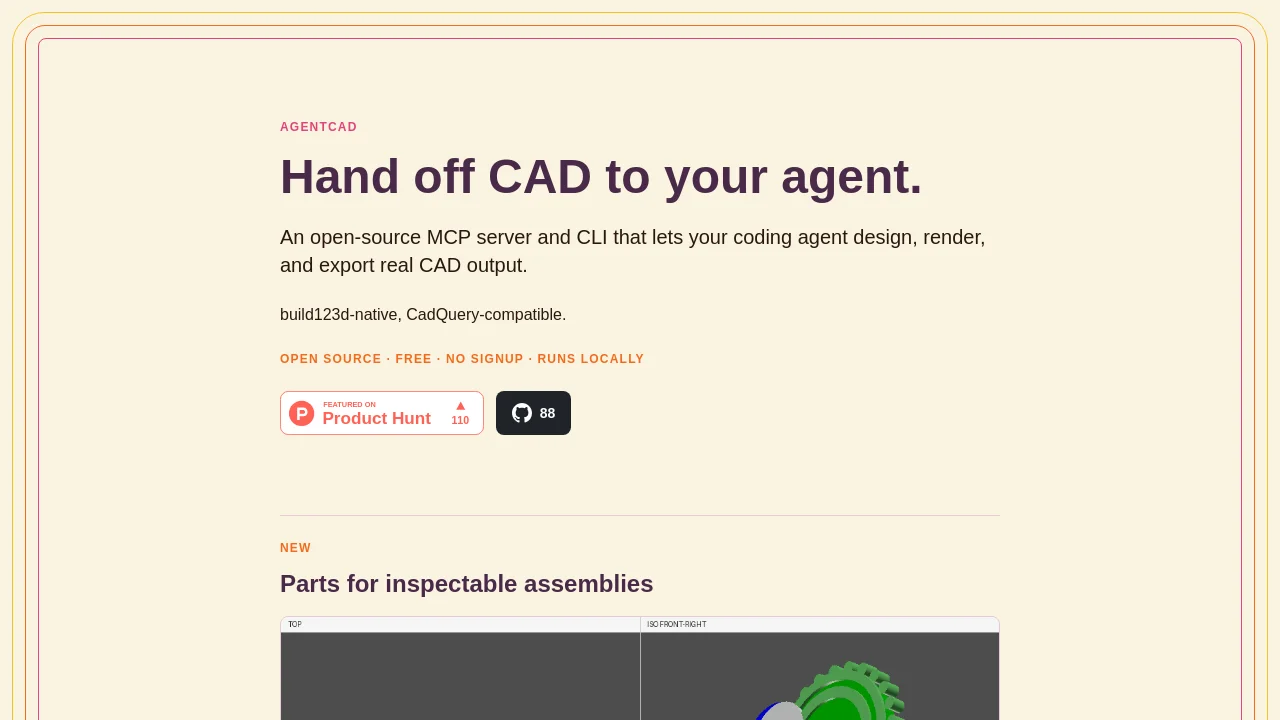
What is agentcad?
How to use agentcad?
agentcad Core Features
Execute
Run scripts and produce versioned STEP files plus geometric metrics such as volume, dimensions, face count, and validity.
Render
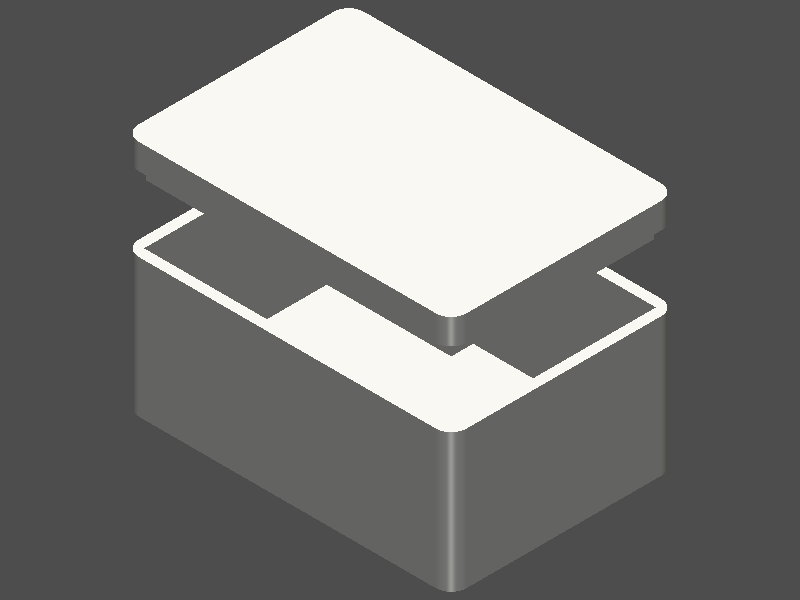
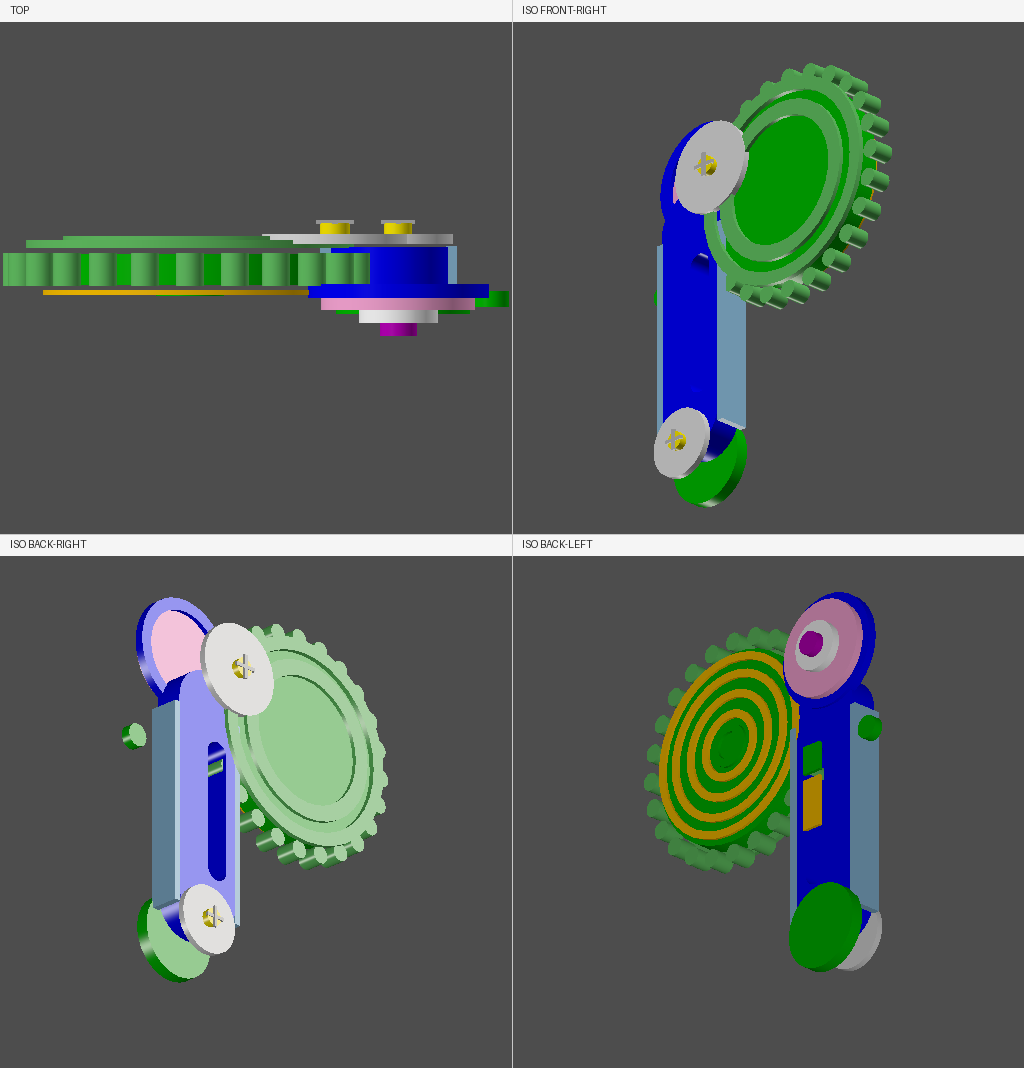
Generate PNG views from any angle for visual verification, including four-view previews and custom azimuth/elevation angles.
Export
Export STL, GLB, and OBJ meshes for 3D printing and web viewers; GLB auto-colors individual solids.
Validate
Pre-execution checks catch syntax errors, missing show_object(), and unresolvable imports in under 100 ms without consuming a version.
Inspect
Topology reports cover solid count, shell count, face orientations, free edges, and BRepCheck validity for debugging geometry.
Diff
Compare two versions by number or label to track metric deltas, parameter changes, and per-part adds or removes.
agentcad Use Cases
Let a coding agent design a phone stand or electronics enclosure from a single prompt
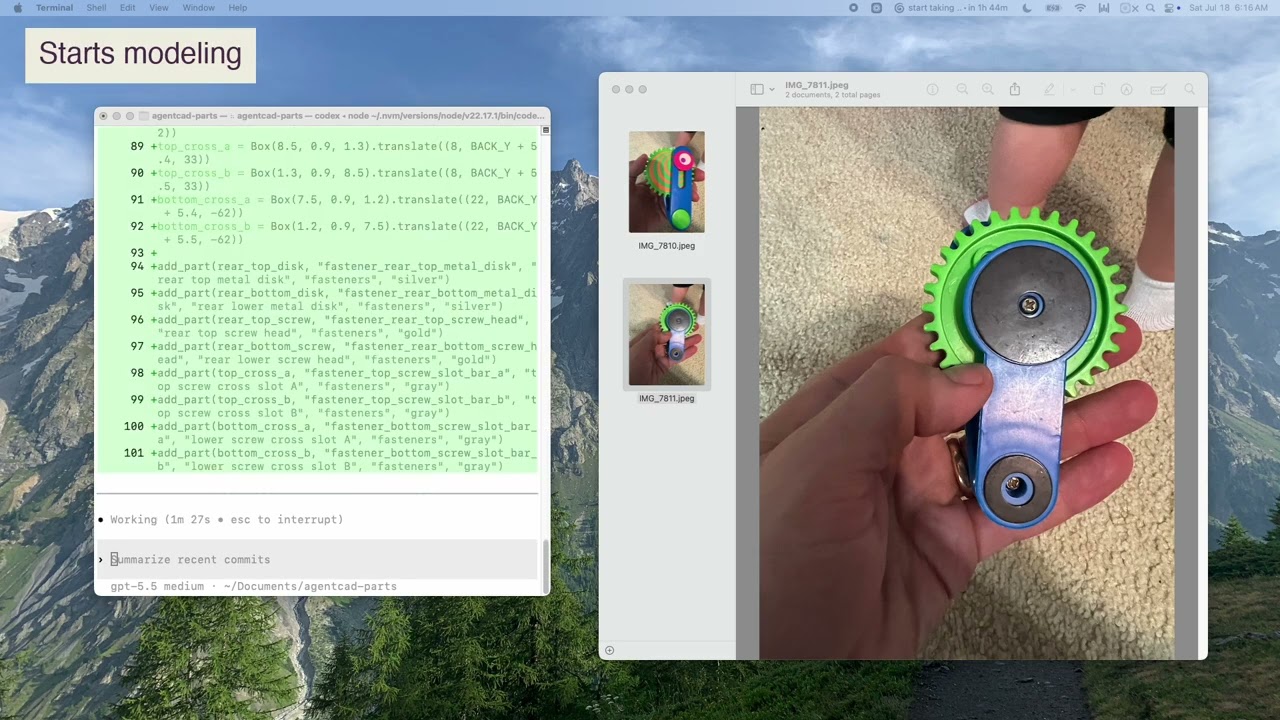
Rebuild inspectable multi-part assemblies with named parts, groups, and version diffs
Integrate CAD tools into Claude Code, Cursor, or Windsurf via MCP for structured JSON feedback loops
agentcad Frequently Asked Questions
Which Python versions does agentcad support?
How does MCP integration work?
What CAD runtimes does agentcad support?
agentcad Product Background & Official Links
agentcad Support Email & Customer service contact & Refund contact etc.
More Contact, visit the about us page(https://agentcad.dev/docs)
agentcad Individual Info
agentcad Individual name: James Dillard
agentcad Developer Type: individual
More about agentcad, Please visit the about us page(https://agentcad.dev/docs)
agentcad Youtube
agentcad Youtube Link: https://www.youtube.com/watch?v=Zsn31-IilWM
agentcad GitHub
agentcad GitHub Link: https://github.com/jdilla1277/agentcad
agentcad Pricing & Plans
Open Source
Free- Open-source Apache 2.0 license
- No signup required
- Runs locally on your machine
- MCP server and CLI included
- STEP, STL, GLB, and OBJ export