

AiCanvas
Active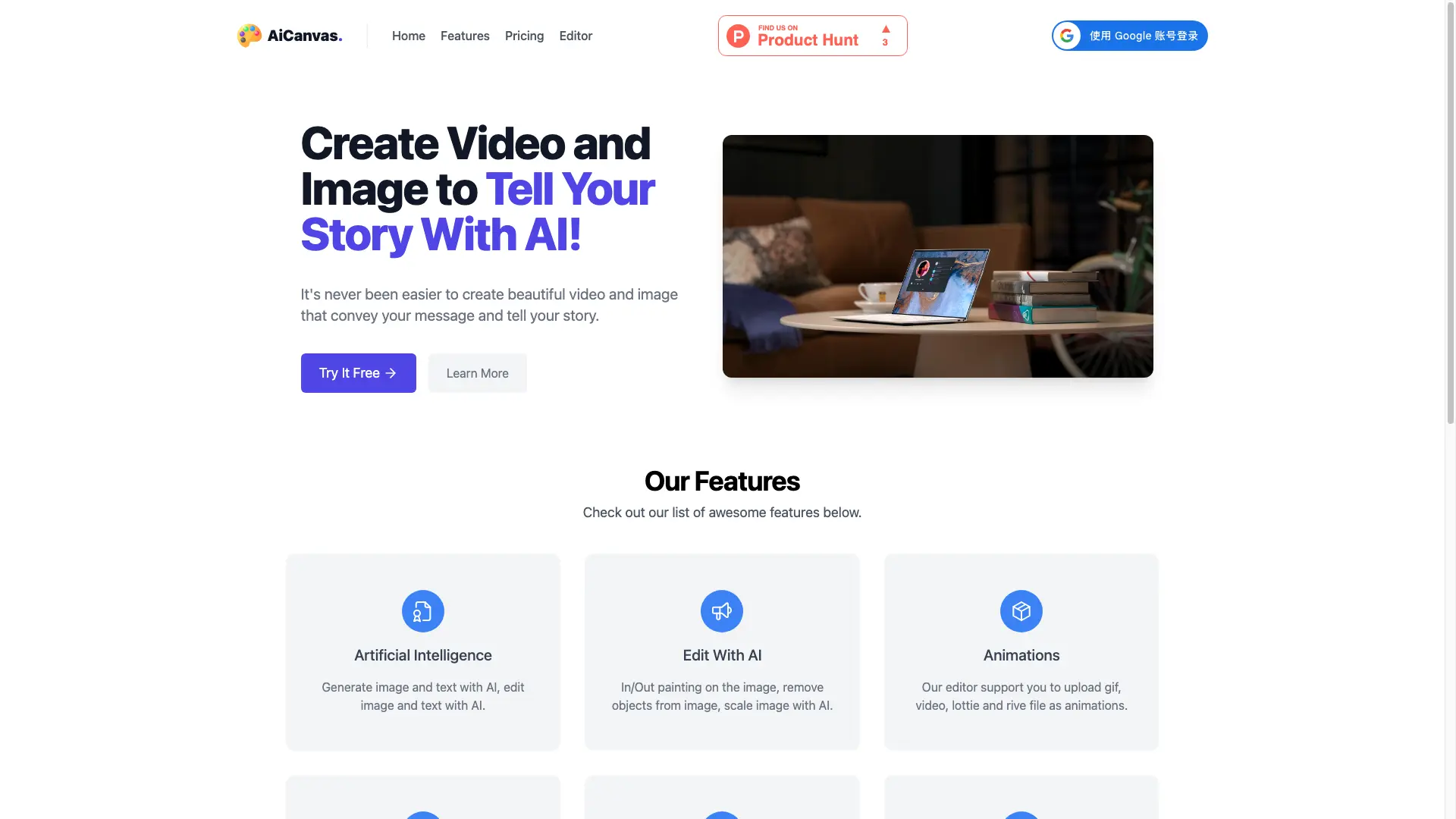
What is AiCanvas?
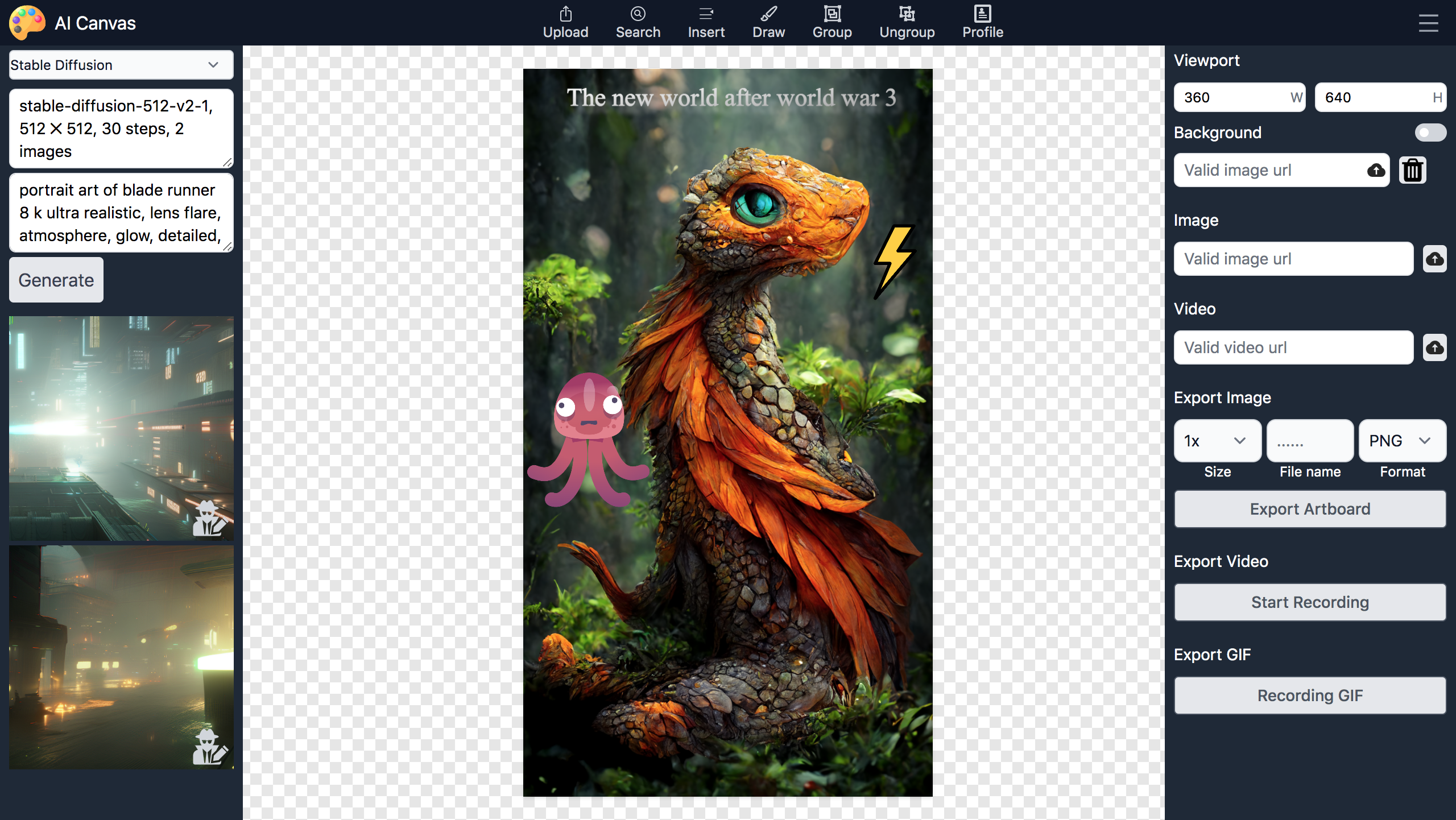
How to use AiCanvas?
AiCanvas Core Features
Artificial Intelligence
Generate image and text with AI, and edit both image and text with AI tools.
Edit With AI
Use in/out painting on images, remove unwanted objects, and scale images with AI.
Animations
Upload GIF, video, Lottie and Rive files and use them as animations in your project.
Free Web Resources
Search GIFs, Lottie files, stickers, shapes and photos from the internet and import them directly.
Free Draw Mode
Draw freely on the canvas and erase anything you want with the free drawing tools.
Export and Download
Export video and image quickly, download them, and upload anywhere you like.
AiCanvas Use Cases
Create social media videos and images that tell your brand story
Remove unwanted objects or extend images with AI inpainting
Design marketing graphics on a free canvas with stickers, shapes and photos
Add GIF, Lottie or Rive animations into video projects
AiCanvas Frequently Asked Questions
What can I create with AiCanvas?
How does the AI image editing work?
What pricing plans are available?
AiCanvas Product Background & Official Links
AiCanvas Support Email & Customer service contact & Refund contact etc.
More Contact, visit the about us page(https://aicanvas.app/#features)
AiCanvas Company Info
AiCanvas Company name: Caitun Intelligence Technology (Beijing) Co., Ltd.
AiCanvas Developer Type: company
AiCanvas Company address: Beijing, CN
More about AiCanvas, Please visit the about us page(https://aicanvas.app/#features)
AiCanvas Pricing
AiCanvas Pricing Link: https://aicanvas.app/#prices