Sponsored byWAE - We Are Engineer- Precision Engineered Education for engineering careers
BAT AI TOOLSBAT AI TOOLS
  • Tools
  • Category
  • Jobs
  • Pricing
  • PromoFREE
Free Submit
Sign In
  • Home
  • /
  • Prompt Engineering Tools
  • /
  • AirPrompt
AirPrompt

AirPrompt

Active
Tagline:AirPrompt is the easiest way to write prompts and test them against multiple AI models.
Updated:-
Social Media:
Prompt Engineering ToolsWeb AppCloud-basedFor DevelopersBulk ProcessingZero Setup
Open Website
AirPrompt
Visit Website
|
  • About
  • Pricing

What is AirPrompt?

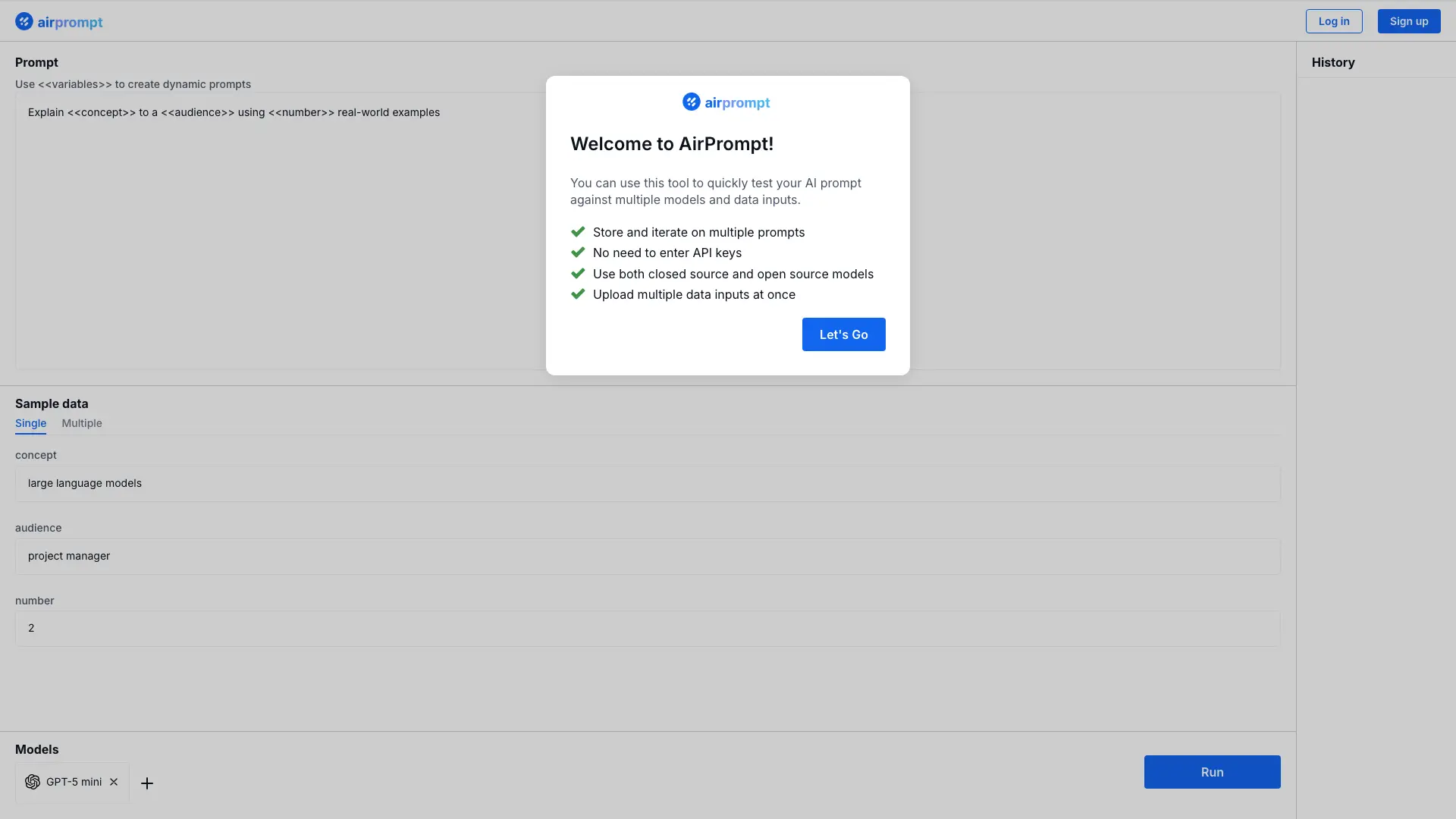
AirPrompt lets you test a prompt against multiple AI models and data inputs at once. Use <<variables>> to build dynamic prompt templates, store and iterate on multiple prompts, and upload single or multiple data samples. No API keys are needed, and both closed-source and open-source models are supported. Past runs are kept in a history panel for easy review.

How to use AirPrompt?

Create a prompt, add dynamic variables with <<variable>> syntax, choose single or multiple data samples, select the models to test, then hit Run and review the outputs in the history panel.

AirPrompt Core Features

01

Multi-model testing

Run the same prompt against multiple AI models at once and compare their outputs.

02

Dynamic prompt variables

Insert <<variables>> into a prompt to turn it into a reusable template for different inputs.

03

Bulk data input

Upload or add multiple data samples at once to see how a prompt behaves across inputs.

04

Prompt history

Every run is saved in the history panel so you can iterate on prompts and revisit past results.

05

No API keys required

Test prompts on both closed-source and open-source models without managing API keys.

AirPrompt Use Cases

Compare how the same prompt performs on different AI models

Iterate on prompt wording with variable-driven templates

Test a prompt against a batch of data inputs in a single run

Review past runs in history to track prompt iterations

AirPrompt Frequently Asked Questions

Do I need to enter API keys to use AirPrompt?

No, AirPrompt does not require API keys to test prompts against models.

Can I test a prompt against multiple models at once?

Yes, you can run one prompt against several models and data inputs in a single run.

Can I save and reuse prompts?

Yes, prompts are stored in the app so you can iterate on them and revisit past runs in the history panel.

What types of models are supported?

Both closed-source and open-source AI models are supported.

AirPrompt Product Background & Official Links

AirPrompt Support Email & Customer service contact & Refund contact etc.

More Contact, visit the about us page(https://airprompt.ai/)

AirPrompt Pricing

AirPrompt Pricing Link: https://airprompt.ai/pricing

AirPrompt Pricing & Plans

Free

Free
Free
  • No API keys required
  • Test prompts against multiple AI models
  • Store and iterate on multiple prompts
  • Upload multiple data inputs
Subscribe & upgrade now

AirPrompt Tags

Web AppCloud-basedFor DevelopersBulk ProcessingZero Setup

Best Suited Occupations for AirPrompt

Software DevelopersAcademic ResearchersWriters & Marketers

Top Product Categories

LLMs & AI Agents

  • AI Chatbots
  • AI Agents
  • Prompt Engineering
  • AI Search Engine

Engineering & Code

  • AI Code Assistant
  • AI Code Generator
  • AI Developer Tools
  • No-Code & Low-Code

Image & Creative

  • AI Image Generator
  • AI Design Generator
  • AI Art Generator
  • Image-to-Image

Video & Animation

  • AI Video Generator
  • AI Short Video Maker
  • Digital Humans
  • AI Video Editor

Productivity & Office

  • AI Meeting Assistant
  • AI PDF Tools
  • AI Workflow
  • AI PPT Generator

Marketing & Sales

  • AI SEO Tools
  • AI Copywriting
  • AI Lead Generation
  • AI Sales Assistant

Audio & Voice

  • AI Voice Cloning
  • AI Text-to-Speech
  • AI Music Generator
  • AI Podcast Tools

Research & Data

  • AI Research Tools
  • AI Data Analytics
  • AI Knowledge Base
  • See All Categories >>
BAT AI TOOLS
  • Submit your AI tool
  • Pricing
  • Partnership
  • Feedback
  • About
WeChat QR
Scan QR code with WeChat
hi@bataitools.comClick icon to auto-copy email
English简体中文繁體中文EspañolالعربيةBahasa IndonesiaPortuguêsFrançais日本語РусскийDeutsch한국어TürkçeTiếng ViệtItalianoNederlandsPolskiไทยहिन्दीУкраїнськаفارسیবাংলাاردوSvenskaNorskDanskSuomiעברית

Copyright © 1970 BAT AI TOOLS. All Rights Reserved.

·Partnership·Privacy Policy·Terms of Service·Refund Policy