


VectorMint
ActiveTagline:From Idea to Editable SVG
Updated:November 20, 2026
Domain Rating:
What is VectorMint?
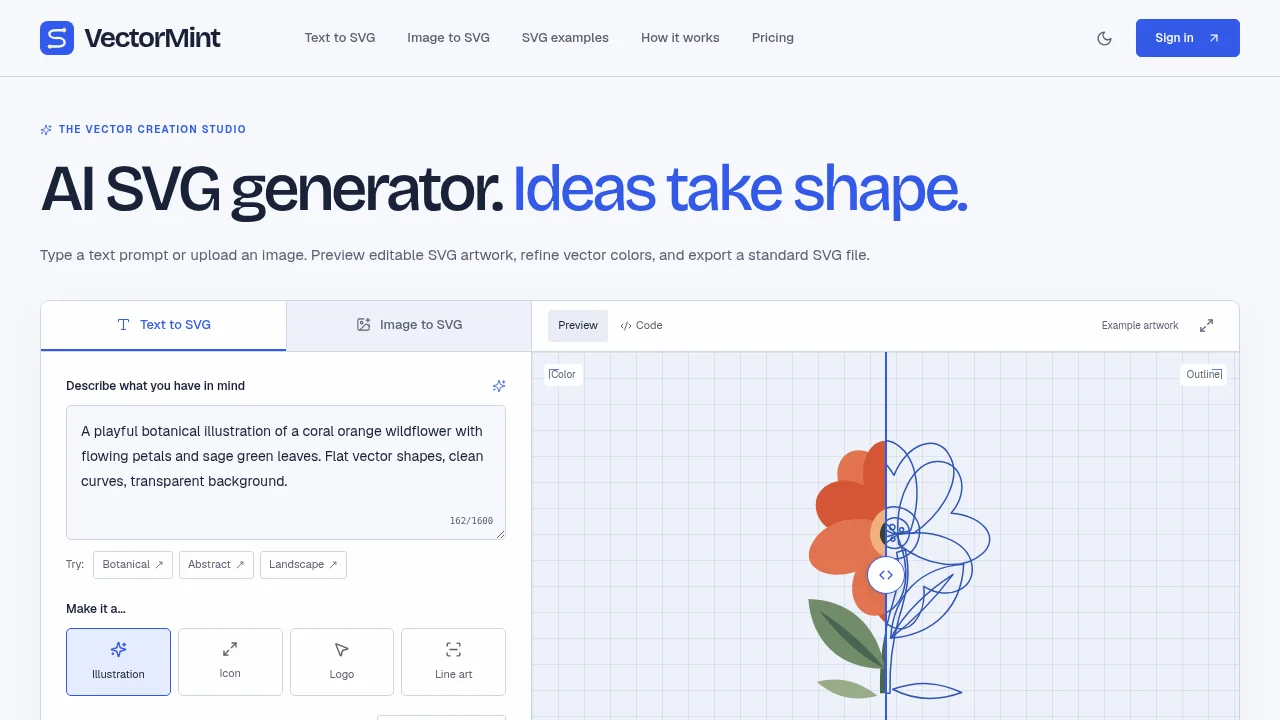
VectorMint turns text prompts and uploaded images into editable vector artwork. Choose illustration, icon, logo, or line art styles, then generate a preview or convert PNG, JPG, and WebP images into SVG paths. Color and outline previews help you inspect the result before download.
How to use VectorMint?
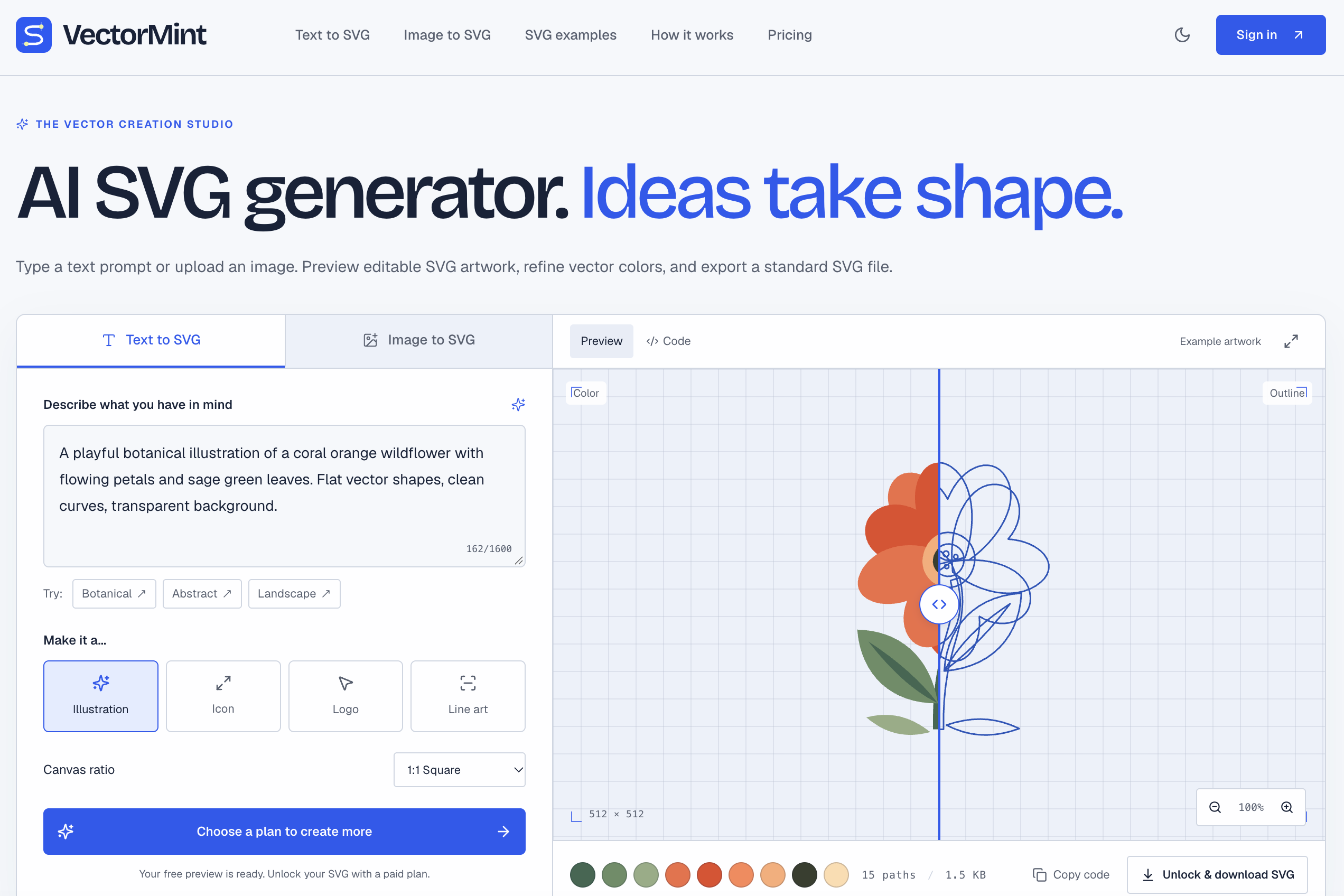
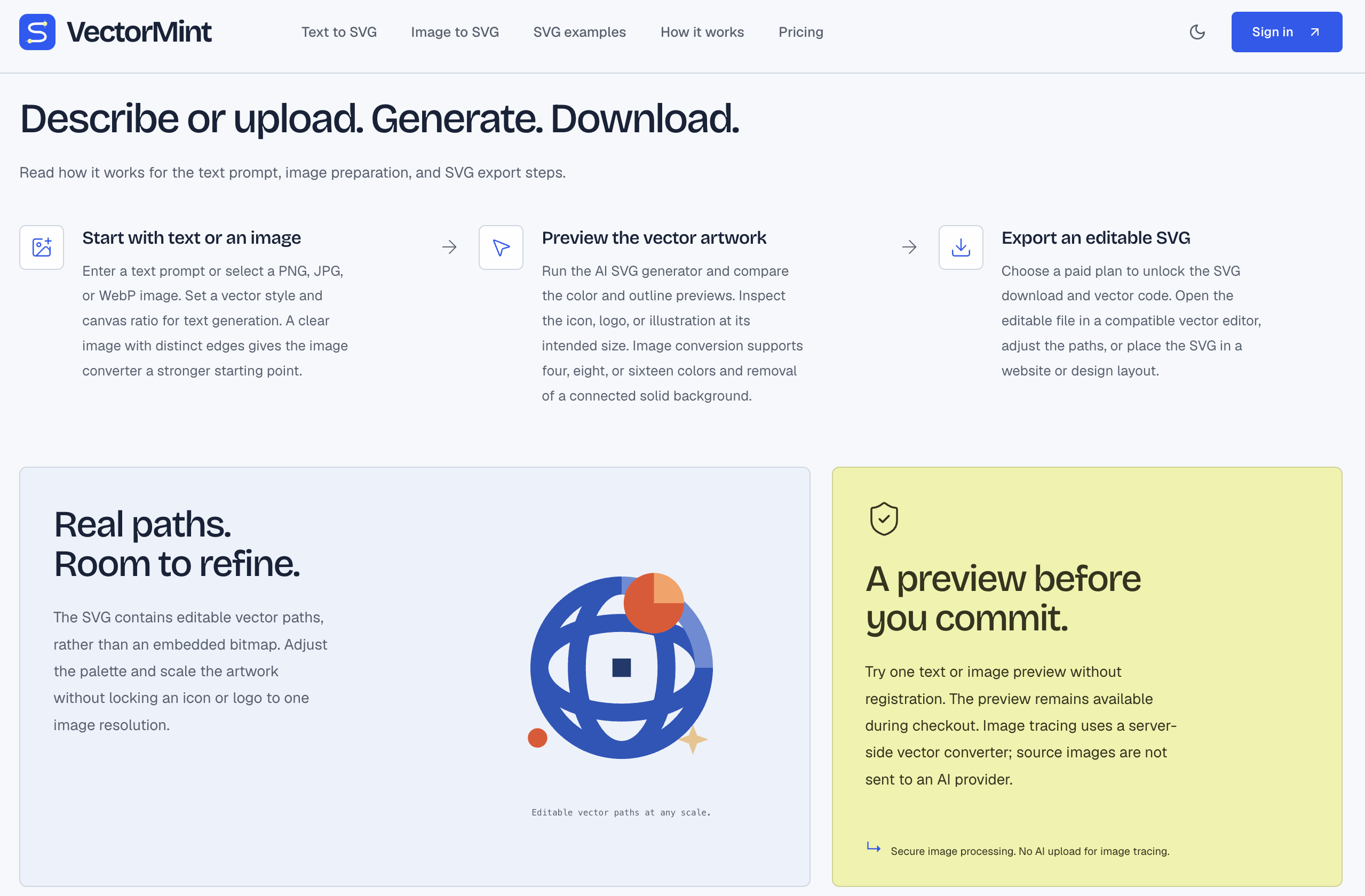
Describe the subject, style, colors, and composition, or upload a PNG, JPG, or WebP image. Choose a style and canvas ratio, then generate a preview. After unlocking the file, inspect or copy the SVG code and adjust colors in a compatible editor.
VectorMint Core Features
01
Text to SVG
Describe a subject, visual style, colors, and composition, then choose illustration, icon, logo, or line art styles and a canvas ratio.
02
Image to SVG
Convert PNG, JPG, or WebP images into vector paths with selectable color counts and an option to remove a connected solid background.
03
Color and outline previews
Inspect both color and outline views before download, then adjust colors, inspect the SVG code, or open the artwork in compatible editors.
VectorMint Use Cases
Create website assets that scale cleanly across screen sizes.
Explore icon and logo concepts from a text prompt.
Convert an image into editable vector artwork for presentations, packaging mockups, or illustrations.
VectorMint Frequently Asked Questions
Can I try VectorMint without creating an account?
Which image formats can Image to SVG convert?
Is the output editable?
VectorMint Product Background & Official Links
VectorMint Support Email & Customer service contact & Refund contact etc.
VectorMint Support Email: support@aisvg-generator.com
More Contact, visit the about us page(https://aisvg-generator.com/)