Sponsored bySpringbase- Every model. Every meeting. Every agent. One workspace.
BAT AI TOOLSBAT AI TOOLS
  • Tools
  • Category
  • Jobs
  • Pricing
  • PromoFREE
Free Submit
Sign In
  • Home
  • /
  • AI Video Editor
  • /
  • AI Video Cut
AI Video Cut

AI Video Cut

Active
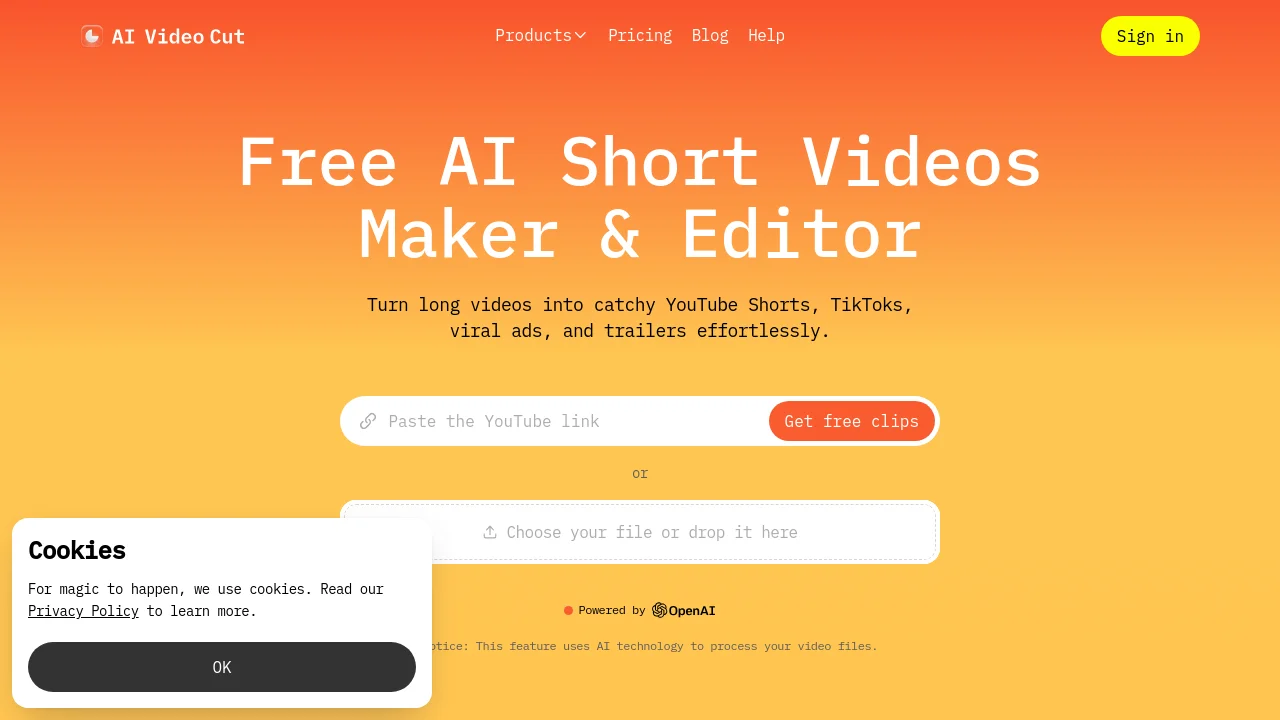
Tagline:Turn long videos into catchy YouTube Shorts, TikToks, viral ads, and trailers effortlessly.
Updated:-
Social Media:
AI Video EditorAI Short Video GeneratorVideo & AnimationFreeFreemiumSubscriptionWeb AppCloud-basedMulti-languageHigh Definition
Open Website
AI Video Cut
Visit Website
Promote this product|Claim this product
  • About
  • Pricing

What is AI Video Cut?

AI Video Cut is a free AI short video maker and editor that turns long videos into YouTube Shorts, TikTok clips, viral ads, and trailers. Upload a local file or paste a YouTube link, choose ready-made or custom AI prompts, set length and aspect ratio (9:16, 1:1, or 16:9), style captions, and download MP4 clips. Features include smart crop with face detection, transcript-based editing, multilingual transcription in 100 languages, and FHD output.
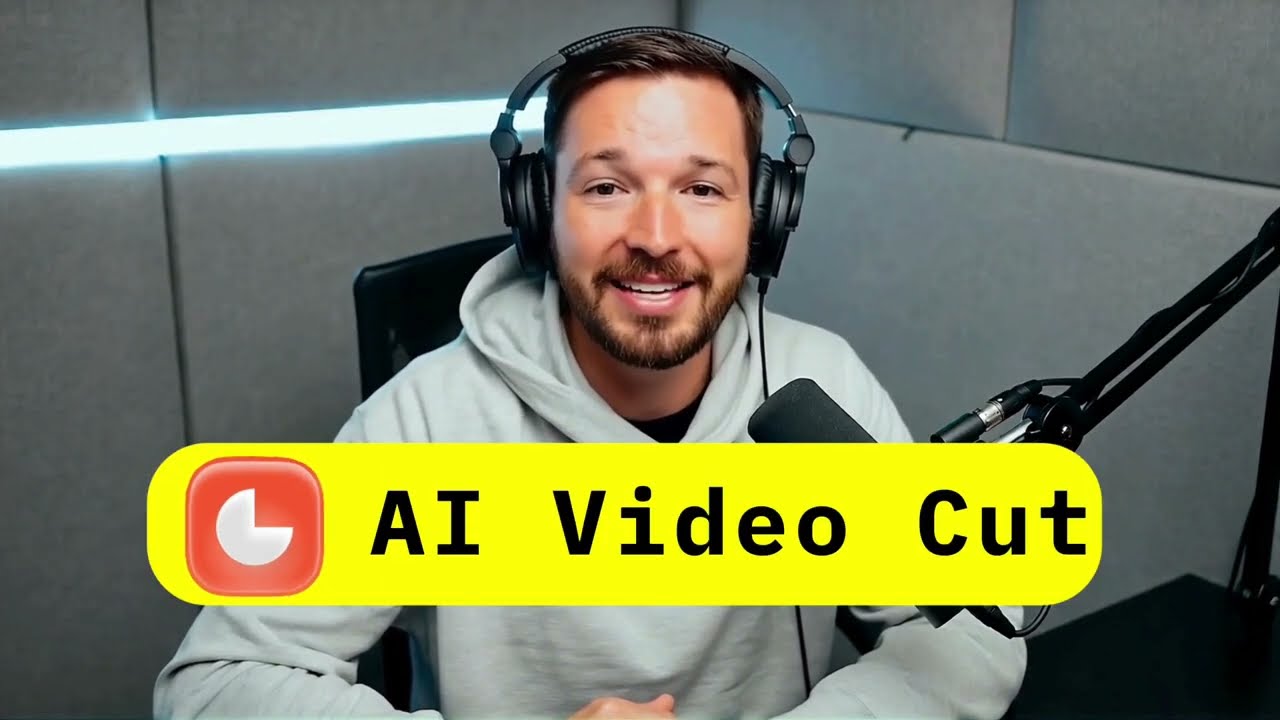
AI Video Cut video 1

How to use AI Video Cut?

1. Import: Upload your video from a local file or paste a YouTube link. 2. Tailor: Choose a prompt to turn your longer video into a short teaser, review, product ad, tutorial, or generate clips in bulk. 3. Customize: Set the length, choose 9:16, 1:1, or 16:9 aspect ratio, and style captions. 4. Publish: Preview, download, and share on Instagram, YouTube Shorts, TikTok, X, and other platforms.

AI Video Cut Core Features

01

Ready-to-Use Prompts

Create catchy trailers, viral clips, funny moments, product reviews, or highlights in HD using a collection of prompts such as Viral Clips, Funny Moments, Show Highlights, Music Highlights, Sports Highlights, Gaming Highlights, Product Review, and Trailer.

02

Custom Prompts

Enter a text prompt for AI to cut your video as you like, with best-practice guidance for effective prompts.

03

Effortless Video Editing

Fine-tune your video by adjusting the transcript—edit the text to clean up captions and remove unwanted moments.

04

Smart Crop & Face Detection

Automatically detect speaker faces and frame them perfectly to keep key characters in focus.

05

Video Captions

Choose from a variety of caption styles for viewers who prefer watching with the sound off.

06

Multilingual Content

AI prompts work with videos in any language; submit a video and the AI curates the most engaging content with multi-language transcription in 100 languages.

AI Video Cut Use Cases

Content creators and influencers making short videos for YouTube, TikTok, and Instagram

Digital marketers creating eye-catching video ads for campaigns

E-commerce businesses showcasing products with captivating product videos and ads

Podcasters clipping highlights to attract new listeners

AI Video Cut Frequently Asked Questions

How do you calculate video upload minutes?

Upload minutes are based on the duration of videos you upload in a month. Each paid plan provides a set of monthly upload minutes, and each uploaded video's duration is deducted from this limit. Before generating clips, the app shows exactly how many minutes will be charged.

Do my upload minutes refresh every month?

For paid plans, upload minutes refresh at the beginning of each billing cycle. On the Free plan, you receive a one-time set of 50 minutes that does not refresh.

What does "Regeneration" mean?

Regeneration lets you create new clips from the same uploaded video by applying different prompts or caption styles, without uploading the video again.

How can I cancel my subscription?

Go to your account profile and click the Cancel Plan button to cancel your subscription.

AI Video Cut Product Background & Official Links

AI Video Cut Support Email & Customer service contact & Refund contact etc.

AI Video Cut Support Email: support@aivideocut.com

More Contact, visit the about us page(https://www.aivideocut.com/)

AI Video Cut Company Info

AI Video Cut Company name: OmniSale GMBH

AI Video Cut Developer Type: company

AI Video Cut Company address: Zug, CH

More about AI Video Cut, Please visit the about us page(https://www.aivideocut.com/)

AI Video Cut Pricing

AI Video Cut Pricing Link: https://www.aivideocut.com/pricing

AI Video Cut Youtube

AI Video Cut Youtube Link: https://www.youtube.com/watch?v=Y-t9t3c4_og

AI Video Cut Twitter

AI Video Cut Twitter Link: https://x.com/aivideocut

AI Video Cut Facebook

AI Video Cut Facebook Link: https://www.facebook.com/aivideocut/

AI Video Cut Instagram

AI Video Cut Instagram Link: https://www.instagram.com/aivideocut/

AI Video Cut TikTok

AI Video Cut TikTok Link: https://www.tiktok.com/@aivideocut

AI Video Cut Pricing & Plans

Free

Free
$0
  • 50 minutes one-time upload
  • Includes watermark
  • Up to 30 minutes file length
  • Up to 2GB file size upload
  • Storage limit: 14 days
  • Limited editing (5 uses overall)
  • 3 video regenerations
  • FHD quality with face tracking
Subscribe & upgrade now

Starter

Recurring
$10/month (billed yearly)
  • 1800 minutes per year
  • No watermark
  • Up to 2h file length
  • Up to 4GB file size upload
  • Storage limit: 6 months
  • Unlimited editing
  • 10 video regenerations
  • FHD quality with face tracking
Subscribe & upgrade now
Most Popular

Pro

Recurring
$12.50/month (billed yearly)
  • 3600 minutes per year
  • No watermark
  • Up to 3h file length
  • Up to 4GB file size upload
  • Storage limit: 6 months
  • Unlimited editing
  • 10 video regenerations
  • FHD quality with face tracking
Subscribe & upgrade now

AI Video Cut Tags

FreeFreemiumSubscriptionWeb AppCloud-basedMulti-languageHigh Definition

Best Suited Occupations for AI Video Cut

Self-Media & InfluencersWriters & MarketersSmall Business OwnersE-commerce Merchants

Top Product Categories

LLMs & AI Agents

  • AI Chatbots
  • AI Agents
  • Prompt Engineering
  • AI Search Engine

Engineering & Code

  • AI Code Assistant
  • AI Code Generator
  • AI Developer Tools
  • No-Code & Low-Code

Image & Creative

  • AI Image Generator
  • AI Design Generator
  • AI Art Generator
  • Image-to-Image

Video & Animation

  • AI Video Generator
  • AI Short Video Maker
  • Digital Humans
  • AI Video Editor

Productivity & Office

  • AI Meeting Assistant
  • AI PDF Tools
  • AI Workflow
  • AI PPT Generator

Marketing & Sales

  • AI SEO Tools
  • AI Copywriting
  • AI Lead Generation
  • AI Sales Assistant

Audio & Voice

  • AI Voice Cloning
  • AI Text-to-Speech
  • AI Music Generator
  • AI Podcast Tools

Research & Data

  • AI Research Tools
  • AI Data Analytics
  • AI Knowledge Base
  • See All Categories >>
BAT AI TOOLS
  • Submit your AI tool
  • Pricing
  • Partnership
  • Feedback
  • About
WeChat QR
Scan QR code with WeChat
hi@bataitools.comClick icon to auto-copy email
English简体中文繁體中文EspañolالعربيةBahasa IndonesiaPortuguêsFrançais日本語РусскийDeutsch한국어TürkçeTiếng ViệtItalianoNederlandsPolskiไทยहिन्दीУкраїнськаفارسیবাংলাاردوSvenskaNorskDanskSuomiעברית

Copyright © 2026 BAT AI TOOLS. All Rights Reserved.

·Partnership·Privacy Policy·Terms of Service·Refund Policy