


CADCraft
Active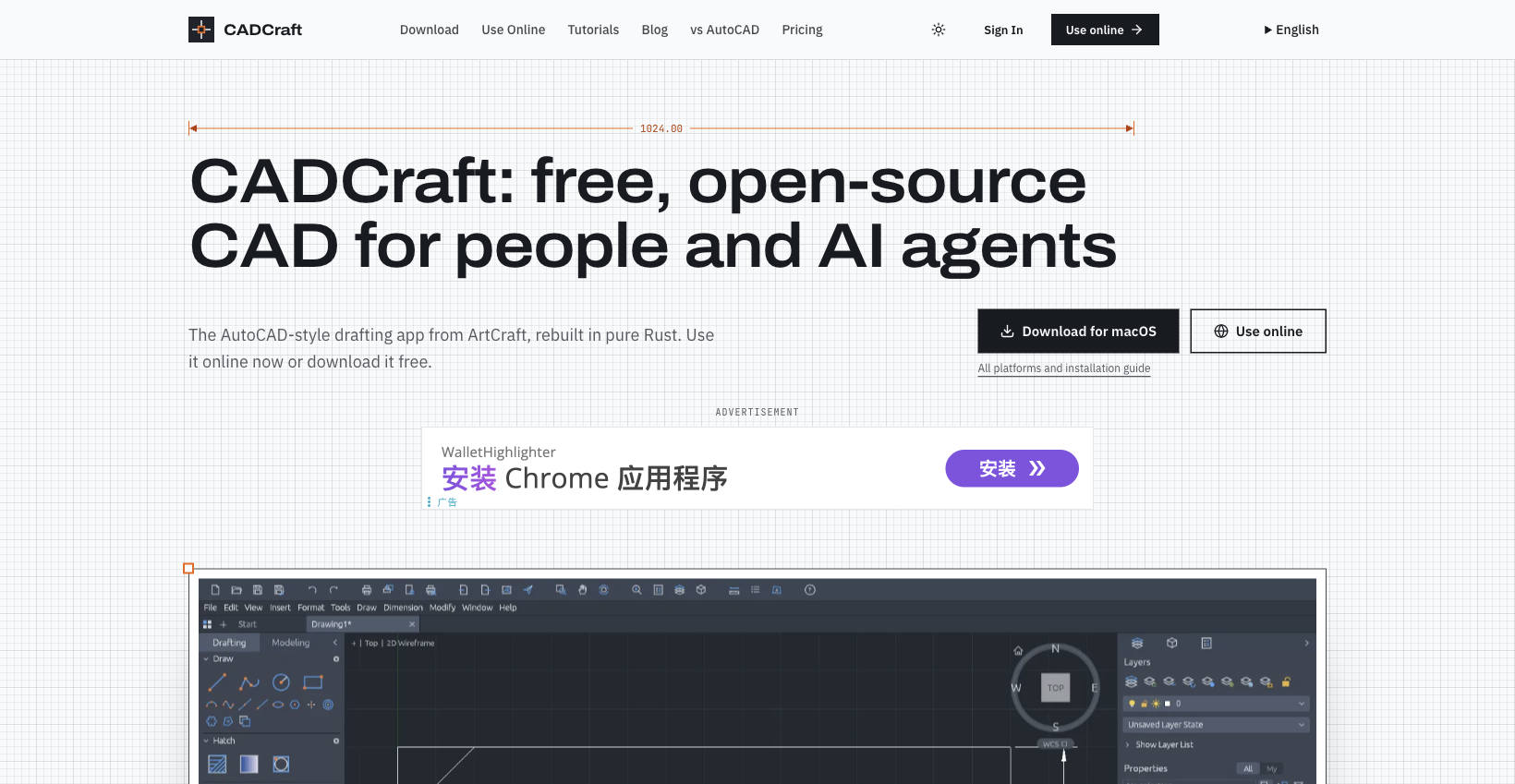
What is CADCraft?
How to use CADCraft?
CADCraft Core Features
Draw
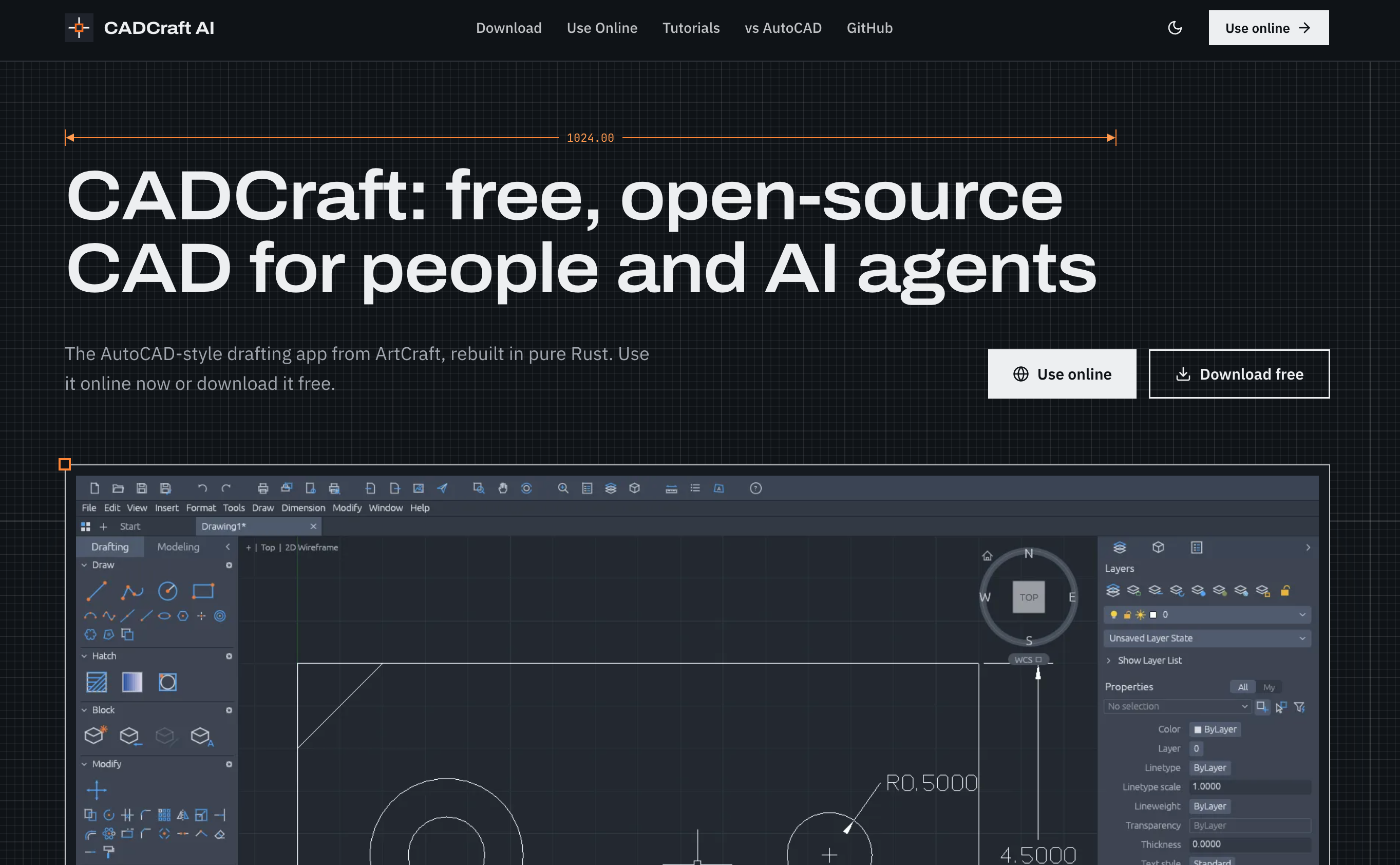
Use LINE, PLINE, CIRCLE, ARC, RECTANG, POLYGON, ELLIPSE and SPLINE with coordinates, keyword prompts, command history, AutoComplete and aliases.
Precision editing
Use object snaps, polar tracking, orthographic drawing, OFFSET, TRIM, FILLET, HATCH and grips for everyday editing.
AI agent control
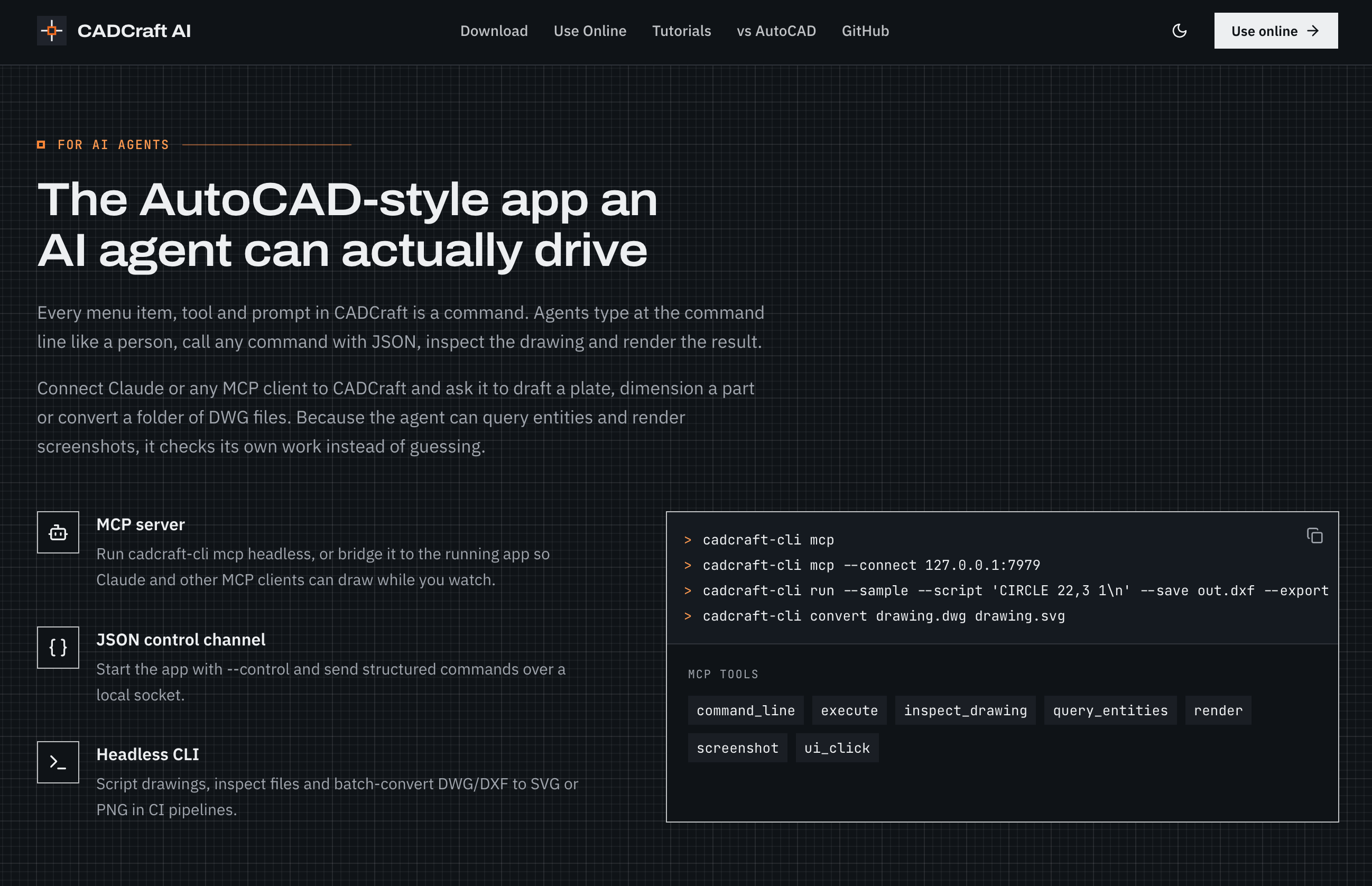
Agents can call commands, send structured JSON, inspect drawings and render results through MCP, JSON control and the headless CLI.
Files and plotting
Work with layers, associative dimensions, multileaders, tables, paper-space layouts and plotting; open DWG/DXF and export PDF/SVG/PNG.
CADCraft Use Cases
2D drafting for architects and engineers
Technical documentation and plotting
AI-assisted drawing automation and batch conversion
CADCraft Frequently Asked Questions
Is CADCraft really free?
Can I use CADCraft online without installing anything?
How do AI agents control CADCraft?
CADCraft Product Background & Official Links
CADCraft Support Email & Customer service contact & Refund contact etc.
CADCraft Support Email: support@cadcraft.org
More Contact, visit the about us page(https://cadcraft.org/tutorials)
CADCraft Team Info
CADCraft Team name: ArtCraft team
CADCraft Developer Type: team
More about CADCraft, Please visit the about us page(https://cadcraft.org/tutorials)
CADCraft Pricing
CADCraft Pricing Link: https://cadcraft.org/pricing
CADCraft GitHub
CADCraft GitHub Link: https://github.com/storytold/cadcraft
CADCraft Pricing & Plans
CADCraft Online Pro
Recurring- Cloud drawings
- Version history
- Share links