


Careerfornia
Active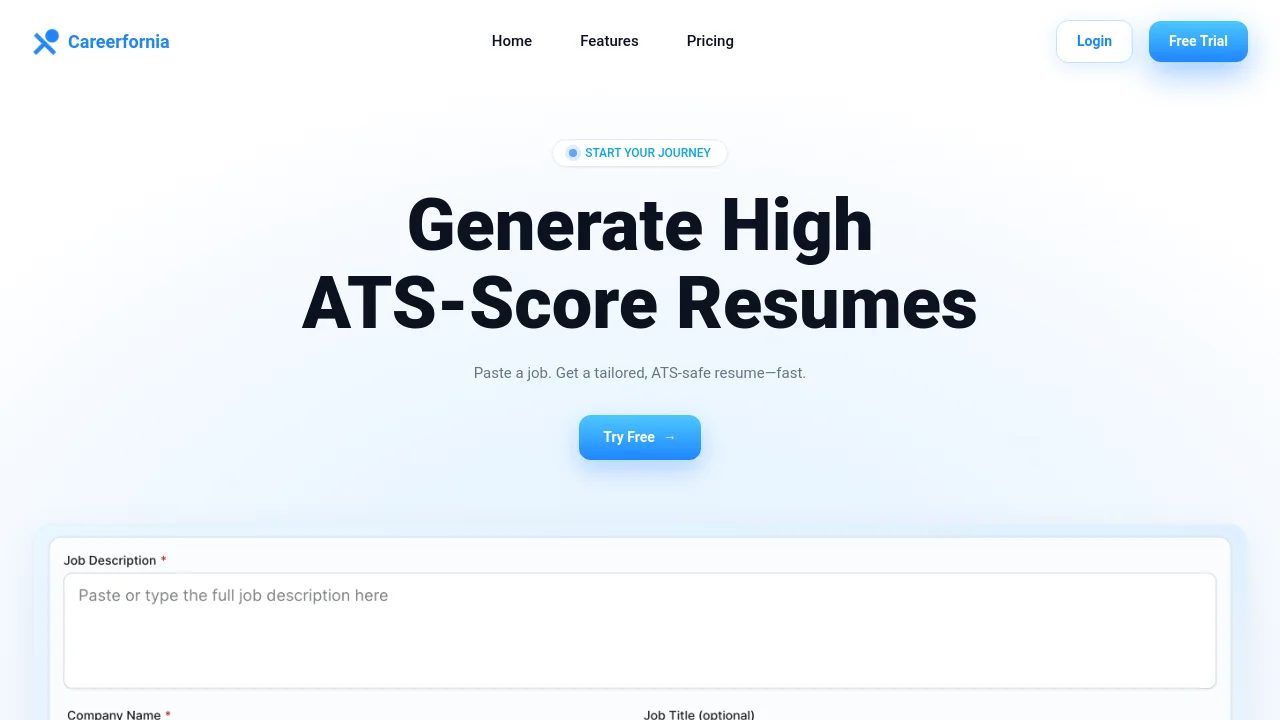
What is Careerfornia?
How to use Careerfornia?
Careerfornia Core Features
ATS-safe formatting with JD keyword match
Uses a clean reverse-chronological layout, standard section headings, and avoids tables or graphics that confuse parsers. Fonts, spacing, and structure are optimized for common ATS systems, with JD keyword match and score preview.
LinkedIn Chrome extension
Parse LinkedIn job posts from the browser extension to extract job details and instantly generate tailored resume bullets with an ATS score.
Single-click resume generation
Creates a professionally formatted resume tailored to the job role. Analyzes the job description against your content to surface missing keywords and measure alignment.
Download PDF & DOCX
Export resumes in PDF and DOCX formats for submission to application systems and recruiters.
Careerfornia Use Cases
Generate a tailored resume for each job application with ATS-friendly formatting
Use the LinkedIn extension to create resumes directly from job listings
Highlight missing keywords from a job description before you apply
Export unlimited resumes during a job search with the Pro plan
Careerfornia Frequently Asked Questions
What makes a resume ATS-safe?
How does the JD keyword match and score work?
Can I use it on LinkedIn?
Do you support PDF & DOCX export?
Do you invent experience or rewrite my history?
Will the ATS score be the same everywhere?
Careerfornia Product Background & Official Links
Careerfornia Support Email & Customer service contact & Refund contact etc.
Careerfornia Support Email: hello@careerfornia.com
More Contact, visit the about us page(https://www.careerfornia.com/about)
Careerfornia Pricing
Careerfornia Pricing Link: https://www.careerfornia.com/pricing
Careerfornia Pricing & Plans
Pro Plan
Recurring- 3-day free trial — cancel anytime
- Generate unlimited resumes
- Download PDF & DOCX
- ATS optimization for every resume
- Priority support
- Cancel before trial ends — no charge