

Chronify
ActiveTagline:Select a date and time to see how long ago — or how far away — it is.
Updated:October 22, 2026
Domain Rating:
What is Chronify?
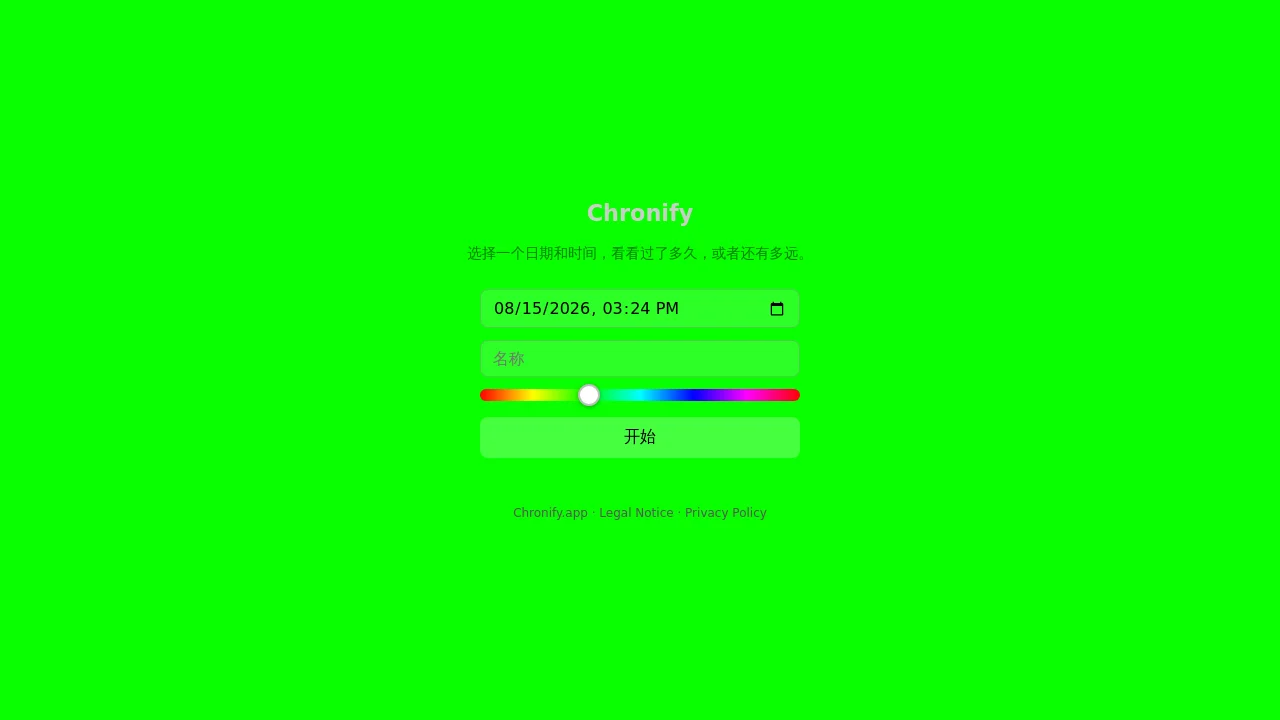
Chronify is a web app that lets you pick a date and time and instantly see the elapsed or remaining duration broken down into seconds, minutes, hours, days, weeks, months, and years. Add an optional event name, customize the background color, and share a link with timestamp parameters. An Android app is available via Open in App.
How to use Chronify?
Choose a date and time, optionally enter a name (up to 42 characters), adjust the color slider if you like, then click Go. Tap any time unit to focus on it and see milestone or countdown details. Share the URL to reopen the same event.
Chronify Core Features
01
Multi-unit time breakdown
Live counters for seconds, minutes, hours, days, weeks, months, and years update every second.
02
Focus and milestone view
Click a unit to zoom in, see rounded milestones, and countdowns to the next round number.
03
Shareable event links
URLs carry timestamp, optional name, and color parameters so others can open the same countdown.
04
Optional event name
Label an event with a name up to 42 characters shown at the top of the display.
05
Custom background color
Hue slider (0–360) sets a colorful background; dark or light text follows your system theme.
Chronify Use Cases
Track how long ago a birthday or anniversary happened
Count down days until a trip, deadline, or launch date
Share a live elapsed-time link for a memorable moment
Chronify Frequently Asked Questions
Does Chronify use cookies?
Who operates Chronify?
Which languages does the web app support?
Chronify Product Background & Official Links
Chronify Support Email & Customer service contact & Refund contact etc.
Chronify Support Email: impressum@chronify.app
More Contact, visit the about us page(https://chronify.app/)
Chronify Individual Info
Chronify Individual name: Thorben Hehmann
Chronify Developer Type: individual
More about Chronify, Please visit the about us page(https://chronify.app/)
Chronify Pricing & Plans
Free
FreeFree
- Full web app with all time units
- Shareable links with timestamp and color
- Optional event name
- Android app via Open in App