

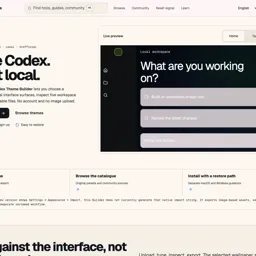
Codex Theme Builder
ActiveTagline:Design and export custom themes for OpenAI Codex terminals
Updated:October 22, 2026
Domain Rating:
What is Codex Theme Builder?
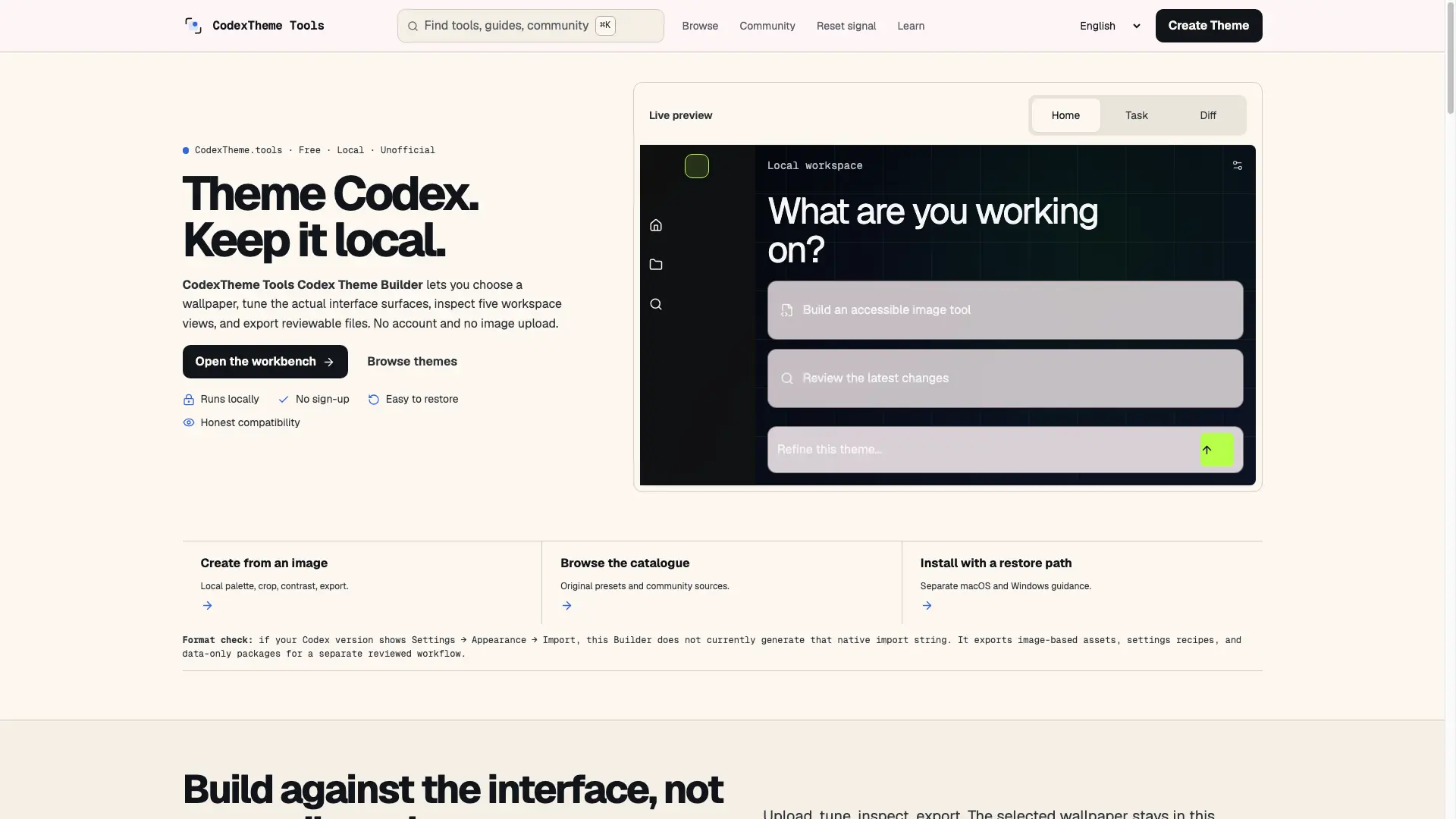
Codex Theme Builder lets developers design, preview, and export custom color themes for the OpenAI Codex coding agent and terminal. Pick palettes, tweak syntax colors, and ship a theme in minutes — free online, no signup.

How to use Codex Theme Builder?
Open codextheme.tools, choose or customize a palette, preview syntax colors live, then export your theme for OpenAI Codex.
Codex Theme Builder Core Features
01
Live theme preview
See syntax colors update instantly as you tweak the palette.
02
One-click export
Export a ready-to-use Codex theme without installing anything.
03
Free and no signup
Use the builder in the browser at no cost, no account required.
Codex Theme Builder Use Cases
Customize OpenAI Codex terminal colors
Share team-standard Codex themes
Try palettes before applying locally
Codex Theme Builder Frequently Asked Questions
Is Codex Theme Builder free?
Do I need an OpenAI Codex subscription?
Can I share my themes?
Codex Theme Builder Product Background & Official Links
Codex Theme Builder Support Email & Customer service contact & Refund contact etc.
Codex Theme Builder Support Email: luisdrexhafak@gmail.com
More Contact, visit the about us page(https://codextheme.tools)
Codex Theme Builder Individual Info
Codex Theme Builder Individual name: Any1tan
Codex Theme Builder Developer Type: individual
Codex Theme Builder Individual address: CA, US
More about Codex Theme Builder, Please visit the about us page(https://codextheme.tools)
Codex Theme Builder Pricing
Codex Theme Builder Pricing Link: https://codextheme.tools