


Diffusely AI
Active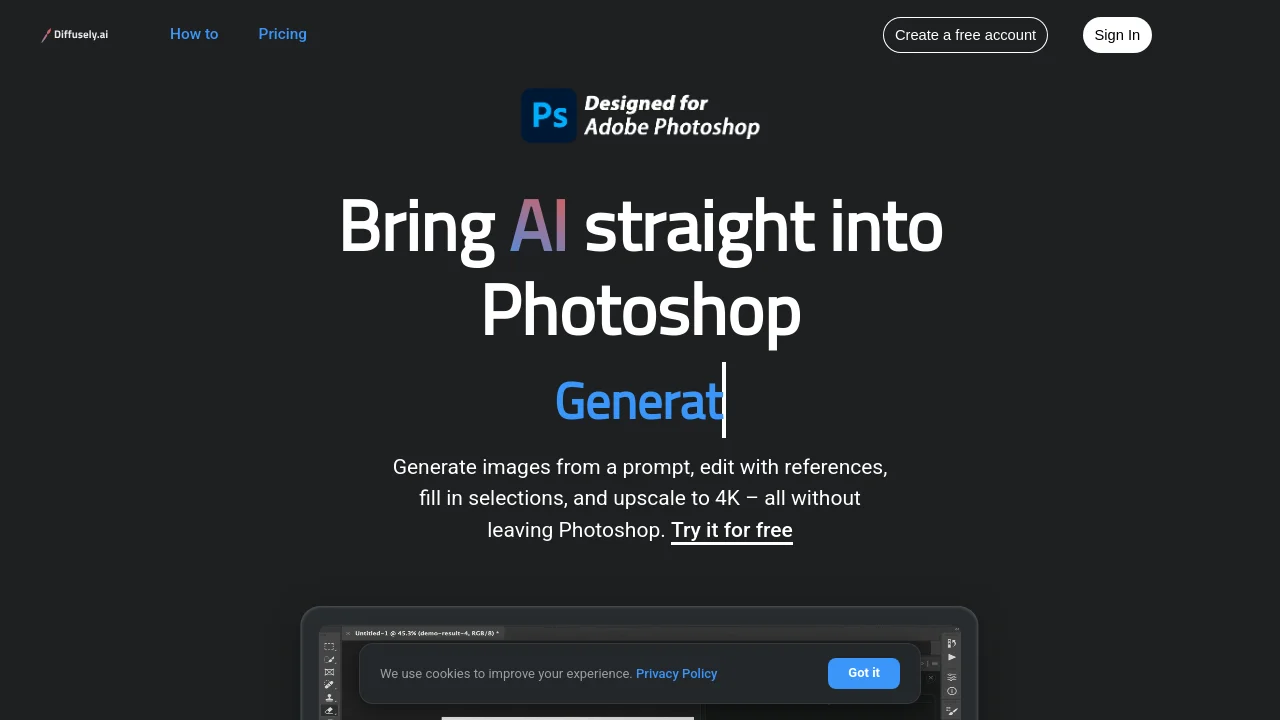
What is Diffusely AI?




How to use Diffusely AI?
Diffusely AI Core Features
Generate a New Image
Generate images directly inside Photoshop matching your current canvas dimensions, with support for up to 3 style reference images.
Generative Fill
Select any canvas area using standard Photoshop tools and describe what to fill, automatically blending the result into your selection.
Edit an Existing Image
Pin any generated image or current canvas layer as an active reference and describe desired changes to modify the artwork.
Upscale to 4K
Enhance generated images or active canvas artwork up to 4K resolution using an AI upscaler with automatic intent detection.
Diffusely AI Use Cases
Generate custom digital artwork, backgrounds, and conceptual illustrations directly in Photoshop layers.
Perform seamless generative fill and object replacement on selected canvas regions.
Upscale existing designs and generated raster images to crisp 4K resolution.
Diffusely AI Frequently Asked Questions
How do I install Diffusely AI in Adobe Photoshop?
Do I need a credit card to get started with Diffusely AI?
How does the Upscale to 4K feature work?
Diffusely AI Product Background & Official Links
Diffusely AI Support Email & Customer service contact & Refund contact etc.
Diffusely AI Support Email: hi@diffusely.ai
More Contact, visit the about us page(https://diffusely.ai/help)
Diffusely AI Company Info
Diffusely AI Company address: California, United States
More about Diffusely AI, Please visit the about us page(https://diffusely.ai/help)
Diffusely AI Pricing
Diffusely AI Pricing Link: https://diffusely.ai/pricing
Diffusely AI Pricing & Plans
Free Account
Free- 3 free images per day
- All 4 workflows (Generate, Fill, Edit, Upscale)
- Direct Photoshop canvas integration
- No credit card required
Subscription Plan
Recurring- Unlimited or expanded daily image credits
- Premium 4K AI upscaling
- Priority generation queue (<10s generation time)
- Direct layer output and multi-reference styling