Sponsored byNemoVideo- Pro AI video editing agent to chat your way to viral content
BAT AI TOOLSBAT AI TOOLS
  • Tools
  • Category
  • Jobs
  • Pricing
  • PromoFREE
Free Submit
Sign In
  • Home
  • /
  • AI Video Translator
  • /
  • DittoDub
DittoDub

DittoDub

Active
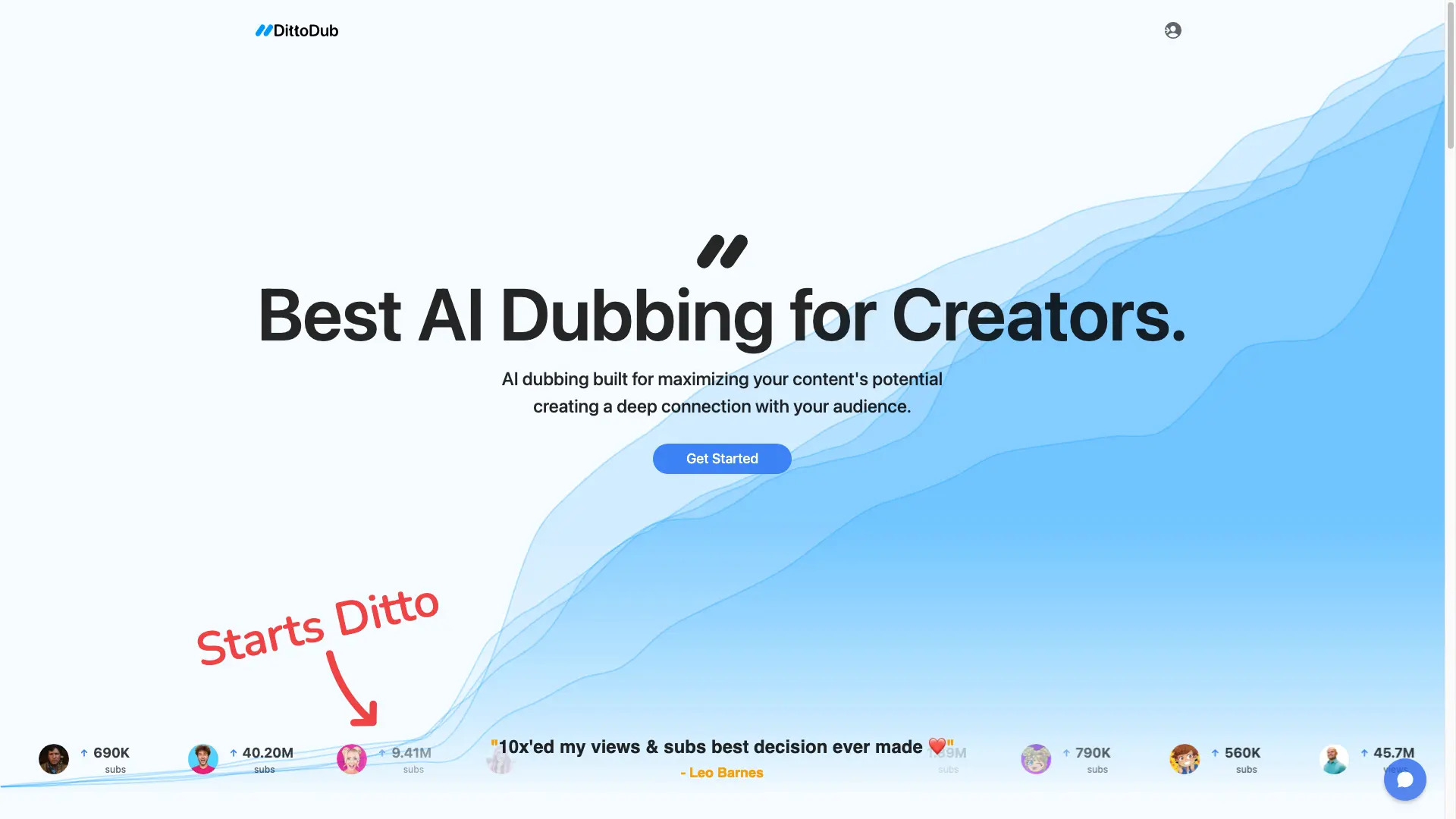
Tagline:AI dubbing built for maximizing your content's potential creating a deep connection with your audience.
Updated:September 6, 2026
Domain Rating:
8Domain Rating by Ahrefs
Social Media:
AI Video TranslatorAI Voice CloningAI Text-to-Speech / VoiceoverAI TranslationAI Video EditorWeb AppCloud-basedSubscriptionPaidFor CreatorsChrome ExtensionMulti-language
Open Website
DittoDub
Visit Website
|
  • About
  • Pricing

What is DittoDub?

DittoDub dubs your videos into other languages with AI voices that preserve your original voice and intent. It supports 62 languages, keeps subtitles and translates video metadata, and lets you edit every dub's translation and vocals. Plans are priced by the amount of content you dub each month multiplied by the number of languages.
DittoDub screenshot 1

How to use DittoDub?

1. Install the YouTube Sync Extension and connect your channel. 2. Pick your most popular evergreen videos to dub first. 3. Choose your target languages—DittoDub suggests an order based on your audience. 4. Review and edit the generated dub in the Dubbing Editor, then publish.

DittoDub Core Features

01

AI Voice Dubbing

Translate your videos into 62 languages using AI voices that preserve your original voice and intent, with any number of speakers and any video length.

02

YouTube Sync Extension

Connect your YouTube channel to pull videos and publish finished dubs directly, without leaving the platform.

03

Dubbing Editor

Edit every dub's translation and vocals after generation, so you can fine-tune timing, pronunciation, and wording before publishing.

04

Subtitles & Metadata Translation

Subtitles are included for both your original and dubbed video, and video titles and descriptions are translated so dubs rank in each language.

05

Custom Vocabulary

Add brand terms, names, and niche vocabulary so translations stay accurate to your content and audience.

06

Thumbnail Translation

Localize video thumbnails so your dubbed uploads match the look of your original content in every language.

DittoDub Use Cases

Reach non-English viewers by dubbing your most popular videos into 62 languages.

Grow a dedicated dub audience that can surpass your main-language audience within a few months.

Localize evergreen content deeply in a few languages rather than spreading thin across many.

Let DittoDub's strategy team help you pick which languages and videos to prioritize first.

DittoDub Frequently Asked Questions

Does channel size matter for dubbing success?

Channel size is not a factor for dubbing success. The opportunity to leverage your content with DittoDub is not limited to large established channels—many smaller channels grow their dub audience and even surpass their main-language audience within a few months.

How much content should I start with?

We recommend launching with a base of 20 to 30 videos to maximize YouTube's recommendation engine's ability to keep recommending your content to your dub audience.

What content should I dub first?

Do your most popular videos that are still relevant to your audience. If you have short-form content, start with your shorts, and aim for one long-form video for every three short-form videos.

How many languages should I dub into?

Each additional language can multiply your main-language audience. If your content is evergreen, going deep in your existing library is better than adding more languages. DittoDub supports 60+ languages.

What languages should I dub into?

To prioritize languages, think about your viewer persona. If your content is more general, start with the most widely spoken languages; if it's niche, begin with languages where that niche is most popular. DittoDub will suggest an order based on what is best for the general creator.

How does DittoDub compare?

DittoDub has been the only dubbing solution able to generate over 140 billion views. Creators coming from YouTube auto-dubbing, human voice-over, ElevenLabs, or HeyGen often see higher engagement with DittoDub than with their base-language audience.

How long do results take?

It takes some time for YouTube to catch on to your content. Give it a few weeks to start seeing results.

DittoDub Product Background & Official Links

DittoDub Support Email & Customer service contact & Refund contact etc.

More Contact, visit the about us page(https://dittodub.com)

DittoDub Company Info

DittoDub Company name: DittoDub

DittoDub Developer Type: company

DittoDub Company address: Utah, United States

More about DittoDub, Please visit the about us page(https://dittodub.com)

DittoDub Pricing

DittoDub Pricing Link: https://dittodub.com/pricing

DittoDub Twitter

DittoDub Twitter Link: https://x.com/DittoDub

DittoDub LinkedIn

DittoDub LinkedIn Link: https://www.linkedin.com/company/dittodub/

DittoDub Pricing & Plans

Pre

Recurring
$1 first month, then $48/mo
  • 30 min of translation per month
  • YouTube Sync Extension
  • Dubbing Editor
  • 62 languages
  • Subtitle Files
  • Metadata Translation
  • Custom Vocabulary
Subscribe & upgrade now

Primer

Recurring
$97 first month, then $194/mo
  • 2 hours of translation per month
  • YouTube Sync Extension
  • Dubbing Editor
  • 62 languages
  • Subtitle Files
  • Metadata Translation
  • Custom Vocabulary
  • Strategy & Support
  • Thumbnail Translation
Subscribe & upgrade now

Performance

Recurring
$194 first month, then $292/mo
  • 3 hours of translation per month
  • YouTube Sync Extension
  • Dubbing Editor
  • 62 languages
  • Subtitle Files
  • Metadata Translation
  • Custom Vocabulary
  • Strategy & Support
  • Thumbnail Translation
Subscribe & upgrade now

DittoDub Tags

Web AppCloud-basedSubscriptionPaidFor CreatorsChrome ExtensionMulti-language

Best Suited Occupations for DittoDub

Self-Media & InfluencersAudio & Video ProducersSmall Business Owners

Top Product Categories

LLMs & AI Agents

  • AI Chatbots
  • AI Agents
  • Prompt Engineering
  • AI Search Engine

Engineering & Code

  • AI Code Assistant
  • AI Code Generator
  • AI Developer Tools
  • No-Code & Low-Code

Image & Creative

  • AI Image Generator
  • AI Design Generator
  • AI Art Generator
  • Image-to-Image

Video & Animation

  • AI Video Generator
  • AI Short Video Maker
  • Digital Humans
  • AI Video Editor

Productivity & Office

  • AI Meeting Assistant
  • AI PDF Tools
  • AI Workflow
  • AI PPT Generator

Marketing & Sales

  • AI SEO Tools
  • AI Copywriting
  • AI Lead Generation
  • AI Sales Assistant

Audio & Voice

  • AI Voice Cloning
  • AI Text-to-Speech
  • AI Music Generator
  • AI Podcast Tools

Research & Data

  • AI Research Tools
  • AI Data Analytics
  • AI Knowledge Base
  • See All Categories >>
BAT AI TOOLS
  • Submit your AI tool
  • Pricing
  • Partnership
  • Feedback
  • About
  • A2A Compatible
WeChat QR
Scan QR code with WeChat
hi@bataitools.comClick icon to auto-copy email
English简体中文繁體中文EspañolالعربيةBahasa IndonesiaPortuguêsFrançais日本語РусскийDeutsch한국어TürkçeTiếng ViệtItalianoNederlandsPolskiไทยहिन्दीУкраїнськаفارسیবাংলাاردوSvenskaNorskDanskSuomiעברית

Copyright © 1970 BAT AI TOOLS. All Rights Reserved.

·Partnership·Privacy Policy·Terms of Service·Refund Policy