


Doc2Lang
Active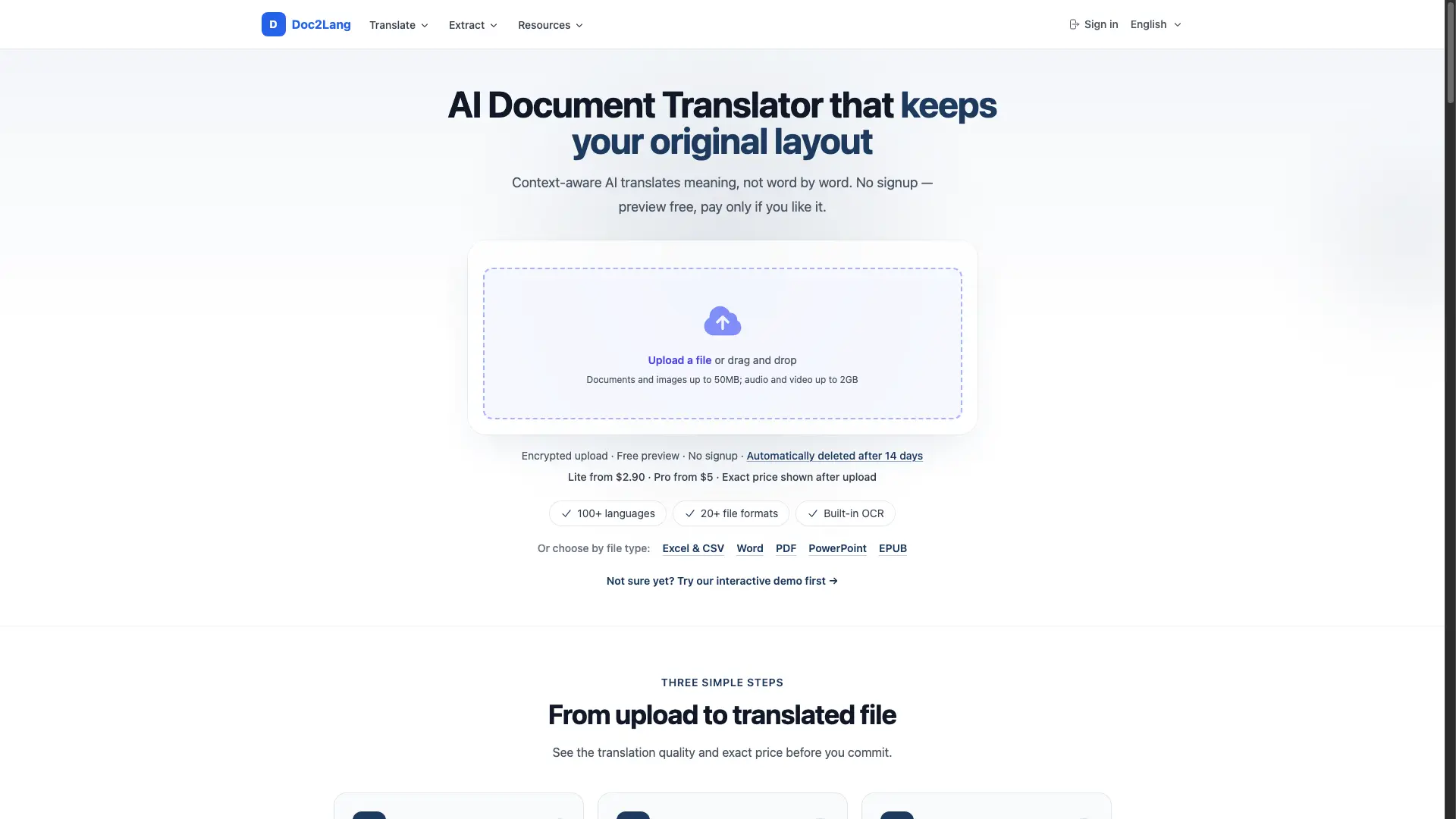
What is Doc2Lang?
How to use Doc2Lang?
Doc2Lang Core Features
Layout-preserving translation
Formulas, charts, tables and page layout stay exactly where they were. Excel formulas remain functional, PowerPoint slides keep their hierarchy, PDF multi-column layout is preserved.
100+ languages
Translate between over 100 languages, from common pairs like English-Spanish to less common ones. The AI handles complex wording and terminology.
20+ file formats
Support for Excel, Word, PDF, PowerPoint, EPUB, CSV, subtitles (SRT/VTT/ASS), video (MP4/MOV/MKV), audio (MP3/WAV/M4A), images (JPG/PNG/WebP), IDML (InDesign), and HTML.
Built-in OCR
Scanned or image-only PDFs are read with built-in OCR before translating, so text embedded in images is handled without separate preprocessing.
Free preview before paying
Upload a file and see a sample translation for free. Compare Lite and Pro model prices for that specific file before committing.
No account required
Upload and preview without creating an account. Use pay-as-you-go for one-off files, or buy credits that never expire for regular use.
Doc2Lang Use Cases
Translate a Japanese budget Excel workbook to English without breaking a single formula or pivot chart
Read a foreign-language EPUB novel in your own language with chapters and contents page intact on Kindle
Translate a multi-column PDF table of contents with coloured headings and page numbers preserved
Convert a pitch-deck PowerPoint from Japanese to English with stat cards, colours and headline hierarchy in place
Translate styled subtitle frames (ASS) with positioned signs, inline colours and italic styling kept
Doc2Lang Frequently Asked Questions
How do I translate a PDF without losing the formatting?
Can I translate an EPUB book and read it on Kindle?
How much does it cost to translate an Excel file?
Is it safe to upload confidential documents?
Which languages can I translate between?
Can I translate several files at once?
Doc2Lang Product Background & Official Links
Doc2Lang Support Email & Customer service contact & Refund contact etc.
Doc2Lang Support Email: contact@doc2lang.com
More Contact, visit the about us page(https://doc2lang.com/support/privacy-and-data-handling)
Doc2Lang Pricing
Doc2Lang Pricing Link: https://doc2lang.com/pricing
Doc2Lang Pricing & Plans
Lite
flat- Faster processing speed
- Lower cost per translation
- Pay per file, no subscription
- Free preview before payment
Pro
flat- Best translation quality
- Better for complex wording and precise terminology
- Pay per file, no subscription
- Free preview before payment
Credits
flat- 1 credit = 100 tokens
- Volume discounts on larger packages
- Credits never expire
- No minimum file charge