


Doclingo
Active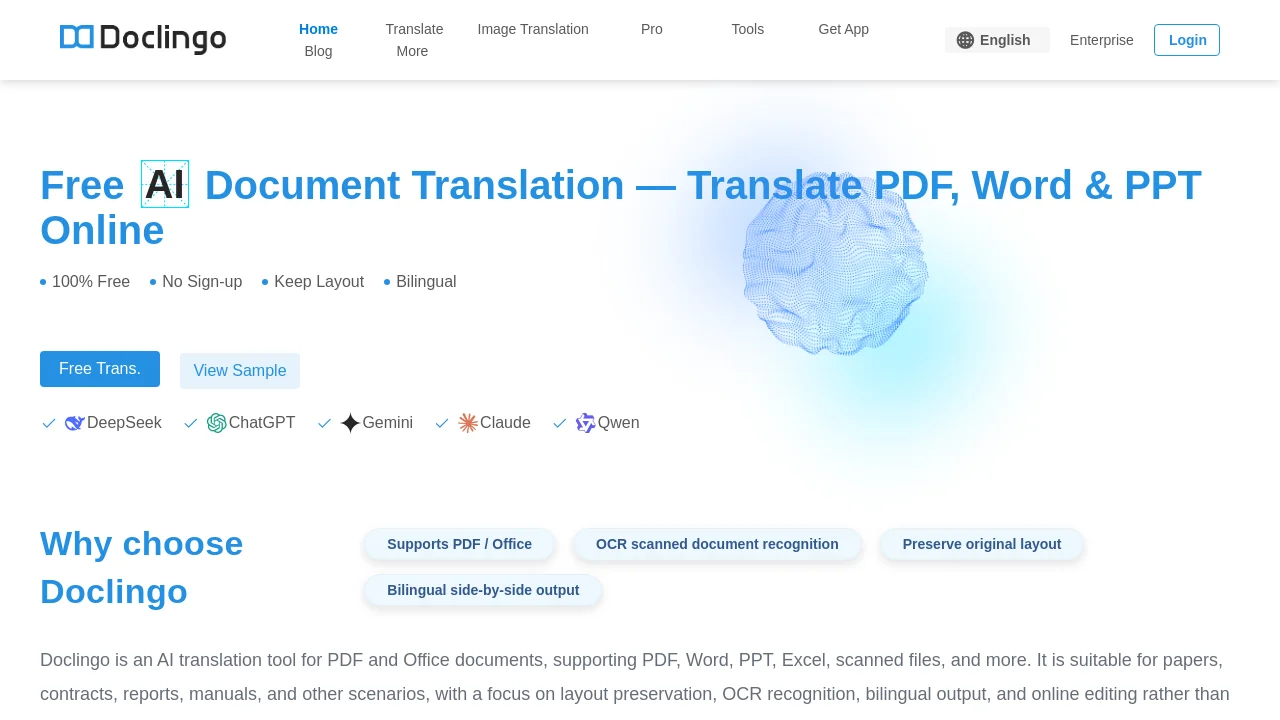
What is Doclingo?



How to use Doclingo?
Doclingo Core Features
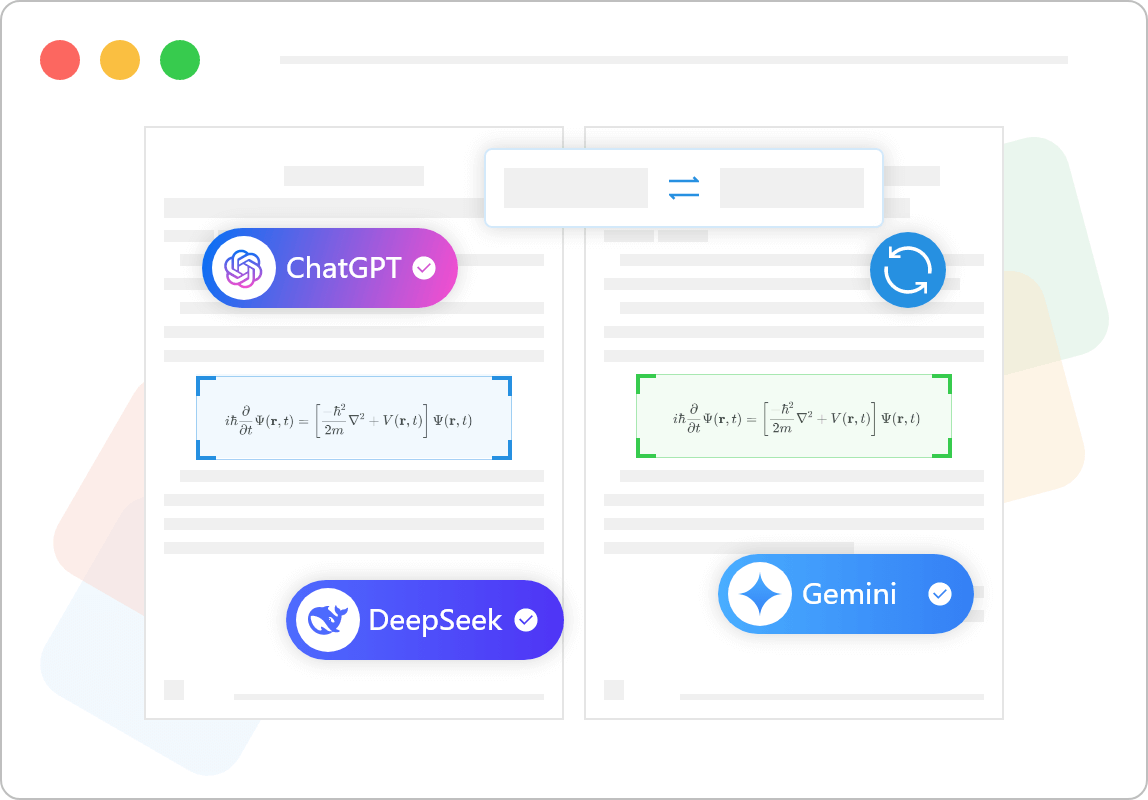
High-Fidelity Layout Preservation
Intelligently identifies tables, images, headers, footers, and page structures to restore the original document formatting after translation.
Multi-Format & OCR Translation
Supports PDF, DOCX, XLSX, PPTX, EPUB, SRT, images, and scanned documents with optical character recognition.
Online Post-Editing & Document Chat
Enables manual fine-tuning through built-in online editing tools, alongside interactive AI document summarization and Q&A.
Glossary & Multi-AI Engine Switching
Allows users to maintain custom terminology databases and switch between major AI translation models for optimal domain accuracy.
Doclingo Use Cases
Academic research: Read foreign papers and literature with arXiv direct translation
Workplace and enterprise: Translate international business contracts, technical manuals, and specifications
Study abroad applications: Translate transcripts, diplomas, and recommendation letters
Content publishing: Translate foreign-language e-books, comics, and video subtitles
Doclingo Frequently Asked Questions
What is Doclingo? How is it different from regular translation tools?
What file formats does Doclingo support?
Will the layout of translated documents be messed up?
Is Doclingo free to use?
Doclingo Product Background & Official Links
Doclingo Support Email & Customer service contact & Refund contact etc.
Doclingo Support Email: support@doclingo.ai
More Contact, visit the about us page(https://help.doclingo.ai)
Doclingo Pricing
Doclingo Pricing Link: https://doclingo.ai/en/pro
Doclingo Youtube
Doclingo Youtube Link: https://www.youtube.com/@DoclingoTranslation/videos
Doclingo Twitter
Doclingo Twitter Link: https://twitter.com/doclingopdf
Doclingo Pricing & Plans
Free
Free- Multi-format translation for PDF, Word, Excel, and PPT
- 90+ language translation with instant results
- Basic layout restoration and preview
- AI intelligent dialogue and highlight-to-translate
PDF PRO
Recurring- High-fidelity complex layout reconstruction
- Smart OCR translation for scanned documents and images
- Flexible multi-AI engine switching
- Terminology glossary database and online post-editing
- No watermarks and extended file size limits
Enterprise
contact- Team collaboration and centralized management
- Developer API integration with custom quotas
- Dedicated high-speed translation channels
- Enterprise-grade security and custom SLA support