Sponsored byMi Foto Carnet- AI passport and ID photos for Spain and Latin America
BAT AI TOOLSBAT AI TOOLS
  • Tools
  • Category
  • Jobs
  • Pricing
  • PromoFREE
Free Submit
Sign In
  • Home
  • /
  • Office & Productivity
  • /
  • DocTools Pro
DocTools Pro

DocTools Pro

Active
Tagline:Free browser-based document & image tools — merge, split, convert and resize. 100% private.
Updated:September 7, 2026
Domain Rating:
0Domain Rating by Ahrefs
Social Media:
Office & ProductivityAI PDF ToolsAI Document ExtractionAI Image EditorAI Image EnhancerFreeWeb AppPrivacy-FocusedZero SetupOffline SupportMobile FriendlyNo WatermarkBulk Processing
Open Website
DocTools Pro
Visit Website
|
  • About
  • Pricing

What is DocTools Pro?

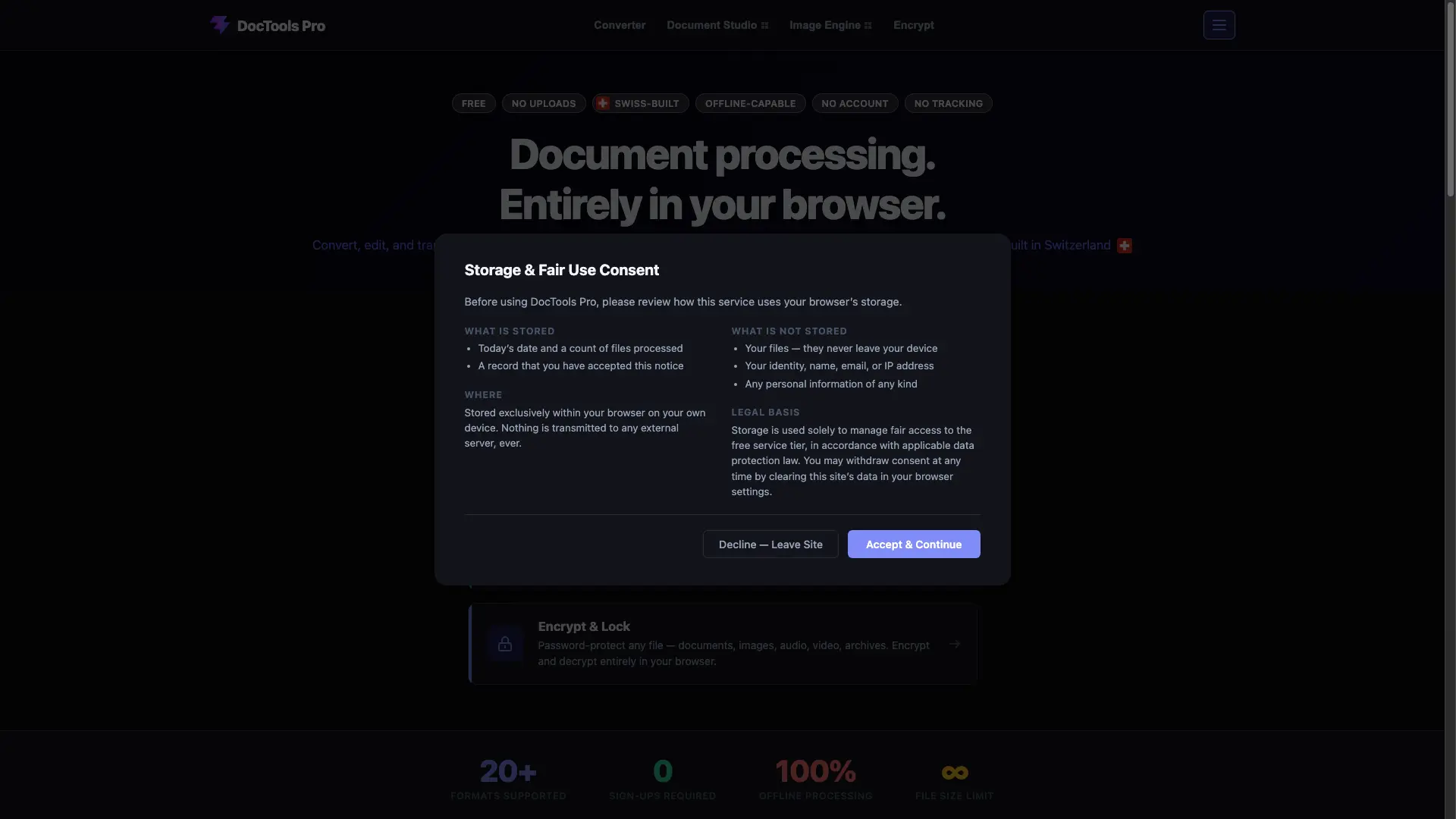
DocTools Pro is a free, all-in-one workspace for everyday document and image tasks — combining PDF pages, splitting documents, compressing files, converting between dozens of formats, cleaning up photos, or password-protecting private files. Everything runs directly in your browser, so files are never uploaded or stored on a server. No account, no install, and no limit on how often you use it.

How to use DocTools Pro?

1. Open any tool and drop your files onto the page, or click to browse — any format, any size, mixed in one batch. 2. Pick the output format and apply one setting to all files or configure each file individually. 3. Processed files save straight to your device; nothing is uploaded and closing the tab clears everything.

DocTools Pro Core Features

01

Universal Converter

Cross-convert 20+ file types including documents, images, and spreadsheets. Fully offline, with no plugins required.

02

Document Studio

Merge, split, rotate, reorder, watermark, compress, protect and OCR PDF and Word documents entirely in the browser.

03

Image Engine

Resize, crop, compress, remove backgrounds and encrypt images in JPG, PNG, WebP, HEIC and more.

04

Encrypt & Lock

Password-protect any file — documents, images, audio, video or archives — encrypting and decrypting entirely in your browser.

DocTools Pro Use Cases

Combine multiple PDF reports into a single file to share by email

Shrink large documents and images so they fit in an email attachment

Convert HEIC iPhone photos to JPG or PNG for use anywhere

Password-protect a sensitive file before sending it to someone

Remove backgrounds from product photos for listings or presentations

DocTools Pro Frequently Asked Questions

Is DocTools Pro really free?

Yes. Every tool is free to use with no account or subscription required.

Are my files uploaded anywhere?

No. All processing happens locally in your browser. Your files never leave your device.

Do I need to install anything?

No installation is required. DocTools Pro runs entirely in modern browsers like Chrome, Firefox, Edge and Safari.

Does DocTools Pro work on mobile devices?

Yes. Most tools work on phones and tablets, though larger files are easier to handle on a desktop or laptop.

Do I need an internet connection to use the tools?

You need a connection to load the page initially, but most tools keep working afterwards even if your connection drops.

DocTools Pro Product Background & Official Links

DocTools Pro Support Email & Customer service contact & Refund contact etc.

DocTools Pro Support Email: contact@doctoolspro.com

More Contact, visit the about us page(https://doctoolspro.com)

DocTools Pro Company Info

DocTools Pro Company name: ConvertFlow Systems

More about DocTools Pro, Please visit the about us page(https://doctoolspro.com)

DocTools Pro Pricing & Plans

Free

Free
Free
  • All tools included
  • No account or subscription required
  • Unlimited use with no file-size limit
  • Process files entirely offline in your browser
Subscribe & upgrade now

DocTools Pro Tags

FreeWeb AppPrivacy-FocusedZero SetupOffline SupportMobile FriendlyNo WatermarkBulk Processing

Best Suited Occupations for DocTools Pro

General ConsumersStudentsFreelancersSmall Business OwnersWriters & Marketers

Top Product Categories

LLMs & AI Agents

  • AI Chatbots
  • AI Agents
  • Prompt Engineering
  • AI Search Engine

Engineering & Code

  • AI Code Assistant
  • AI Code Generator
  • AI Developer Tools
  • No-Code & Low-Code

Image & Creative

  • AI Image Generator
  • AI Design Generator
  • AI Art Generator
  • Image-to-Image

Video & Animation

  • AI Video Generator
  • AI Short Video Maker
  • Digital Humans
  • AI Video Editor

Productivity & Office

  • AI Meeting Assistant
  • AI PDF Tools
  • AI Workflow
  • AI PPT Generator

Marketing & Sales

  • AI SEO Tools
  • AI Copywriting
  • AI Lead Generation
  • AI Sales Assistant

Audio & Voice

  • AI Voice Cloning
  • AI Text-to-Speech
  • AI Music Generator
  • AI Podcast Tools

Research & Data

  • AI Research Tools
  • AI Data Analytics
  • AI Knowledge Base
  • See All Categories >>
BAT AI TOOLS
  • Submit your AI tool
  • Pricing
  • Partnership
  • Feedback
  • About
  • A2A Compatible
WeChat QR
Scan QR code with WeChat
hi@bataitools.comClick icon to auto-copy email
English简体中文繁體中文EspañolالعربيةBahasa IndonesiaPortuguêsFrançais日本語РусскийDeutsch한국어TürkçeTiếng ViệtItalianoNederlandsPolskiไทยहिन्दीУкраїнськаفارسیবাংলাاردوSvenskaNorskDanskSuomiעברית

Copyright © 1970 BAT AI TOOLS. All Rights Reserved.

·Partnership·Privacy Policy·Terms of Service·Refund Policy