


FluidSEO
Active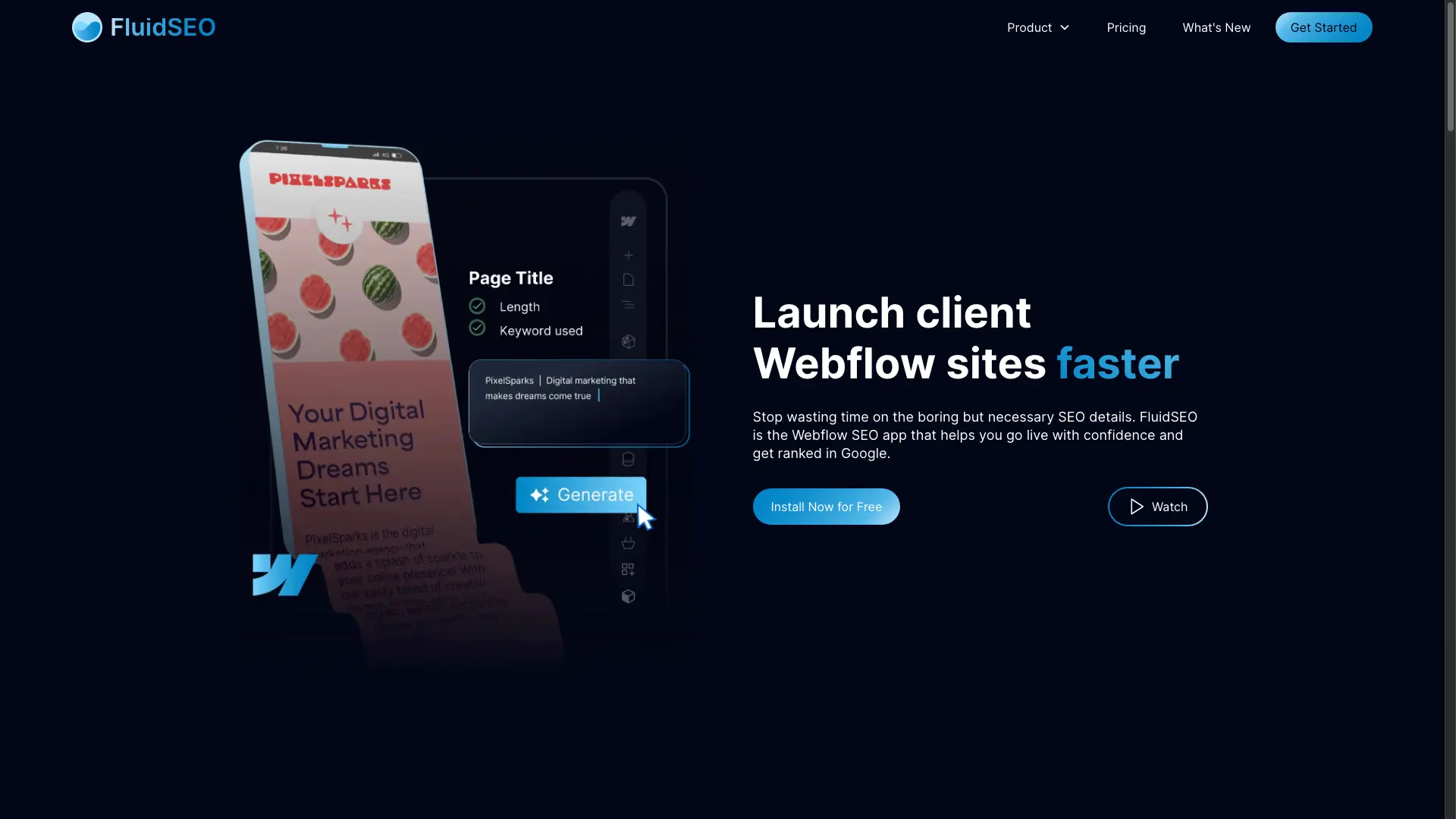
What is FluidSEO?


How to use FluidSEO?
FluidSEO Core Features
AI metadata generation
Generate detailed and accurate image alt text in one click, plus meta titles and descriptions at the right length and keyword density, trained on SEO best practice.
Structured data (schema)
Build Article and Organization schema directly from the Webflow Designer, without writing a line of HTML or switching to the Google Markup Helper.
Page audit
Find and resolve on-page SEO issues inside the Webflow Designer instead of jumping between browser tabs and external tools.
Bulk tag editor
Edit Webflow SEO data in bulk and export or import it as CSV to keep metadata consistent across many pages.
FluidSEO Use Cases
Webflow design agencies delivering ready-to-rank sites to clients
SEO agencies automating on-page optimization across multiple sites
Content marketers making sure articles check every SEO box
Webflow beginners implementing SEO updates with confidence
FluidSEO Frequently Asked Questions
Is there a free plan?
How is FluidSEO priced?
Does FluidSEO work inside Webflow?
Can I cancel my subscription?
Do I need to write code to add schema?
FluidSEO Product Background & Official Links
FluidSEO Support Email & Customer service contact & Refund contact etc.
FluidSEO Support Email: tom@fluidseo.app
More Contact, visit the about us page(https://www.fluidseo.app/whats-new)
FluidSEO Company Info
FluidSEO Company name: FluidSEO
More about FluidSEO, Please visit the about us page(https://www.fluidseo.app/whats-new)
FluidSEO Pricing
FluidSEO Pricing Link: https://www.fluidseo.app/pricing