


GIF with Sound
ActiveTagline:Add sound to your GIF instantly
Updated:October 22, 2026
Domain Rating:
What is GIF with Sound?
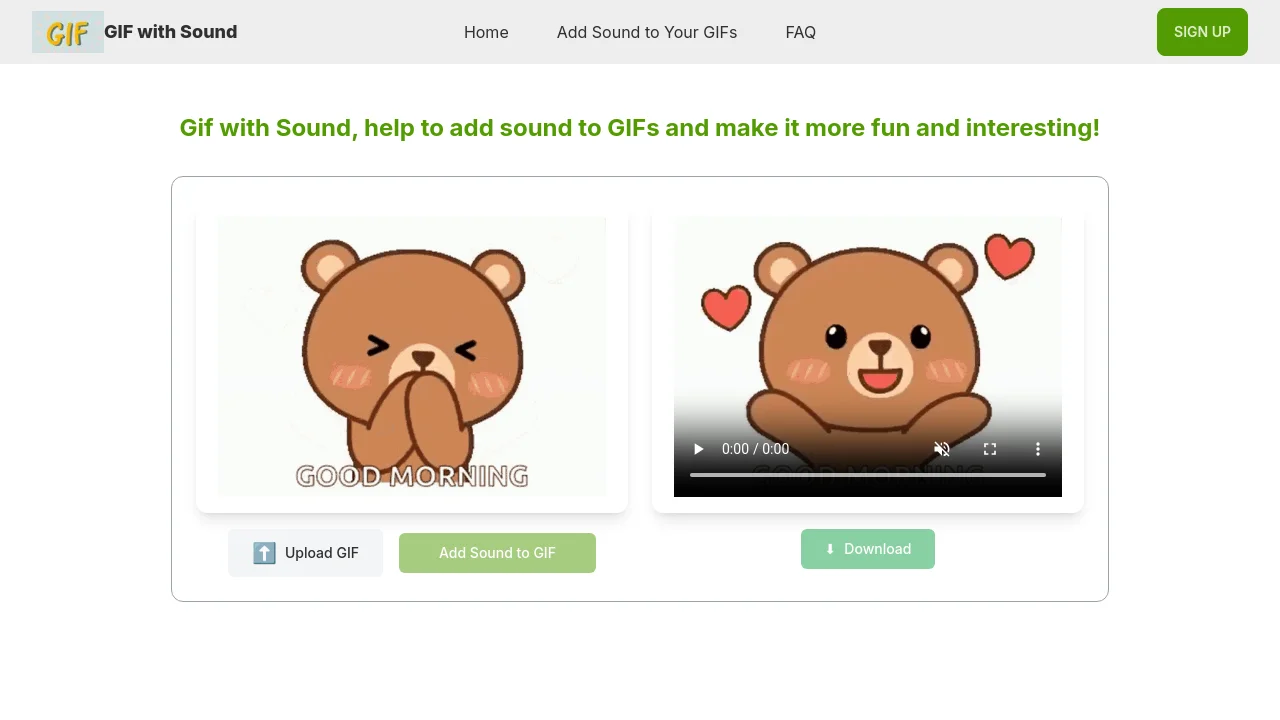
GIF with Sound automatically adds smart sound effects to your GIFs using AI. Upload a GIF up to 5MB, get an MP4 with matching audio, and share to Instagram, TikTok, Twitter, Facebook, WhatsApp, or Snapchat.


How to use GIF with Sound?
1. Upload your GIF by dragging and dropping or clicking to upload. 2. Click once to add AI-generated sound effects. 3. Download your MP4 and share it on social media.
GIF with Sound Core Features
01
AI sound effects
One click adds AI-generated sound effects that match your GIF's movement and mood.
02
GIF to MP4 export
Converts your GIF into an MP4 video with original quality and synchronized audio.
03
Social-ready sharing
Output videos are optimized for sharing on Instagram, TikTok, Twitter, Facebook, WhatsApp, and Snapchat.
04
Simple upload workflow
Drag and drop your GIF file or click to upload—no complex editing steps required.
GIF with Sound Use Cases
Add reaction sounds to meme GIFs for social posts
Turn animation clips into shareable MP4 videos
Create short social videos from GIF reactions
GIF with Sound Frequently Asked Questions
How does GIF with Sound work?
What types of GIFs can I upload?
Can I choose the sound effects for my GIF?
What is the output format and where can I share it?
Is this service free to use?
Why isn't my GIF uploading or processing?
GIF with Sound Product Background & Official Links
GIF with Sound Support Email & Customer service contact & Refund contact etc.
GIF with Sound Support Email: support@gifwithsound.net
More Contact, visit the about us page(https://gifwithsound.net/)
GIF with Sound Pricing & Plans
Free
FreeFree
- Add 2 GIFs with sound for free
- Upload GIF files up to 5MB
- MP4 output with AI sound effects
Premium
contactUpgrade to premium
- More GIF with sound conversions beyond the free limit
- Upgrade when you need additional processing