Sponsored byPlainScribe- Pay-as-you-go AI transcription & translation — no monthly plan
BAT AI TOOLSBAT AI TOOLS
  • Tools
  • Category
  • Jobs
  • Pricing
  • PromoFREE
Free Submit
Sign In
  • Home
  • /
  • Office & Productivity
  • /
  • Hatch
Hatch

Hatch

Active
Tagline:Any project. Top AI models. One canvas.
Updated:October 22, 2026
Domain Rating:
21Domain Rating by Ahrefs
Social Media:-
Office & ProductivityAI WorkflowAI Project ManagementAI UI/UX DesignAI Developer ToolsFreeWeb AppReal-timeCloud-basedTeam CollaborationFor DevelopersFor DesignersFor Creators
Open Website
Hatch
Visit Website
|
  • About
  • Pricing

What is Hatch?

Hatch is an all-in-one visual AI workspace that brings top AI models together on a single infinite canvas. It combines documents, images, code, and data into one view, eliminating tool switching between separate chat interfaces, wireframes, and browser tabs.
Hatch screenshot 1
Hatch screenshot 2
Hatch screenshot 3
Hatch screenshot 4
Hatch screenshot 5

How to use Hatch?

1. Open the Hatch canvas and start a new project board. 2. Add project assets including research notes, wireframes, documents, and code snippets. 3. Run prompts with AI models directly on the canvas to produce drafts, design assets, or code. 4. Invite team members to collaborate simultaneously on the shared workspace.

Hatch Core Features

01

Unified Multi-Model Workspace

Directly invoke leading AI models within one canvas to handle text, images, code, and documents simultaneously.

02

Visual Infinite Canvas

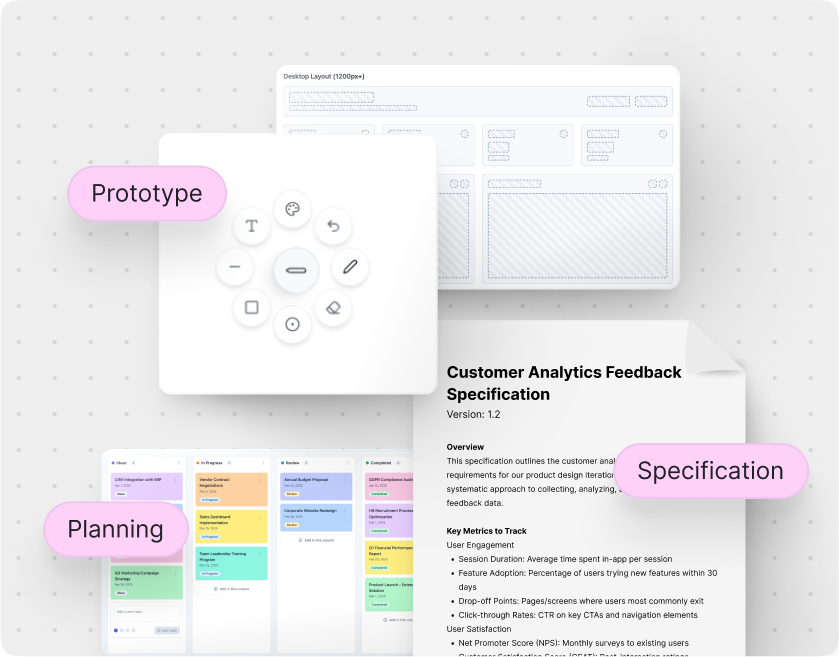
Organize research, wireframes, specifications, and design assets side by side in an open spatial workspace.

03

Context-Aware Project AI

The AI references all surrounding canvas assets to match project specifications, brand requirements, and technical constraints.

04

Real-Time Multi-User Collaboration

Work together with teammates using live cursors, synchronized edits, and shared project states.

Hatch Use Cases

Product managers turning customer feedback directly into mockups and user stories.

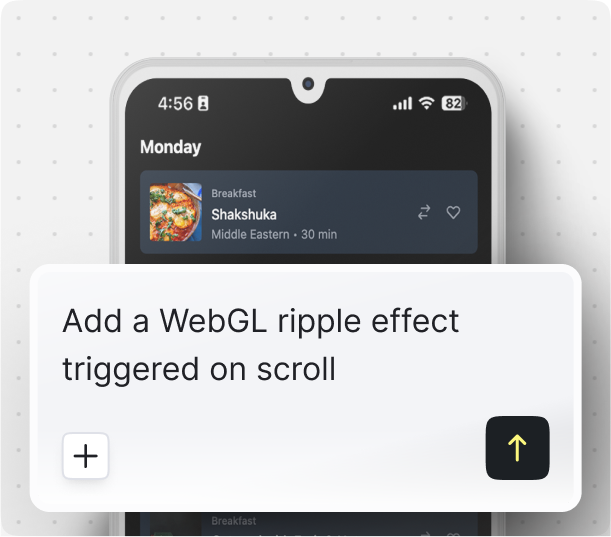
Developers generating and testing full-stack prototypes without leaving the canvas.

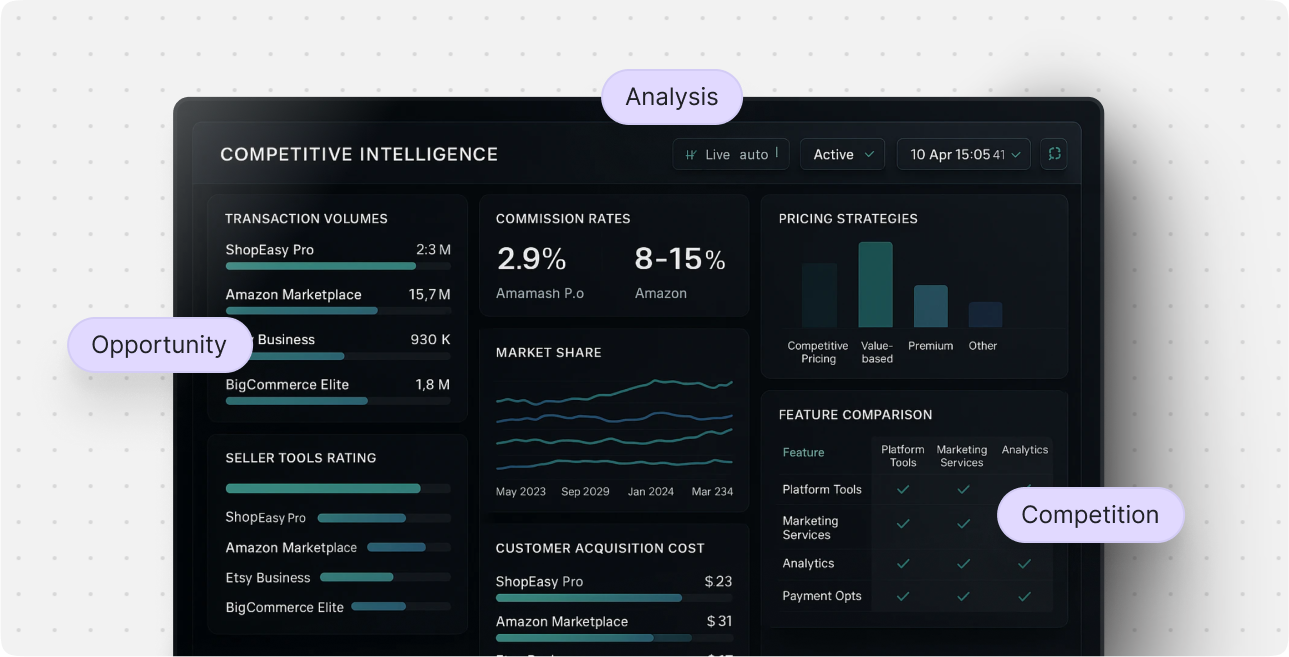
Consultants assembling proposals with market research insights and visual diagrams.

Cross-functional teams collaborating on living project boards in real time.

Hatch Frequently Asked Questions

What is Hatch?

Hatch is a collaborative visual workspace that unifies multiple AI models onto one canvas, letting you work across text, design, and code in a single place.

Do I need a credit card to get started with Hatch?

No credit card is required to sign up and start using the Hatch canvas.

Which AI models can be used in Hatch?

Hatch connects leading AI models such as ChatGPT and Claude, enabling you to generate copy, visuals, and code directly inside your project canvas.

Does Hatch support real-time team collaboration?

Yes, team members can join the same canvas to co-create, view live cursor movements, and edit shared assets simultaneously.

Hatch Product Background & Official Links

Hatch Support Email & Customer service contact & Refund contact etc.

More Contact, visit the about us page(https://hatchcanvas.com/about-us/)

Hatch Company Info

Hatch Company name: Playful Software

More about Hatch, Please visit the about us page(https://hatchcanvas.com/about-us/)

Hatch Pricing & Plans

Most Popular

Free

Free
Free
  • Free access to Hatch canvas
  • No credit card required
  • Multi-model AI generation for text, code, and images
  • Real-time team collaboration
Subscribe & upgrade now

Hatch Tags

FreeWeb AppReal-timeCloud-basedTeam CollaborationFor DevelopersFor DesignersFor CreatorsFor StartupsZero Setup

Best Suited Occupations for Hatch

Product ManagersSoftware DevelopersProject & Program ManagersIndie HackersSmall Business OwnersFreelancers

Top Product Categories

LLMs & AI Agents

  • AI Chatbots
  • AI Agents
  • Prompt Engineering
  • AI Search Engine

Engineering & Code

  • AI Code Assistant
  • AI Code Generator
  • AI Developer Tools
  • No-Code & Low-Code

Image & Creative

  • AI Image Generator
  • AI Design Generator
  • AI Art Generator
  • Image-to-Image

Video & Animation

  • AI Video Generator
  • AI Short Video Maker
  • Digital Humans
  • AI Video Editor

Productivity & Office

  • AI Meeting Assistant
  • AI PDF Tools
  • AI Workflow
  • AI PPT Generator

Marketing & Sales

  • AI SEO Tools
  • AI Copywriting
  • AI Lead Generation
  • AI Sales Assistant

Audio & Voice

  • AI Voice Cloning
  • AI Text-to-Speech
  • AI Music Generator
  • AI Podcast Tools

Research & Data

  • AI Research Tools
  • AI Data Analytics
  • AI Knowledge Base
  • See All Categories >>
BAT AI TOOLS
  • Submit your AI tool
  • Pricing
  • Partnership
  • Feedback
  • About
  • A2A Compatible
WeChat QR
Scan QR code with WeChat
hi@bataitools.comClick icon to auto-copy email
English简体中文繁體中文EspañolالعربيةBahasa IndonesiaPortuguêsFrançais日本語РусскийDeutsch한국어TürkçeTiếng ViệtItalianoNederlandsPolskiไทยहिन्दीУкраїнськаفارسیবাংলাاردوSvenskaNorskDanskSuomiעברית

Copyright © 1970 BAT AI TOOLS. All Rights Reserved.

·Partnership·Privacy Policy·Terms of Service·Refund Policy