


HingeGPT
ActiveTagline:Generate mediocre Hinge opening lines.
Updated:October 20, 2026
Domain Rating:
Social Media:-
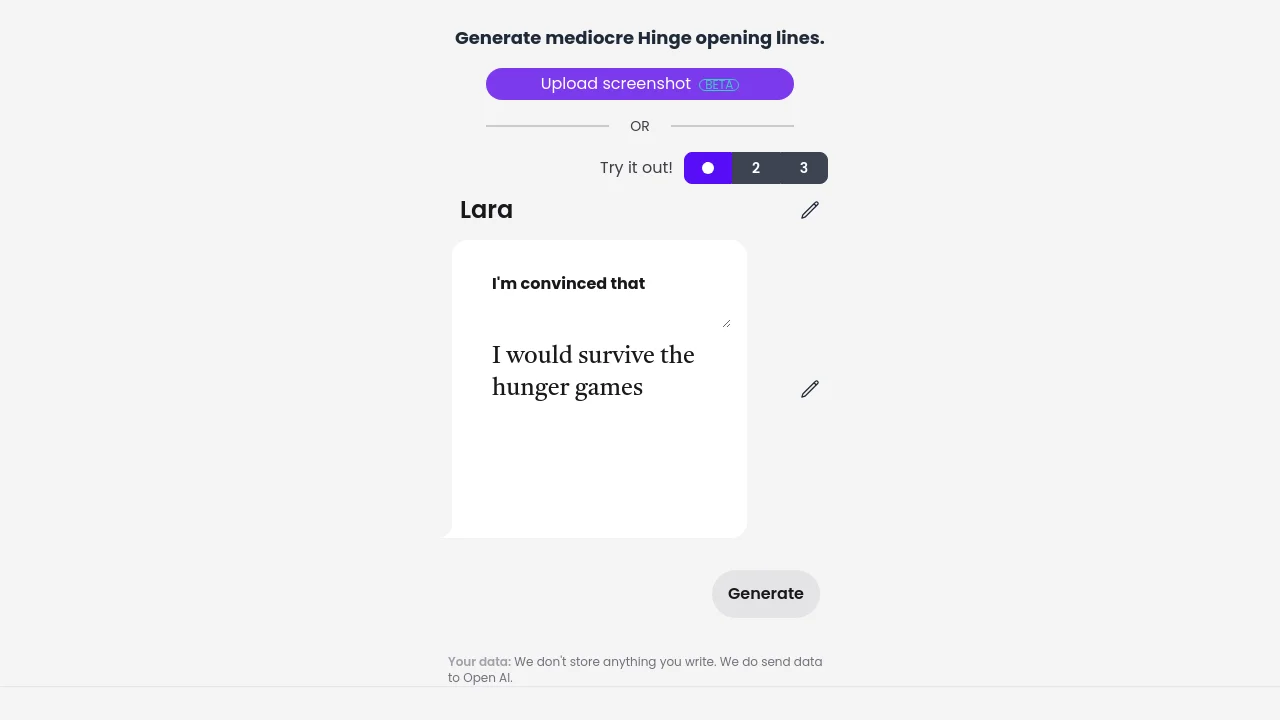
What is HingeGPT?
HingeGPT repeatedly generates mediocre Hinge pickup lines. Enter a name and profile prompt, or upload a screenshot of a Hinge profile (BETA), then click Generate. The site does not store anything you write; data is sent to OpenAI.
How to use HingeGPT?
Enter a name, edit the prompt fields (e.g. "I'm convinced that" and your answer), then click Generate. Alternatively, upload a PNG or JPEG screenshot of a Hinge profile using the Upload screenshot button (BETA).
HingeGPT Core Features
01
Generate opening lines
Create Hinge pickup lines from editable name and prompt fields, then submit with the Generate button.
02
Upload screenshot
Upload a PNG or JPEG screenshot of a Hinge profile to generate lines (BETA).
03
Try example prompts
Switch between built-in example prompts using the numbered options before generating.
HingeGPT Use Cases
Draft opening lines for Hinge dating profiles
Generate pickup lines from profile prompt answers
Upload a Hinge profile screenshot to get suggested lines
HingeGPT Frequently Asked Questions
Do you store what I write?
Where is my data sent?
What image formats can I upload?
HingeGPT Product Background & Official Links
HingeGPT Support Email & Customer service contact & Refund contact etc.
More Contact, visit the about us page(https://hingegpt.com/)
HingeGPT Company Info
HingeGPT Company name: Natto boys
More about HingeGPT, Please visit the about us page(https://hingegpt.com/)
HingeGPT GitHub
HingeGPT GitHub Link: https://github.com/Natto-boys
HingeGPT Pricing & Plans
Free
FreeFree
- Generate Hinge opening lines
- Upload profile screenshots (BETA)
- No account required