Sponsored byAnilyst- An AI-Analyst you can talk to
BAT AI TOOLSBAT AI TOOLS
  • Tools
  • Category
  • Jobs
  • Pricing
  • PromoFREE
Free Submit
Sign In
  • Home
  • /
  • Office & Productivity
  • /
  • HoverNotes
HoverNotes

HoverNotes

Active
Tagline:The AI note-taker that actually watches the video
Updated:September 8, 2026
Domain Rating:
38Domain Rating by Ahrefs
Social Media:
Office & ProductivityLearning & TranslationAI Note TakerFreemiumChrome ExtensionPrivacy-FocusedBrowser ExtensionFree Trial
Open Website
HoverNotes
Visit Website
|
  • About
  • Pricing

What is HoverNotes?

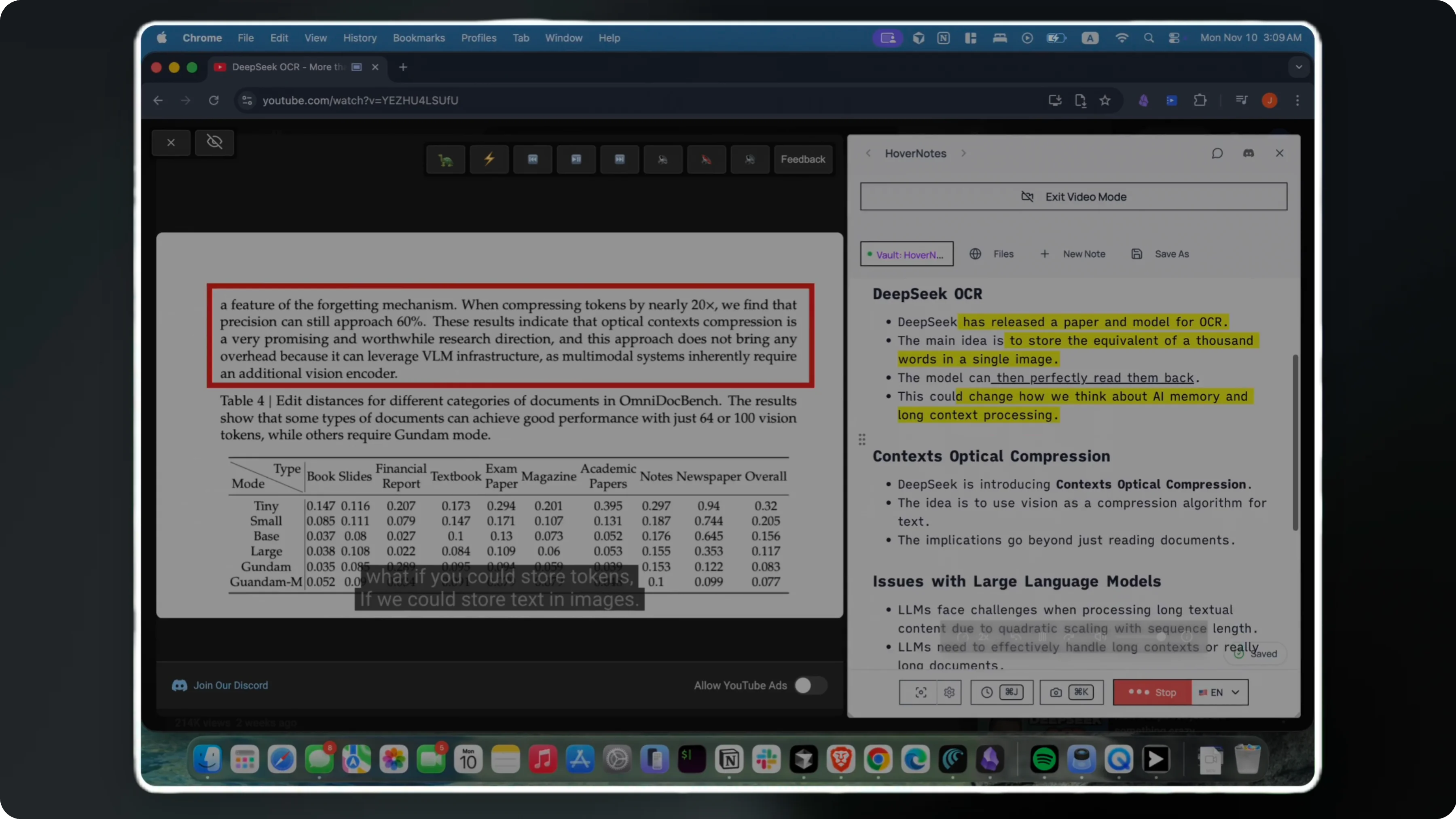
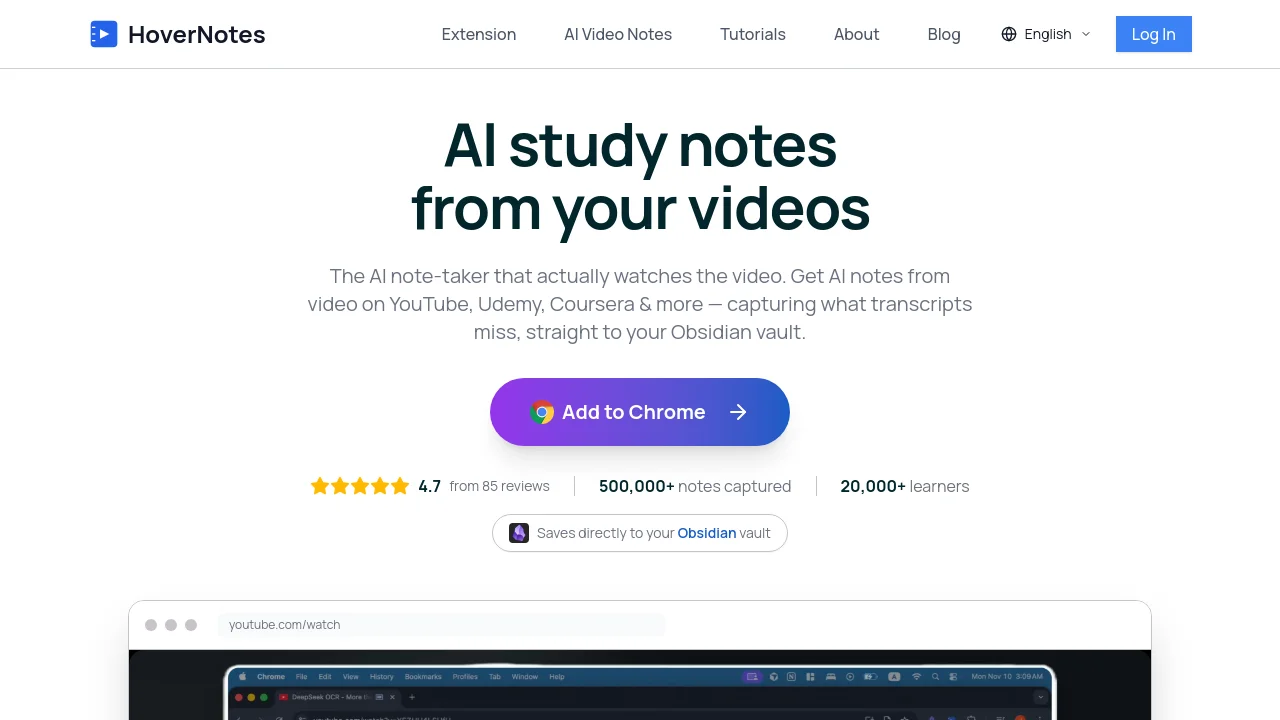
HoverNotes is a Chrome extension that watches videos with you and generates structured AI notes — capturing on-screen code, equations, and diagrams that transcripts miss. Notes and timestamped screenshots save locally to your Obsidian vault. Works on YouTube, Udemy, Coursera, LinkedIn Learning, Bilibili, and 20+ video platforms.
HoverNotes video 1

How to use HoverNotes?

Install the HoverNotes Chrome extension, choose your Obsidian vault folder, open any video in your browser, enable AI Notes, and let HoverNotes generate timestamped notes as you watch. Edit notes manually or add screenshots anytime.

HoverNotes Core Features

01

Visual AI video understanding

Watches the screen, not just captions — captures code snippets, diagrams, and equations exactly as they appear, even when a video has no captions.

02

Obsidian vault integration

Saves notes as pure markdown files and screenshots locally to your Obsidian vault, so video notes become part of your personal knowledge graph.

03

Timestamped screenshots & video controls

Capture timestamped screenshots and snips while watching, with advanced video controls and distraction-free video mode on supported platforms.

04

Works on 20+ video platforms

Generate AI notes on YouTube, Udemy, Coursera, LinkedIn Learning, Bilibili, university lectures, and local video files in your preferred language.

05

Local-first privacy

All notes and screenshots stay on your computer in your chosen vault folder. Only AI processing uses HoverNotes servers — video content is not stored.

HoverNotes Use Cases

Take structured study notes from YouTube tutorials and coding lectures

Capture course content from Udemy and Coursera with timestamped screenshots

Build a permanent Obsidian knowledge base from video learning

HoverNotes Frequently Asked Questions

Where is my data stored?

Your notes and screenshots are stored locally on your computer in your chosen Obsidian vault folder. No cloud storage is required for your notes. Only AI processing for generating notes from video content uses HoverNotes servers.

Do I need to manually take notes while watching?

Not at all. Enable AI Notes and HoverNotes automatically documents key concepts, extracts code snippets, captures visual elements, and generates clear explanations as you watch. You can still add manual notes and screenshots when needed.

How does HoverNotes work with Obsidian?

HoverNotes saves your notes directly to your Obsidian vault in pure markdown format. Notes open instantly in Obsidian, screenshots are saved locally alongside your notes, and you can use linking, tagging, and plugins within your existing workflow.

Does it work on more than YouTube?

Yes. HoverNotes generates AI notes on any video that plays in your browser — YouTube, Udemy, Coursera, LinkedIn Learning, university lectures, and local files — in whatever language you prefer.

How much does HoverNotes cost?

HoverNotes has a free Starter plan with manual note-taking, screenshot capture, video controls, Obsidian export, and 20 minutes of AI video notes. Upgrade to Unlimited Pro for unlimited AI notes — cancel anytime.

HoverNotes Product Background & Official Links

HoverNotes Support Email & Customer service contact & Refund contact etc.

HoverNotes Support Email: support@hovernotes.io

More Contact, visit the about us page(https://hovernotes.io/en/about)

HoverNotes Individual Info

HoverNotes Individual name: Hamza Kyamanywa

HoverNotes Developer Type: individual

HoverNotes Individual address: NM, US

More about HoverNotes, Please visit the about us page(https://hovernotes.io/en/about)

HoverNotes Pricing

HoverNotes Pricing Link: https://hovernotes.io/en/pricing

HoverNotes Twitter

HoverNotes Twitter Link: https://x.com/hamza_kyamanywa

HoverNotes Pricing & Plans

Free Starter

Free
Free
  • 20 minutes of AI video notes included
  • Basic video note-taking
  • Advanced video controls
  • Screenshot capture with timestamps
  • Obsidian integration
  • Local storage
Subscribe & upgrade now

Unlimited Pro

Recurring
$18 /month
  • Unlimited AI notes
  • Advanced AI summaries
  • Priority support (Email & Discord)
  • Priority AI processing
  • All video platforms supported
Subscribe & upgrade now
Most Popular

Unlimited Pro Annual

Recurring
$10 /month billed annually
  • $120 billed annually (~5 months free)
  • Unlimited AI notes
  • Advanced AI summaries
  • Priority support (Email & Discord)
  • Priority AI processing
Subscribe & upgrade now

HoverNotes Tags

FreemiumChrome ExtensionPrivacy-FocusedBrowser ExtensionFree Trial

Best Suited Occupations for HoverNotes

StudentsTeachers & InstructorsAcademic Researchers

Top Product Categories

LLMs & AI Agents

  • AI Chatbots
  • AI Agents
  • Prompt Engineering
  • AI Search Engine

Engineering & Code

  • AI Code Assistant
  • AI Code Generator
  • AI Developer Tools
  • No-Code & Low-Code

Image & Creative

  • AI Image Generator
  • AI Design Generator
  • AI Art Generator
  • Image-to-Image

Video & Animation

  • AI Video Generator
  • AI Short Video Maker
  • Digital Humans
  • AI Video Editor

Productivity & Office

  • AI Meeting Assistant
  • AI PDF Tools
  • AI Workflow
  • AI PPT Generator

Marketing & Sales

  • AI SEO Tools
  • AI Copywriting
  • AI Lead Generation
  • AI Sales Assistant

Audio & Voice

  • AI Voice Cloning
  • AI Text-to-Speech
  • AI Music Generator
  • AI Podcast Tools

Research & Data

  • AI Research Tools
  • AI Data Analytics
  • AI Knowledge Base
  • See All Categories >>
BAT AI TOOLS
  • Submit your AI tool
  • Pricing
  • Partnership
  • Feedback
  • About
  • A2A Compatible
WeChat QR
Scan QR code with WeChat
hi@bataitools.comClick icon to auto-copy email
English简体中文繁體中文EspañolالعربيةBahasa IndonesiaPortuguêsFrançais日本語РусскийDeutsch한국어TürkçeTiếng ViệtItalianoNederlandsPolskiไทยहिन्दीУкраїнськаفارسیবাংলাاردوSvenskaNorskDanskSuomiעברית

Copyright © 1970 BAT AI TOOLS. All Rights Reserved.

·Partnership·Privacy Policy·Terms of Service·Refund Policy