


Korgi
Active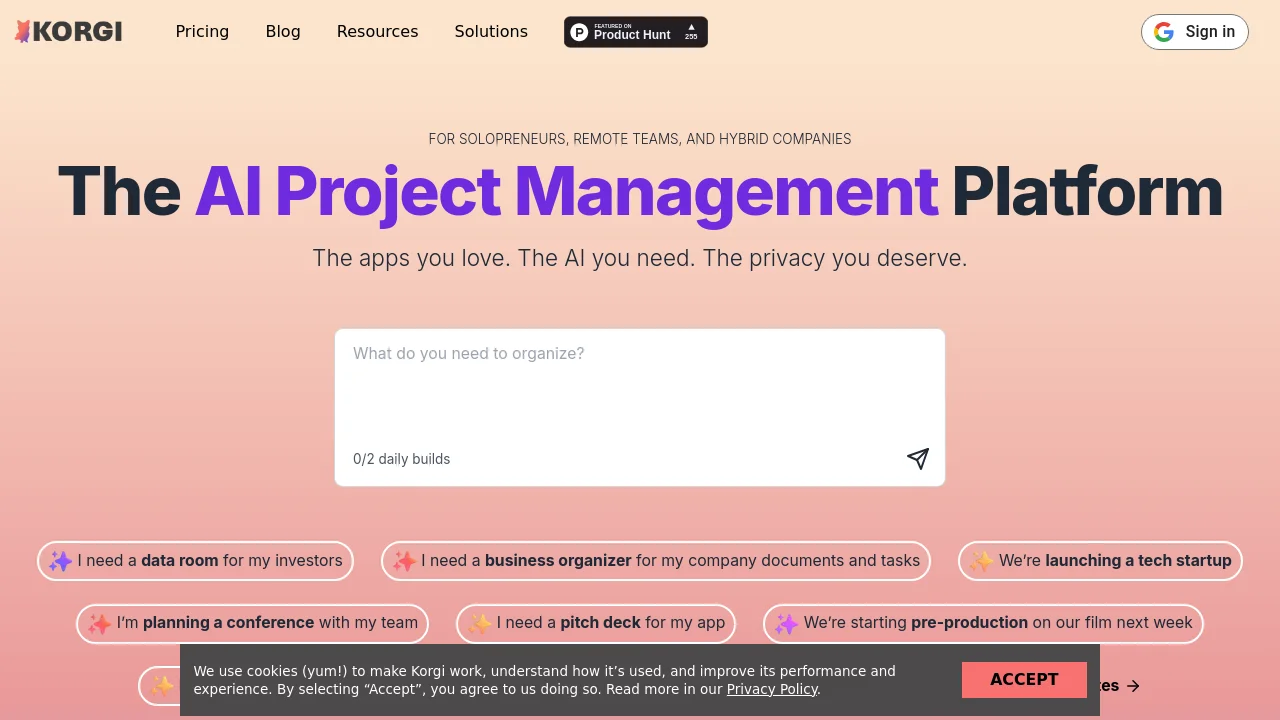
What is Korgi?


How to use Korgi?
Korgi Core Features
AI-built project boards
Type what you need and Korgi builds a complete project board with stages, steps, and resources in less than a minute.
Board as AI knowledge-base
Use Google Workspace, Microsoft 365, Zoom, chat, and more on the board. Query your board and connected items with Korgi AI for insights and guidance.
One-click exporting
Export to formatted Docs, Sheets, and Slides. Users report 5–6 hours saved per user per week with Korgi AI and one-click exports.
Private AI and your own drives
Use your own apps, save to your own drives, and submit AI queries anonymously. Korgi does not train on your queries or save them to its servers.
Korgi Use Cases
Data room for investors
Business organizer for company documents and tasks
Tech startup launch planning
Conference planning with a team
Pitch deck creation for an app
Pre-production planning for a film
Korgi Frequently Asked Questions
How do I create my first Korgi board in less than 60 seconds?
What is Korgi?
What is a Korgi board?
Where is my Korgi content stored?
Korgi Product Background & Official Links
Korgi Support Email & Customer service contact & Refund contact etc.
Korgi Support Email: korgiboard@gmail.com
More Contact, visit the about us page(https://www.korgiboard.com/faqs)
Korgi Company Info
Korgi Company name: Korgi Inc.
Korgi Developer Type: company
Korgi Company address: DE, US
More about Korgi, Please visit the about us page(https://www.korgiboard.com/faqs)
Korgi Pricing
Korgi Pricing Link: https://www.korgiboard.com/pricing
Korgi Youtube
Korgi Youtube Link: https://www.youtube.com/@korgiboard
Korgi Instagram
Korgi Instagram Link: https://www.instagram.com/korgiboard
Korgi LinkedIn
Korgi LinkedIn Link: https://linkedin.com/company/korgiboard
Korgi TikTok
Korgi TikTok Link: https://www.tiktok.com/@korgiboard
Korgi Pricing & Plans
Korgi College
Free- Pre-built college preparation template board
- One additional board (including AI generated)
- Integrated Google Workspace apps and chat
- Real-time co-editing with Korgi Pro collaborators
Korgi Plus
Recurring- 14-day free trial, no card required
- AI-generated boards and AI queries (limited)
- Google Workspace and Microsoft 365 integrations
- Korgi AI assistant, Notes, Dash, Clipper, and Google Workspace Add-on
- Export to Docs, Sheets, Slides; save boards as personal templates
Korgi Pro
Recurring- 14-day free trial, no card required
- All Korgi Plus features
- More AI-generated boards and AI queries
- Board sharing and real-time collaboration
- In-board video meetings (Zoom, Google Meet)
- Domain restrictions and reassignable team licenses
Korgi Enterprise
contact- All Korgi Pro features
- Annual per-seat pricing
- Extra security and controls for your existing tech stack
- Works with productivity tools already cleared for security