


Livesync
Active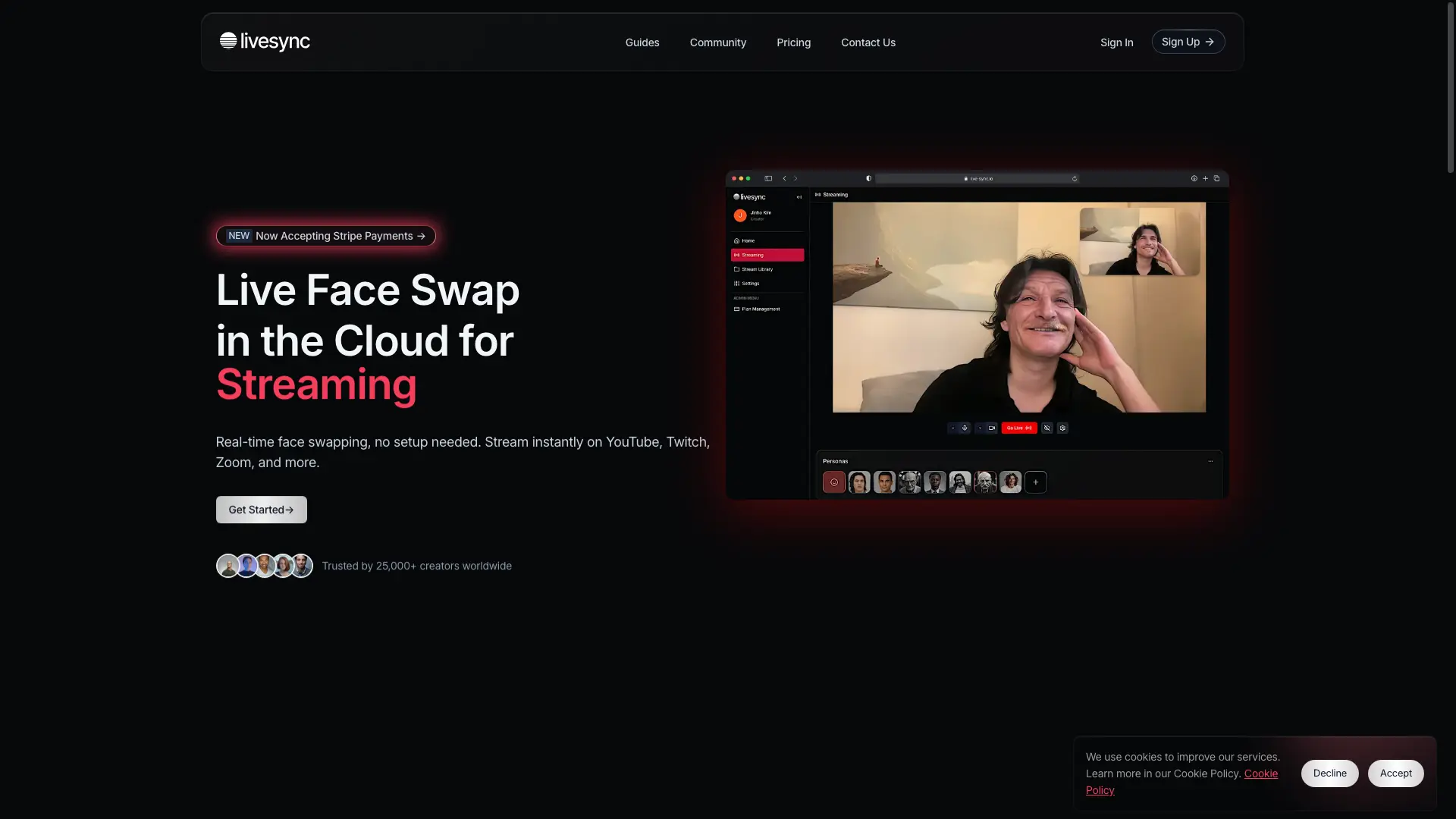
What is Livesync?
How to use Livesync?
Livesync Core Features
One-Click Face Swap
Select your avatar with a single click for instant transformation. No downloads, no setup.
Hyper-Realistic Avatars
Cutting-edge technology for hyper-realistic face transformation, delivering smooth transitions and lifelike results.
Cloud-Based, Any Device
All processing runs in the cloud. Works on computer, phone, or iPad — no GPU needed.
Multi-Platform Streaming
Stream directly to YouTube, Twitch, Zoom, Google Meet, OBS, and more with built-in integrations.
Virtual Events & Webinars
Engage participants in virtual events with lifelike avatars and real-time face swapping.
Livesync Use Cases
Enhance live streams with custom faces for real-time creativity
Add a touch of creativity to video calls with real-time face swaps
Create lifelike characters for video content and storytelling
Engage virtual event and webinar participants with avatars
Effortlessly play multiple roles during movie filming
Brand identity enhancement with realistic face swap technology
Immerse in VR experiences with lifelike avatars
Livesync Frequently Asked Questions
Where can I use Livesync's real-time face swap?
What makes Livesync different from other face swap tools?
How does Livesync protect my privacy and data?
Does Livesync offer a free plan?
Are credits consumed in Backstage mode?
How can I optimize Livesync for the best face swap performance?
Livesync Product Background & Official Links
Livesync Support Email & Customer service contact & Refund contact etc.
Livesync Support Email: info@live-sync.io
More Contact, visit the about us page(https://www.live-sync.io/guides)
Livesync Pricing
Livesync Pricing Link: https://www.live-sync.io/pricing
Livesync Youtube
Livesync Youtube Link: https://www.youtube.com/@livesyncio
Livesync LinkedIn
Livesync LinkedIn Link: https://www.linkedin.com/company/105050990/
Livesync Pricing & Plans
Free
Free- 10 Video Credits (1 Credit = 1 Minute of Streaming)
- Max Video Quality 480p
- Max FPS 24
- Max Recording Time 10 minutes
- No Broadcasting
Starter
Recurring- 30 Video Credits
- Max Video Quality 720p
- Max FPS 24
- Max Recording Time 30 minutes
- Broadcasting up to 30 minutes
Creator
Recurring- 90 Video Credits
- Max Video Quality 1080p
- Max FPS 24
- Max Recording Time 90 minutes
- Broadcasting up to 90 minutes
Pro
Recurring- 500 Video Credits
- Max Video Quality 1080p
- Max FPS 24
- Max Recording Time 3 hours
- Broadcasting up to 10 hours
- Priority Queue
Scale
Recurring- 2000 Video Credits
- Max Video Quality 2K
- Max FPS 24
- Max Recording Time
- Broadcasting up to 12 hours
- No Watermark
- API Access
Business
Recurring- 10000 Video Credits
- Max Video Quality 2K
- Max FPS 30
- No Watermark
- API Access
- SLA