


MacGPT
Active
What is MacGPT?
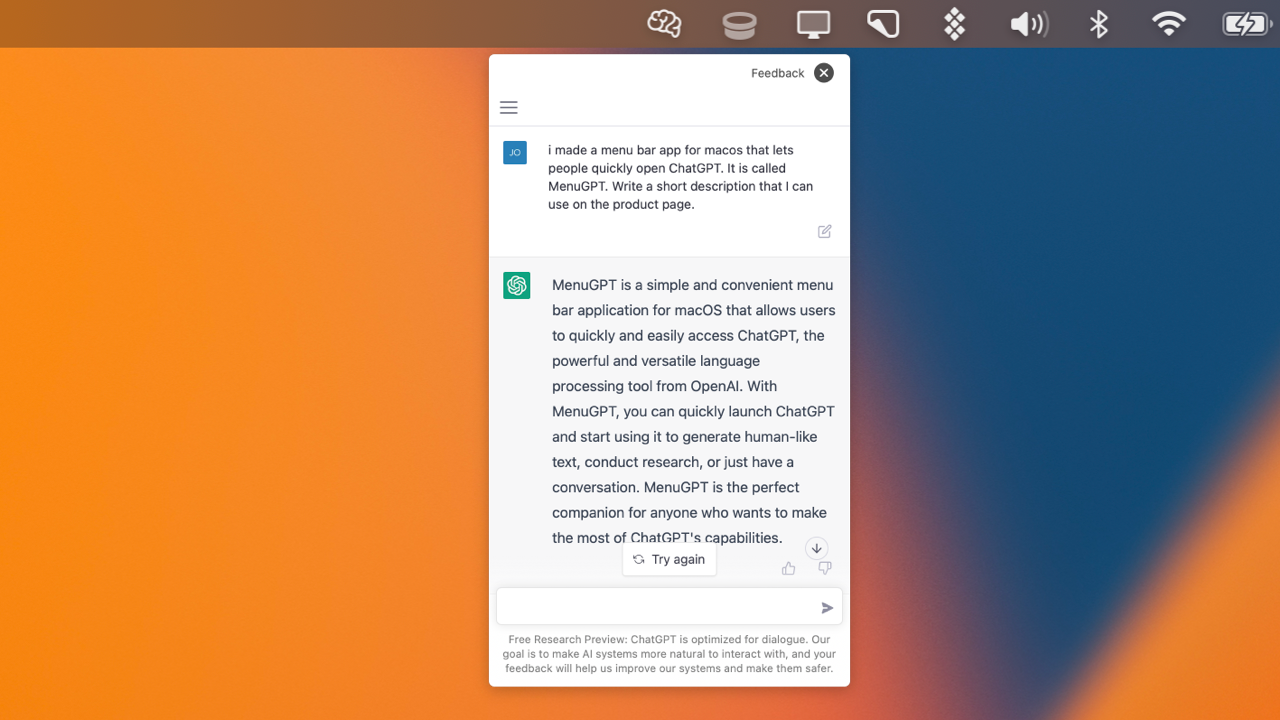
How to use MacGPT?
MacGPT Core Features
Global
Open a ChatGPT input field in the center of your screen with a keyboard shortcut and keep chatting over any app.
Inline
Type a trigger phrase in any text field and MacGPT writes the response directly where you are typing.
Menubar and native window
Keep ChatGPT one click away in your menu bar, or load the ChatGPT website inside a lightweight native window.
Conversation mode
Talk to ChatGPT back and forth by voice instead of typing, hands-free.
Copy transcripts
Copy a clean, readable transcript of your ChatGPT conversations to use anywhere.
MacGPT Use Cases
Brainstorm blog titles or polish writing without switching apps
Get coding help and draft commit messages from the menu bar
Generate replies and summaries inline inside any text field
Ask ChatGPT by voice while multitasking
MacGPT Frequently Asked Questions
Can I use MacGPT with a ChatGPT Plus account?
How do I use MacGPT with my OpenAI API key?
Which macOS versions does MacGPT support?
Why doesn't MacGPT Inline work in some apps?
MacGPT Product Background & Official Links
MacGPT Support Email & Customer service contact & Refund contact etc.
MacGPT Support Email: support@macgpt.com
More Contact, visit the about us page(https://www.macgpt.com)
MacGPT Company Info
MacGPT Company name: Good Snooze
More about MacGPT, Please visit the about us page(https://www.macgpt.com)
MacGPT Pricing
MacGPT Pricing Link: https://goodsnooze.gumroad.com/l/menugpt
MacGPT Twitter
MacGPT Twitter Link: https://www.twitter.com/jordibruin
MacGPT Pricing & Plans
Free
Free- Menu bar, Global, and Inline access to ChatGPT
- Web ChatGPT mode — no API key required
- Native API mode using your own OpenAI API key
- Conversation (voice) mode
- Copy chat transcripts
- One-time download, optional pay-what-you-want tip