

Sponsored byNemoVideo- Pro AI video editing agent to chat your way to viral content
BAT AI TOOLSBAT AI TOOLS
  • Tools
  • Category
  • Jobs
  • Pricing
  • PromoFREE
Free Submit
Sign In
  • Home
  • /
  • AI Speech-to-Text
  • /
  • Miaoyan
Miaoyan

Miaoyan

Active
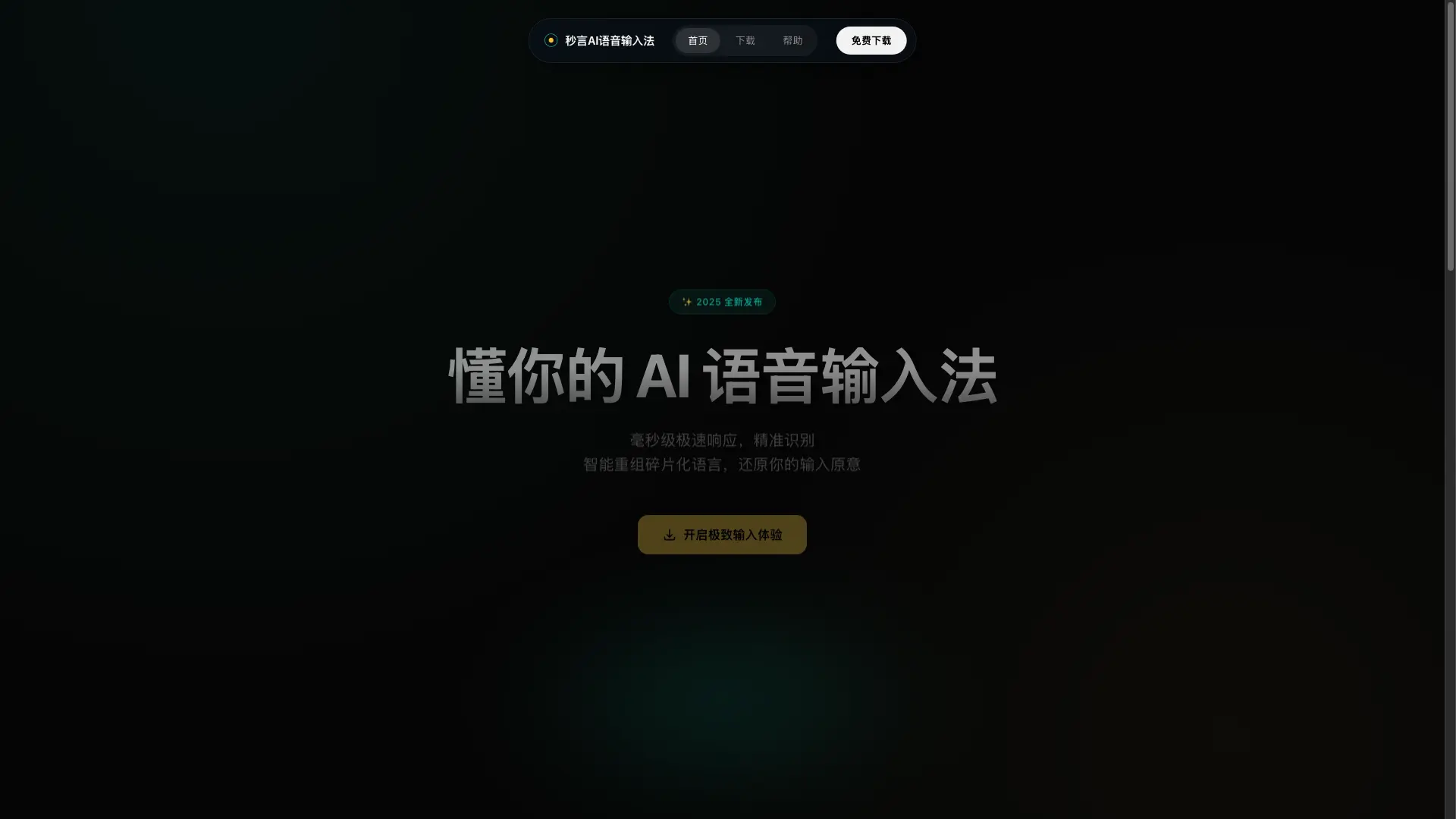
Tagline:AI voice input method with millisecond response and speech restructuring
Updated:September 6, 2026
Domain Rating:
5Domain Rating by Ahrefs
Social Media:
AI Speech-to-TextVoice Generation & ConversionAI AssistantOffice & ProductivityAI WritingAI Rewriter & PolisherFreemiumDesktop AppMac CompatibleWindows CompatibleReal-timeInstant DownloadFor CreatorsFor Students
Open Website
Miaoyan
Visit Website
|
  • About
  • Pricing

What is Miaoyan?

Miaoyan is an AI-powered voice input application for desktop that transcribes speech with millisecond response, automatically cleans up filler words, fixes colloquial grammar, and executes intelligent commands directly within any text field.

How to use Miaoyan?

1. Download and install the app for macOS. 2. Grant microphone and accessibility permissions. 3. Press the Fn key in any text input field to start speaking, or press Fn + Command for command mode.

Miaoyan Core Features

01

Intelligent Speech Restructuring

Automatically removes conversational filler words such as 'um' and 'ah', cleans up speech errors, and intelligently inserts punctuation and paragraph breaks.

02

Integrated AI Assistant

Invokes AI actions in any active text box without switching windows, including text polishing, direct URL opening, multilingual translation, and LLM queries.

03

Millisecond Response Speed

Provides real-time transcription with a 0.2-second response latency and high intent recognition accuracy.

04

Dual Input Modes

Supports standard voice-to-text mode with the Fn key and smart command mode with Fn + Command to execute structured tasks.

Miaoyan Use Cases

Drafting emails and messages quickly without manual typing

Dictating notes, meeting summaries, and long-form articles

Polishing and translating text directly across desktop applications

Miaoyan Frequently Asked Questions

Which operating systems are supported?

Miaoyan currently supports macOS 10.15+ (Apple Silicon and Intel architectures). A Windows version is currently under active development.

Which permissions are required?

Microphone access is required for voice capture, and Accessibility permission is required on macOS to insert transcribed text into active input fields.

How does Command Mode work?

Press Fn + Command and speak an instruction (such as 'translate this text' or 'summarize this paragraph') to have the AI execute the requested task directly.

Miaoyan Product Background & Official Links

Miaoyan Support Email & Customer service contact & Refund contact etc.

Miaoyan Support Email: support@ripplestars.com

More Contact, visit the about us page(https://miaoyan.cn/help.html)

Miaoyan Company Info

Miaoyan Company name: 杭州点动星河科技有限公司

Miaoyan Developer Type: company

Miaoyan Company address: Zhejiang, China

More about Miaoyan, Please visit the about us page(https://miaoyan.cn/help.html)

Miaoyan Pricing & Plans

Most Popular

Free

Free
Free
  • Full access to core voice-to-text transcription
  • Standard AI polishing and command mode
  • Generous daily usage quota
  • macOS support with Apple Silicon & Intel packages
Subscribe & upgrade now

Miaoyan Tags

FreemiumDesktop AppMac CompatibleWindows CompatibleReal-timeInstant DownloadFor CreatorsFor StudentsFor Developers

Best Suited Occupations for Miaoyan

Writers & MarketersSoftware DevelopersStudentsProduct ManagersGeneral Consumers

Top Product Categories

LLMs & AI Agents

  • AI Chatbots
  • AI Agents
  • Prompt Engineering
  • AI Search Engine

Engineering & Code

  • AI Code Assistant
  • AI Code Generator
  • AI Developer Tools
  • No-Code & Low-Code

Image & Creative

  • AI Image Generator
  • AI Design Generator
  • AI Art Generator
  • Image-to-Image

Video & Animation

  • AI Video Generator
  • AI Short Video Maker
  • Digital Humans
  • AI Video Editor

Productivity & Office

  • AI Meeting Assistant
  • AI PDF Tools
  • AI Workflow
  • AI PPT Generator

Marketing & Sales

  • AI SEO Tools
  • AI Copywriting
  • AI Lead Generation
  • AI Sales Assistant

Audio & Voice

  • AI Voice Cloning
  • AI Text-to-Speech
  • AI Music Generator
  • AI Podcast Tools

Research & Data

  • AI Research Tools
  • AI Data Analytics
  • AI Knowledge Base
  • See All Categories >>
BAT AI TOOLS
  • Submit your AI tool
  • Pricing
  • Partnership
  • Feedback
  • About
  • A2A Compatible
WeChat QR
Scan QR code with WeChat
hi@bataitools.comClick icon to auto-copy email
English简体中文繁體中文EspañolالعربيةBahasa IndonesiaPortuguêsFrançais日本語РусскийDeutsch한국어TürkçeTiếng ViệtItalianoNederlandsPolskiไทยहिन्दीУкраїнськаفارسیবাংলাاردوSvenskaNorskDanskSuomiעברית

Copyright © 1970 BAT AI TOOLS. All Rights Reserved.

·Partnership·Privacy Policy·Terms of Service·Refund Policy