


Muse Image
ActiveTagline:Free AI image generator and photo editor — create images from text, edit photos, and blend references
Updated:October 22, 2026
Domain Rating:
What is Muse Image?
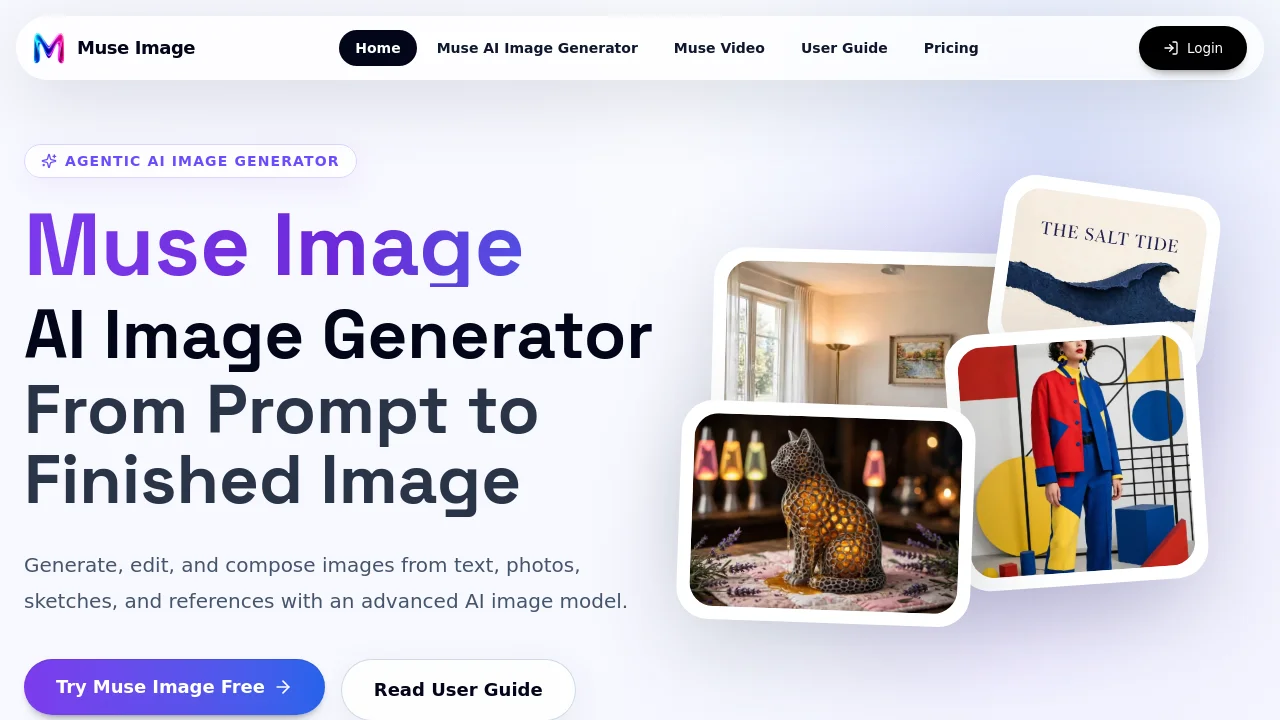
Muse Image is a browser-based AI image generator and photo editor. It creates images from plain-language prompts and plans the composition first — object placement, lighting and style — before generating pixels. Existing photos can be edited by describing the change or marking the exact region to modify, so everything you did not ask to change stays intact. Multi-reference composition blends several inputs into one coherent image, keeping identity, body proportions and lighting consistent. Images export without a watermark, and credits from paid packs never expire.

How to use Muse Image?
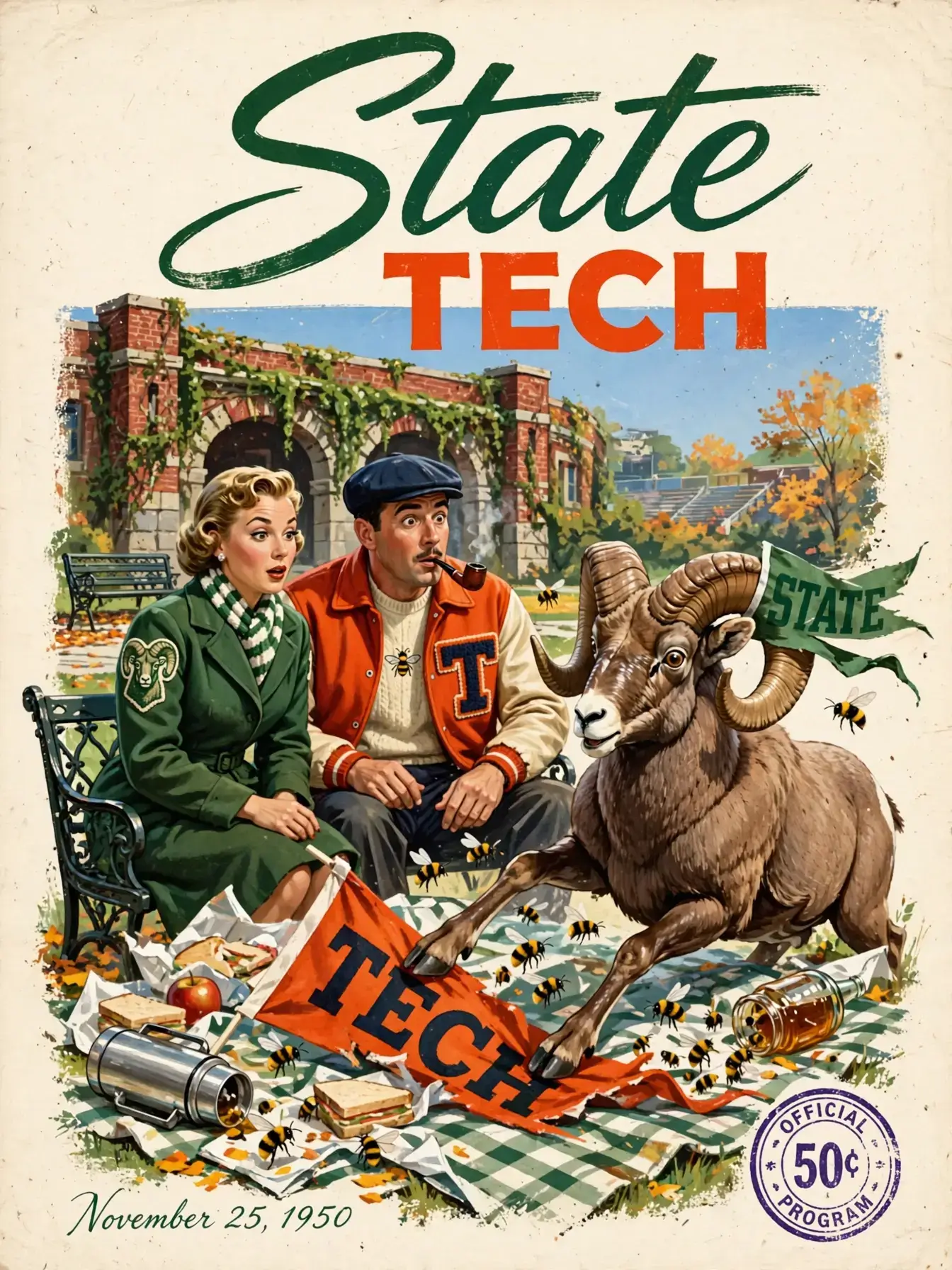
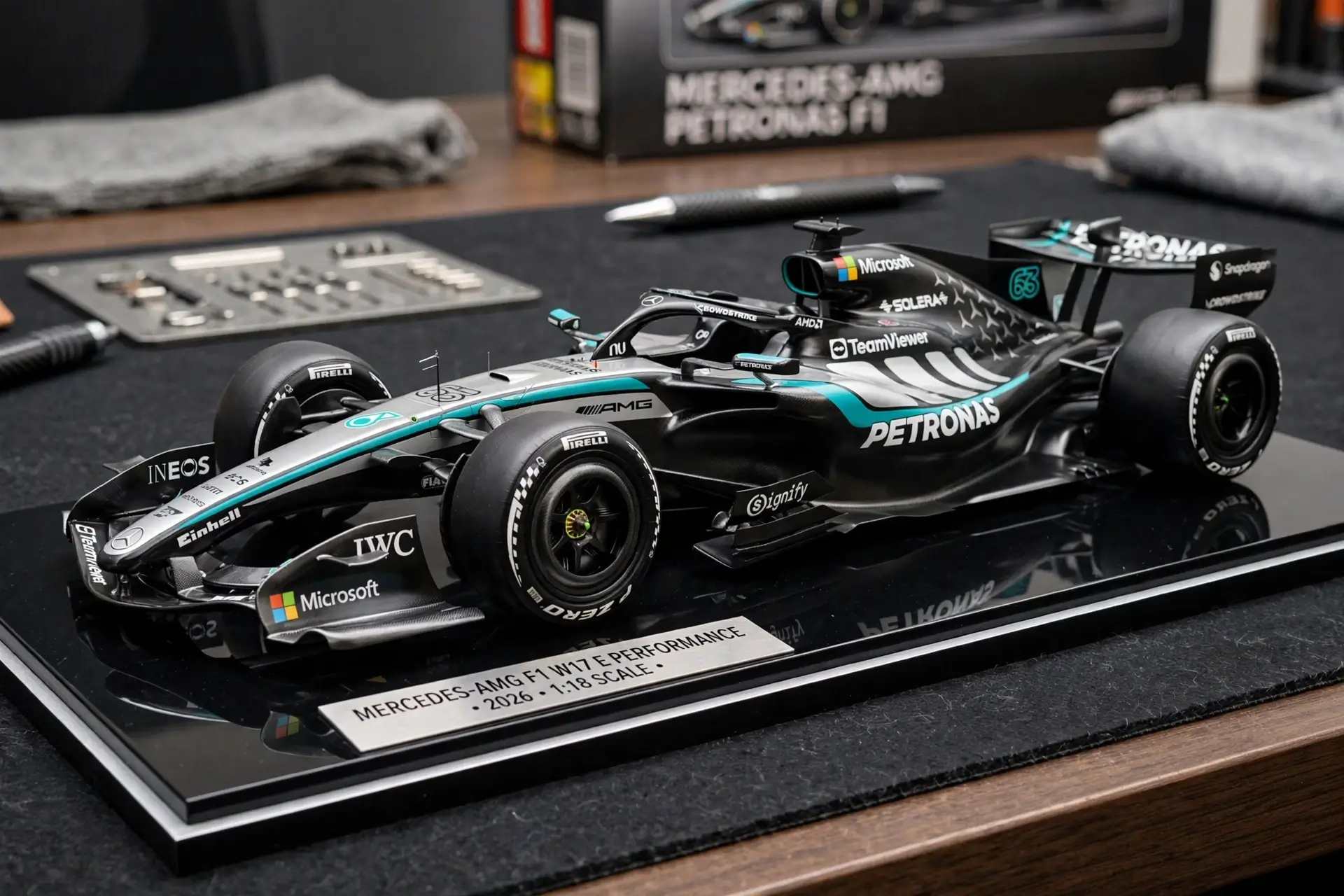
Open muse-image.co in any browser and sign in — new accounts start with free credits and nothing to install. 1) Write a plain-language prompt describing the image you want. 2) Wait a few seconds while Muse Image plans the composition and generates the result. 3) To edit, describe the change or mark the exact region you want different. 4) Download the finished image — no watermark.
Muse Image Core Features
01
Text-to-image generation
Generates images from plain-language prompts, planning composition, object placement, lighting and style before generating pixels.
02
Targeted photo editing
Edit an existing photo by describing the change or marking the exact region to modify; changes apply only where you point, keeping the rest of the image intact.
03
Multi-reference composition
Combines multiple uploaded images into one image while maintaining identity, body proportions, clothing, and consistent perspective, lighting and shadows.
Muse Image Use Cases
Place yourself into a travel destination by combining a profile photo with a landscape photo
Merge product photos with lifestyle backgrounds for ecommerce listings
Restore an old photo or remove an unwanted object without regenerating the whole image
Muse Image Frequently Asked Questions
Is Muse Image free to try?
Can Muse Image edit only part of a photo?
Do my images have a watermark?
Muse Image Product Background & Official Links
Muse Image Support Email & Customer service contact & Refund contact etc.
Muse Image Support Email: support@muse-image.co
More Contact, visit the about us page(https://muse-image.co/user-guide)
Muse Image Pricing
Muse Image Pricing Link: https://muse-image.co/pricing
Muse Image Pricing & Plans
Free
FreeFree
- 2 credits on sign-up
- About 1 image at 1K resolution
- Text-to-image and photo editing
- Standard queue speed
Starter
flat$9.9 one-time
- 150 credits
- About 75 images at 1K or 50 at 2K
- No watermark, commercial use license
- Email support
Most Popular
Plus
flat$29.9 one-time
- 540 credits
- About 270 images at 1K or 180 at 2K
- No watermark, commercial use license
- Priority queue speed
Pro
flat$49.9 one-time
- 1100 credits
- About 550 images at 1K or 366 at 2K
- No watermark, commercial use license
- Fastest priority queue