Sponsored byMind Tracker- Mood journal. The application shows analytics on your well-being
BAT AI TOOLSBAT AI TOOLS
  • Tools
  • Category
  • Jobs
  • Pricing
  • PromoFREE
Free Submit
Sign In
  • Home
  • /
  • AI Content Summarizer
  • /
  • PDF AI Sheet
PDF AI Sheet

PDF AI Sheet

Active
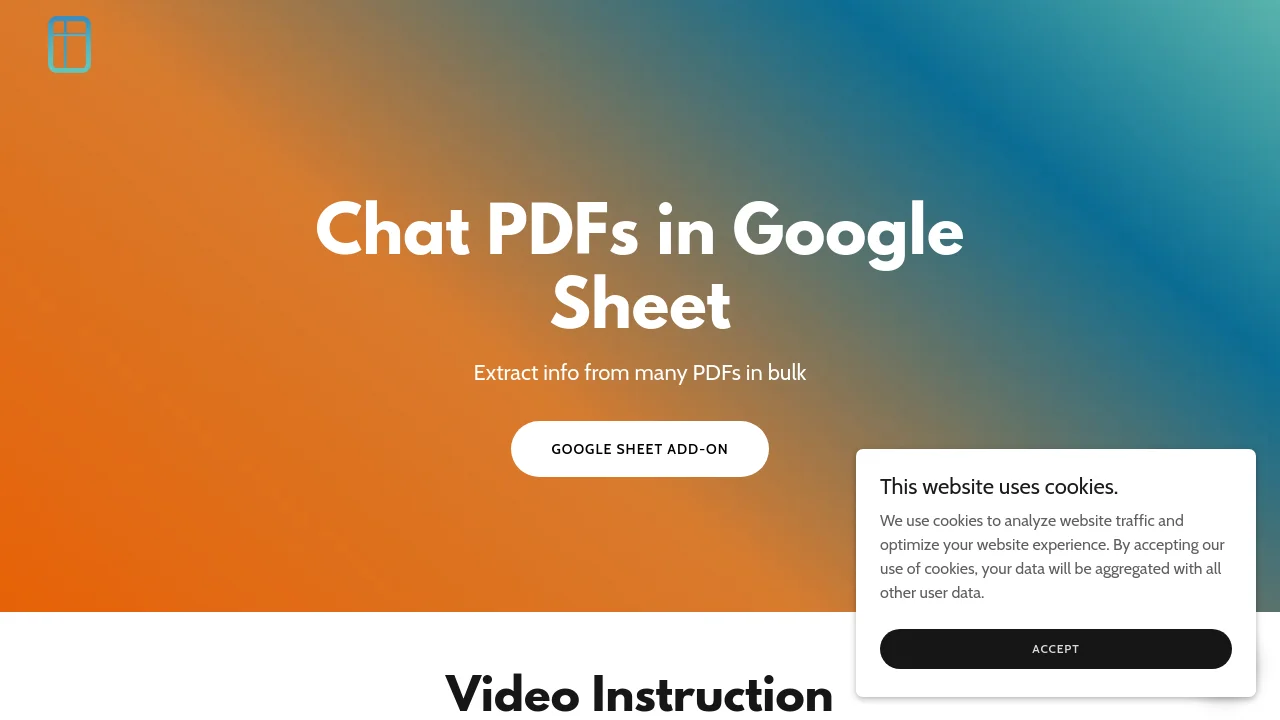
Tagline:Chat PDFs in Google Sheets and extract info in bulk
Updated:September 7, 2026
Domain Rating:
0Domain Rating by Ahrefs
Social Media:
AI Content SummarizerAI OCR Text RecognitionText Generation & EditingBulk ProcessingBrowser ExtensionCloud-basedSecure Data
Open Website
PDF AI Sheet
Visit Website
|
  • About
  • Pricing

What is PDF AI Sheet?

PDF AI Sheet is a Google Sheets add-on by CapGo.AI that enables users to query multiple PDFs simultaneously and extract structured data in bulk directly within spreadsheets.

PDF AI Sheet screenshot 1

How to use PDF AI Sheet?

Install the PDF AI Sheet add-on in Google Sheets, upload PDFs at capgo.ai/doc-at-scale to generate PDF IDs, and use the =ai_pdf(prompt, PDF_ID) formula to query your documents.

PDF AI Sheet Core Features

01

Bulk PDF Querying

Ask questions across multiple PDF documents simultaneously in Google Sheets using the =ai_pdf(prompt, PDF_ID) formula.

02

Reference Page Citations

Add 1 to the end of the formula to automatically output the reference page number where the information was found.

03

Google Sheets Formula Integration

Activate under Extensions and drag formulas across rows to process large document batches effortlessly.

PDF AI Sheet Use Cases

Extract key skills, experience, and contact details from bulk resumes for HR screening

Retrieve financial metrics and key data points from earnings reports and filings

Pull structured contract terms and legal clauses into spreadsheet columns

Compare information across multiple research papers or technical documents

PDF AI Sheet Frequently Asked Questions

How do I use PDF AI Sheet in Google Sheets?

Install the add-on from Google Workspace Marketplace, activate it under Extensions, upload your PDFs at capgo.ai/doc-at-scale to get PDF IDs, and use the formula =ai_pdf(prompt, PDF_ID).

Can I see which page the answer came from?

Yes. Add 1 to the end of your =ai_pdf formula and the add-on will output the reference page number alongside the extracted text.

Can I query hundreds of PDFs at once?

Yes. You can drag the custom formula down across spreadsheet rows to ask the same prompt to hundreds of PDF documents in bulk.

PDF AI Sheet Product Background & Official Links

PDF AI Sheet Support Email & Customer service contact & Refund contact etc.

PDF AI Sheet Support Email: info@capgo.ai

More Contact, visit the about us page(https://capgo.ai/doc-at-scale)

PDF AI Sheet Company Info

PDF AI Sheet Company name: CapGo

PDF AI Sheet Developer Type: company

PDF AI Sheet Company address: California, US

More about PDF AI Sheet, Please visit the about us page(https://capgo.ai/doc-at-scale)

PDF AI Sheet Pricing

PDF AI Sheet Pricing Link: https://pdfaisheet.com

PDF AI Sheet Pricing & Plans

Free Trial

Free
Free
  • Google Sheets add-on access
  • Basic bulk PDF querying
  • Formula drag-and-drop support
Subscribe & upgrade now
Most Popular

Subscription

Recurring
Contact for pricing
  • High-volume bulk PDF processing
  • Priority customer support
  • Full document analysis and citation support
Subscribe & upgrade now

PDF AI Sheet Tags

Bulk ProcessingBrowser ExtensionCloud-basedSecure Data

Best Suited Occupations for PDF AI Sheet

Finance & AccountantsHR Professionals & RecruitersAcademic ResearchersData ScientistsSmall Business Owners

Top Product Categories

LLMs & AI Agents

  • AI Chatbots
  • AI Agents
  • Prompt Engineering
  • AI Search Engine

Engineering & Code

  • AI Code Assistant
  • AI Code Generator
  • AI Developer Tools
  • No-Code & Low-Code

Image & Creative

  • AI Image Generator
  • AI Design Generator
  • AI Art Generator
  • Image-to-Image

Video & Animation

  • AI Video Generator
  • AI Short Video Maker
  • Digital Humans
  • AI Video Editor

Productivity & Office

  • AI Meeting Assistant
  • AI PDF Tools
  • AI Workflow
  • AI PPT Generator

Marketing & Sales

  • AI SEO Tools
  • AI Copywriting
  • AI Lead Generation
  • AI Sales Assistant

Audio & Voice

  • AI Voice Cloning
  • AI Text-to-Speech
  • AI Music Generator
  • AI Podcast Tools

Research & Data

  • AI Research Tools
  • AI Data Analytics
  • AI Knowledge Base
  • See All Categories >>
BAT AI TOOLS
  • Submit your AI tool
  • Pricing
  • Partnership
  • Feedback
  • About
  • A2A Compatible
WeChat QR
Scan QR code with WeChat
hi@bataitools.comClick icon to auto-copy email
English简体中文繁體中文EspañolالعربيةBahasa IndonesiaPortuguêsFrançais日本語РусскийDeutsch한국어TürkçeTiếng ViệtItalianoNederlandsPolskiไทยहिन्दीУкраїнськаفارسیবাংলাاردوSvenskaNorskDanskSuomiעברית

Copyright © 1970 BAT AI TOOLS. All Rights Reserved.

·Partnership·Privacy Policy·Terms of Service·Refund Policy