Sponsored byPlainScribe- Pay-as-you-go AI transcription & translation — no monthly plan
BAT AI TOOLSBAT AI TOOLS
  • Tools
  • Category
  • Jobs
  • Pricing
  • PromoFREE
Free Submit
Sign In
  • Home
  • /
  • AI Resume Builder
  • /
  • Quick Resume
Quick Resume

Quick Resume

Active
Tagline:Create a professional resume in seconds with AI
Updated:October 22, 2026
Domain Rating:
1Domain Rating by Ahrefs
Social Media:
AI Resume BuilderAI WritingText Generation & EditingOffice & ProductivityPaidWeb AppOne-time PurchaseFor Students
Open Website
Quick Resume
Visit Website
|
  • About
  • Pricing

What is Quick Resume?

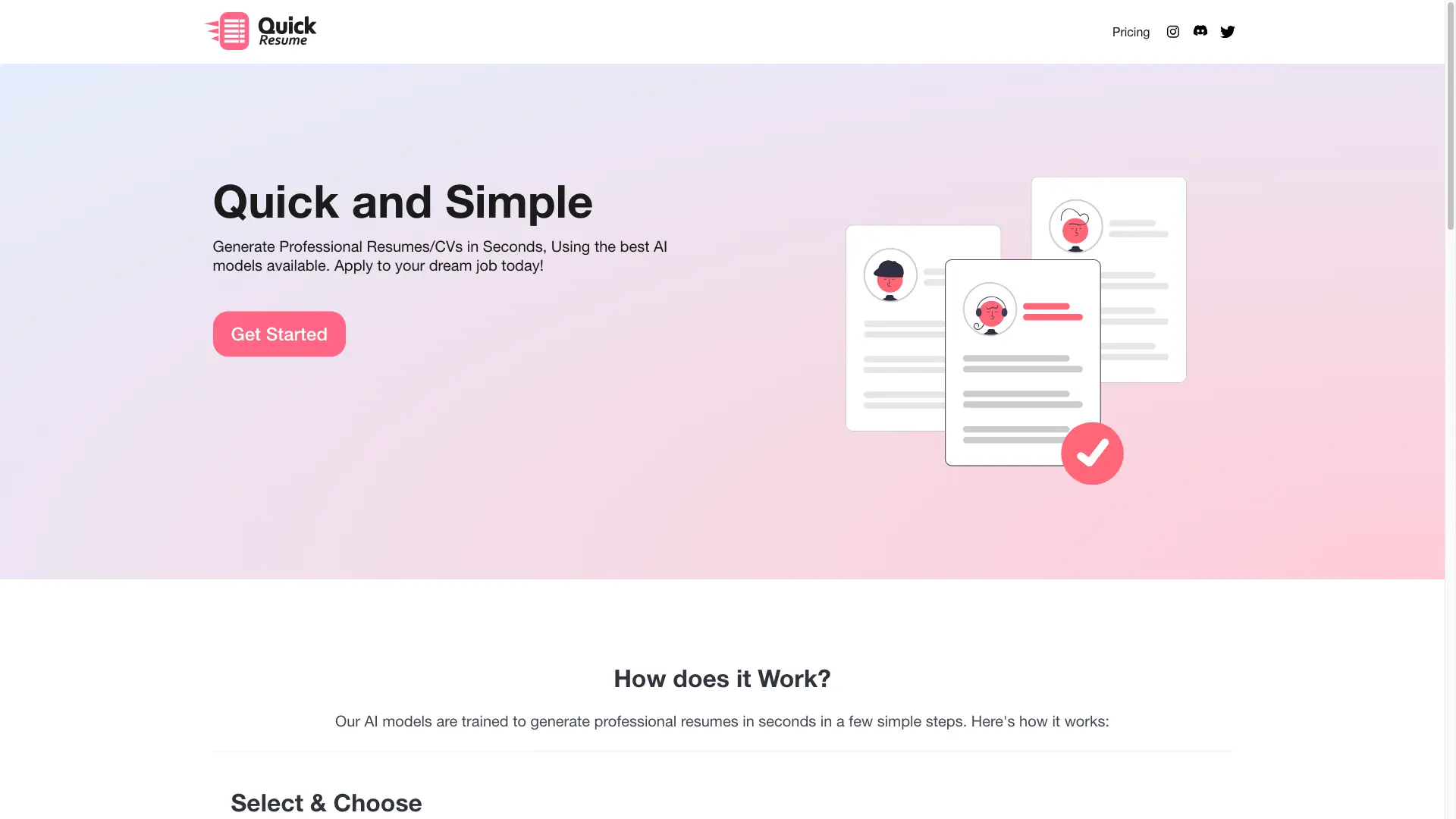
Quick Resume is an AI-powered resume builder that generates a professional resume in a few simple steps. Choose a resume type such as Software Engineer, Casual, or Targeted Job, enter your details, and let the AI write the draft. Download the result as PDF or LaTeX, and edit the LaTeX file if you need changes.
Quick Resume screenshot 1
Quick Resume screenshot 2
Quick Resume screenshot 3

How to use Quick Resume?

1. Select the resume type you want to generate. 2. Enter your personal information, work experience, education, and skills. 3. Let the AI generate your resume, then download it as PDF or LaTeX.

Quick Resume Core Features

01

Select & Choose

Pick the resume type you want to generate — options include Software Engineer, Casual, Targeted Job, and more.

02

Input your Info

Enter your personal information, work experience, education, and skills, and the AI model generates a resume from what you provide.

03

Edit & Download

Download your resume as PDF or LaTeX. The LaTeX file can be edited directly if you want to make changes.

04

Google Gemini AI

Resumes are created with Google Gemini AI, using advanced algorithms to help your resume stand out.

05

ATS Friendly

Resumes are optimized to pass Applicant Tracking Systems (ATS) that most companies use to filter candidates.

Quick Resume Use Cases

Software engineers who need a tailored technical resume

Job seekers building a resume targeted at a specific role

Anyone applying to general positions who wants a quick, casual resume

Candidates who need an ATS-friendly resume to get past company filters

Quick Resume Frequently Asked Questions

What AI model does Quick Resume use?

Quick Resume uses Google Gemini AI to generate resumes and CVs.

In what formats can I download my resume?

You can download your resume as a PDF or a LaTeX file. The LaTeX file can be edited directly for any changes.

Are the resumes ATS-friendly?

Yes. Resumes are optimized to pass Applicant Tracking Systems (ATS) that most companies use to filter candidates.

What resume types can I choose from?

You can choose types such as Software Engineer, Casual, and Targeted Job, among others.

Quick Resume Product Background & Official Links

Quick Resume Support Email & Customer service contact & Refund contact etc.

More Contact, visit the about us page(https://quickresume.co/)

Quick Resume Individual Info

Quick Resume Individual name: Kren1ch

Quick Resume Developer Type: individual

More about Quick Resume, Please visit the about us page(https://quickresume.co/)

Quick Resume Pricing

Quick Resume Pricing Link: https://quickresume.co/pricing

Quick Resume Twitter

Quick Resume Twitter Link: https://x.com/KrenichRaid

Quick Resume Instagram

Quick Resume Instagram Link: https://www.instagram.com/krenichstudios/

Quick Resume Pricing & Plans

Basic

flat
$5 one-time
  • 1 Resume/CV
  • PDF & TEX formats
  • Latest AI model
Subscribe & upgrade now
Most Popular

Balanced

flat
$10 one-time
  • 3 Resumes/CVs
  • PDF & TEX formats
  • Latest AI model
  • Best value
Subscribe & upgrade now

Bulk

flat
$20 one-time
  • 10 Resumes/CVs
  • PDF & TEX formats
  • Latest AI model
Subscribe & upgrade now

Quick Resume Tags

PaidWeb AppOne-time PurchaseFor Students

Best Suited Occupations for Quick Resume

Job SeekersStudentsGeneral ConsumersFreelancers

Top Product Categories

LLMs & AI Agents

  • AI Chatbots
  • AI Agents
  • Prompt Engineering
  • AI Search Engine

Engineering & Code

  • AI Code Assistant
  • AI Code Generator
  • AI Developer Tools
  • No-Code & Low-Code

Image & Creative

  • AI Image Generator
  • AI Design Generator
  • AI Art Generator
  • Image-to-Image

Video & Animation

  • AI Video Generator
  • AI Short Video Maker
  • Digital Humans
  • AI Video Editor

Productivity & Office

  • AI Meeting Assistant
  • AI PDF Tools
  • AI Workflow
  • AI PPT Generator

Marketing & Sales

  • AI SEO Tools
  • AI Copywriting
  • AI Lead Generation
  • AI Sales Assistant

Audio & Voice

  • AI Voice Cloning
  • AI Text-to-Speech
  • AI Music Generator
  • AI Podcast Tools

Research & Data

  • AI Research Tools
  • AI Data Analytics
  • AI Knowledge Base
  • See All Categories >>
BAT AI TOOLS
  • Submit your AI tool
  • Pricing
  • Partnership
  • Feedback
  • About
  • A2A Compatible
WeChat QR
Scan QR code with WeChat
hi@bataitools.comClick icon to auto-copy email
English简体中文繁體中文EspañolالعربيةBahasa IndonesiaPortuguêsFrançais日本語РусскийDeutsch한국어TürkçeTiếng ViệtItalianoNederlandsPolskiไทยहिन्दीУкраїнськаفارسیবাংলাاردوSvenskaNorskDanskSuomiעברית

Copyright © 1970 BAT AI TOOLS. All Rights Reserved.

·Partnership·Privacy Policy·Terms of Service·Refund Policy