Sponsored byWAE - We Are Engineer- Precision Engineered Education for engineering careers
BAT AI TOOLSBAT AI TOOLS
  • Tools
  • Category
  • Jobs
  • Pricing
  • PromoFREE
Free Submit
Sign In
  • Home
  • /
  • Video & Animation
  • /
  • Screentell
Screentell

Screentell

Active
Tagline:Create Studio-Quality Screen Recordings
Updated:-
Social Media:
Video & AnimationAI Video EditorFreeFreemiumSubscriptionOne-time PurchaseWeb AppZero SetupPrivacy-FocusedHigh Definition
Open Website
Screentell
Visit Website
|
  • About
  • Pricing

What is Screentell?

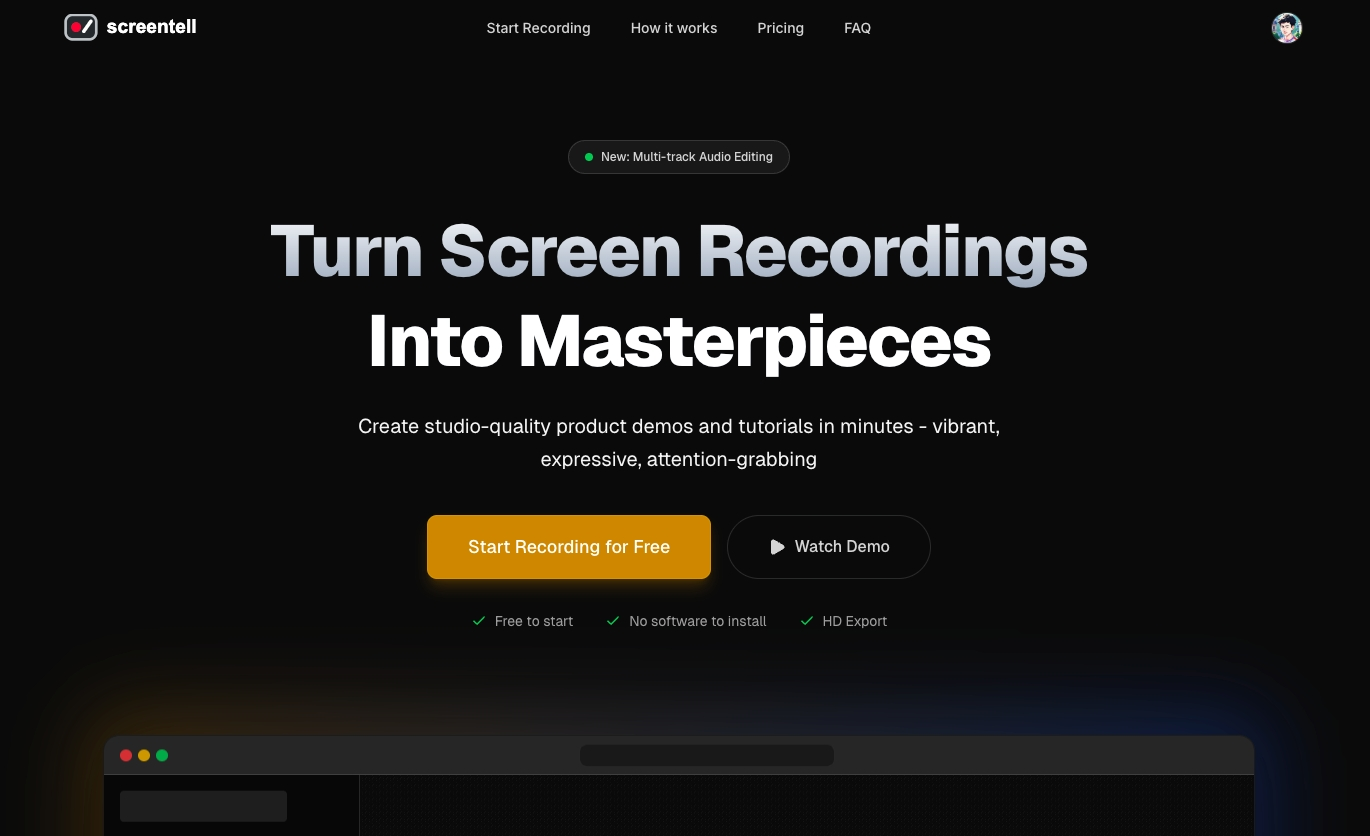
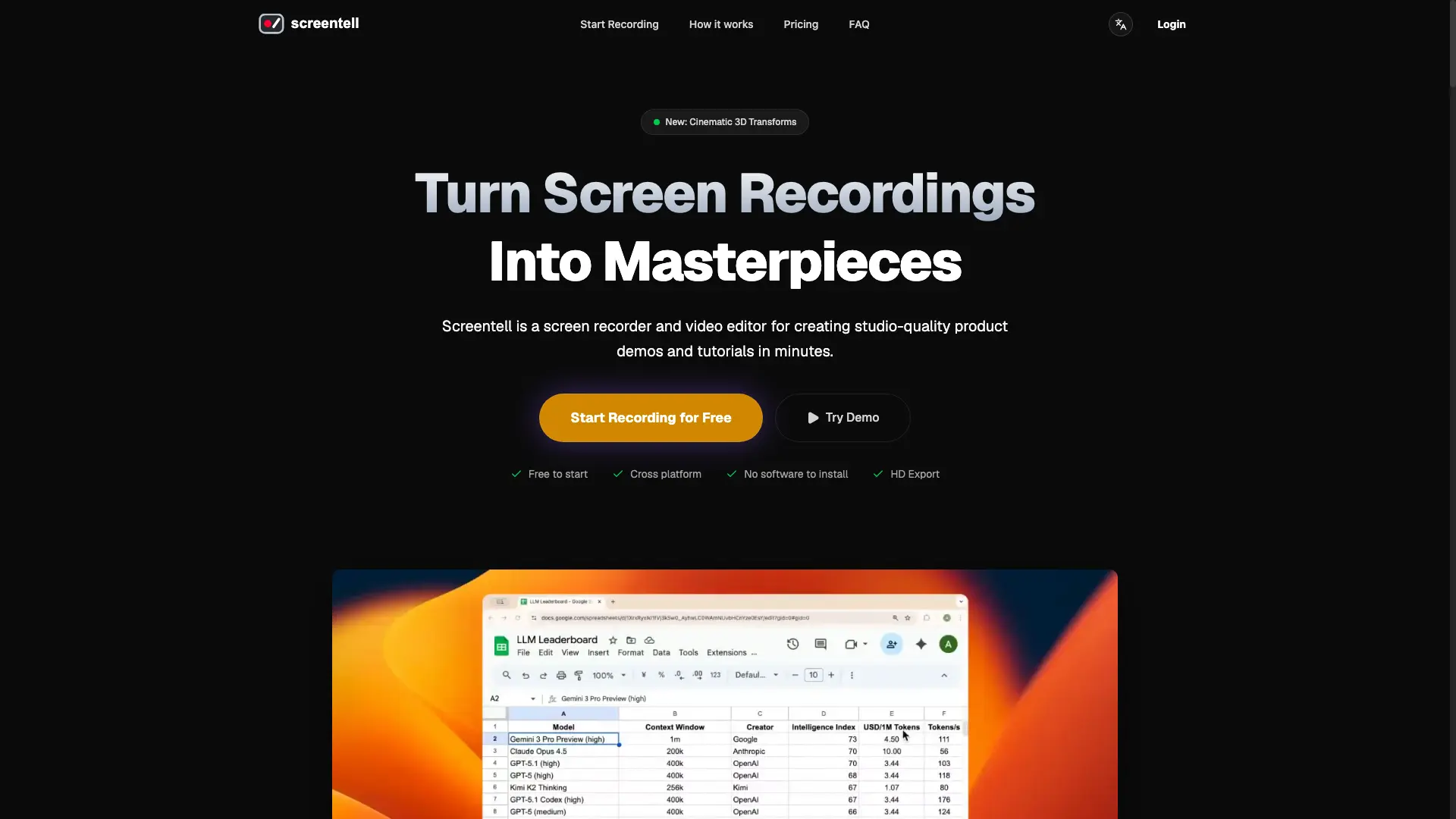
Screentell is a browser-based screen recorder and video editor for making studio-quality product demos and tutorials in minutes. Record screen and camera, then edit with zoom, cinematic 3D transforms, stickers, and annotations. Export to MP4, WebM, or GIF in HD. All processing runs locally in your browser — recordings never leave your device.
Screentell screenshot 1

How to use Screentell?

1. Open Screentell in a Chromium-based browser (Chrome, Edge, Brave, or Arc) — no software to install. 2. Select a window or screen and record screen and camera with system and microphone audio. 3. Edit with zoom, 3D transforms, stickers, and trimming, then export to MP4, WebM, or GIF in HD.

Screentell Core Features

01

Motion & Focus (2D/3D)

Add smooth zoom, pan, and cinematic 3D transforms to guide the viewer's eye and give flat recordings real depth and perspective.

02

Stickers & Annotations

Point out what matters with customizable arrows, bubbles, and shapes. Upload your own images to overlay on the video.

03

Backgrounds & Layouts

Give videos a polished, studio look with custom backgrounds, padding (Inset) around the recording, and drop shadows.

04

Video Editing

Split clips, remove unwanted parts, and adjust playback speed for specific segments with multi-track control.

05

Dynamic Camera Layer

Add your webcam as a flexible layer you can move, resize, or hide even after recording.

06

Local Privacy

All processing happens in your browser. Recordings are processed and stored 100% locally and never leave your device.

Screentell Use Cases

Create product demos and tutorials for YouTube or social media.

Record software walkthroughs and onboarding videos for teams.

Capture and edit gameplay or creative-process clips with face-cam overlays.

Import existing videos and trim them into polished clips from the Projects page.

Screentell Frequently Asked Questions

Is Screentell really free?

Yes. You can record and edit unlimited videos for free. The Pro plan adds higher-resolution exports, removes the watermark, and unlocks unlimited export length.

Do I need to install anything?

No. Screentell runs entirely in your browser (Chrome, Edge, Brave). It uses modern Web APIs for screen capture and video processing.

Can I use Screentell on Windows?

Yes. It is cross-platform and runs on all modern desktop browsers, including Chrome, Edge, Brave, and Arc. A Chromium-based browser is recommended for the best experience.

Can I edit videos I recorded elsewhere?

Yes. Beyond recording, you can import and edit any existing video file from the Projects page.

Is Screentell privacy-focused? Where are my videos stored?

Yes. Screentell never uploads your recordings to external servers. Everything is processed and stored 100% locally on your computer.

Screentell Product Background & Official Links

Screentell Support Email & Customer service contact & Refund contact etc.

Screentell Support Email: support@screentell.com

More Contact, visit the about us page(https://screentell.com/docs)

Screentell Company Info

Screentell Company name: Crownbyte LTD

Screentell Developer Type: company

More about Screentell, Please visit the about us page(https://screentell.com/docs)

Screentell Pricing

Screentell Pricing Link: https://screentell.com/

Screentell Youtube

Screentell Youtube Link: https://www.youtube.com/@screentellcom

Screentell Twitter

Screentell Twitter Link: https://x.com/ShawnHacks

Screentell LinkedIn

Screentell LinkedIn Link: https://www.linkedin.com/company/screentell

Screentell GitHub

Screentell GitHub Link: https://github.com/ScreentellHQ

Screentell Pricing & Plans

Free

Free
Free
  • Record and edit unlimited videos
  • No software to install
  • Standard export resolution
  • Includes watermark
Subscribe & upgrade now
Most Popular

Pro

Recurring
$49.99 /year
  • Everything in Free
  • No watermark
  • Unlimited export video length
  • Higher resolution exports
  • Cancel anytime
Subscribe & upgrade now

Lifetime

flat
$99 one-time
  • Everything in Pro
  • No recurring payments
  • Lifetime access and updates
  • Permanent access, no recurring fees
Subscribe & upgrade now

Screentell Tags

FreeFreemiumSubscriptionOne-time PurchaseWeb AppZero SetupPrivacy-FocusedHigh DefinitionNo Watermark

Best Suited Occupations for Screentell

Audio & Video ProducersSelf-Media & InfluencersStudentsGeneral Consumers

Top Product Categories

LLMs & AI Agents

  • AI Chatbots
  • AI Agents
  • Prompt Engineering
  • AI Search Engine

Engineering & Code

  • AI Code Assistant
  • AI Code Generator
  • AI Developer Tools
  • No-Code & Low-Code

Image & Creative

  • AI Image Generator
  • AI Design Generator
  • AI Art Generator
  • Image-to-Image

Video & Animation

  • AI Video Generator
  • AI Short Video Maker
  • Digital Humans
  • AI Video Editor

Productivity & Office

  • AI Meeting Assistant
  • AI PDF Tools
  • AI Workflow
  • AI PPT Generator

Marketing & Sales

  • AI SEO Tools
  • AI Copywriting
  • AI Lead Generation
  • AI Sales Assistant

Audio & Voice

  • AI Voice Cloning
  • AI Text-to-Speech
  • AI Music Generator
  • AI Podcast Tools

Research & Data

  • AI Research Tools
  • AI Data Analytics
  • AI Knowledge Base
  • See All Categories >>
BAT AI TOOLS
  • Submit your AI tool
  • Pricing
  • Partnership
  • Feedback
  • About
WeChat QR
Scan QR code with WeChat
hi@bataitools.comClick icon to auto-copy email
English简体中文繁體中文EspañolالعربيةBahasa IndonesiaPortuguêsFrançais日本語РусскийDeutsch한국어TürkçeTiếng ViệtItalianoNederlandsPolskiไทยहिन्दीУкраїнськаفارسیবাংলাاردوSvenskaNorskDanskSuomiעברית

Copyright © 1970 BAT AI TOOLS. All Rights Reserved.

·Partnership·Privacy Policy·Terms of Service·Refund Policy