


Shotva
ActiveTagline:Beautiful screenshots instantly
Updated:October 19, 2026
Domain Rating:
What is Shotva?
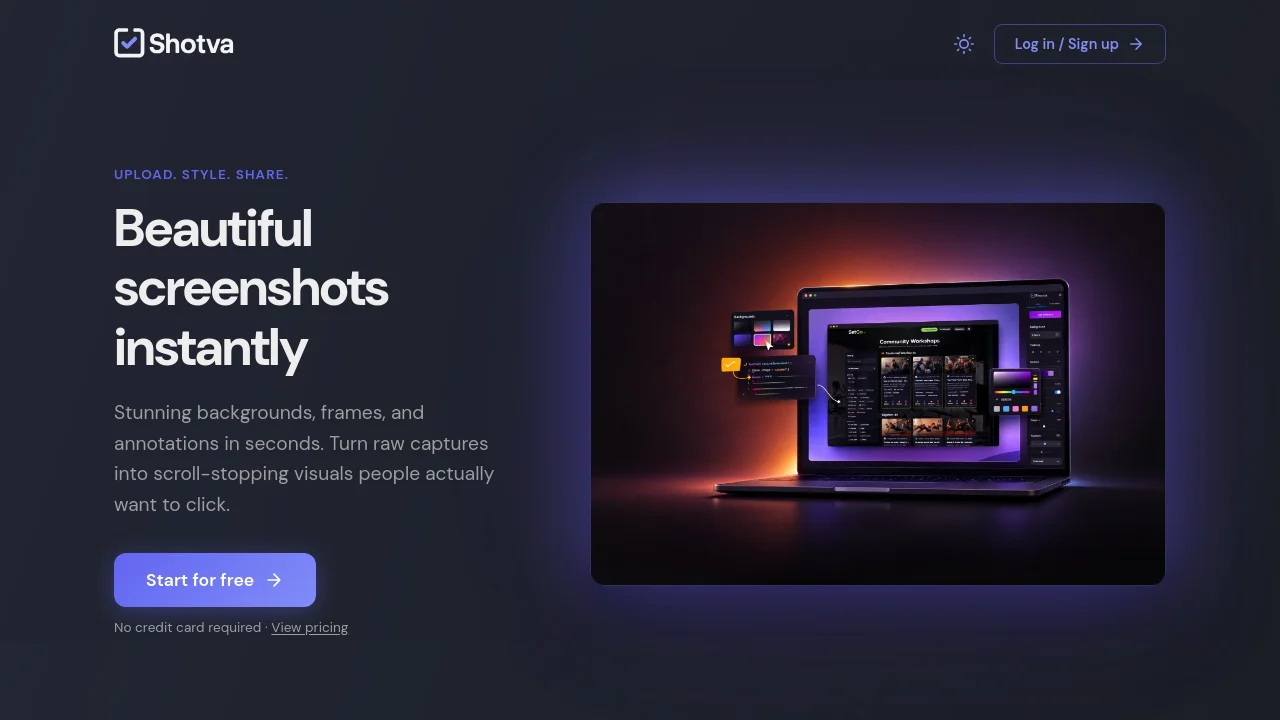
Shotva is a web-based tool for creating and styling screenshot images. Upload a capture, apply themes, gradients, frames, shadows, and annotations, then export polished PNGs for social posts, blogs, and docs. Free and Pro tiers are available.
How to use Shotva?
Upload a screenshot, choose a theme or background and adjust frames, shadows, and annotations, then export a PNG ready to share on Twitter, LinkedIn, blogs, or documentation.
Shotva Core Features
01
Beautiful backgrounds in one click
Choose from hundreds of themes, gradients, and patterns. Add frames, shadows, and borders to turn a raw capture into a polished asset.
02
Instant ad creation
Paste your brand URL to scrape colors and identity, generate ad copy, and apply standard formats such as leaderboard, square, and story.
03
Highlight what matters
Use the magnifier to zoom in on details, add text layers to explain and annotate, and draw attention where it belongs.
04
Export anywhere
Download high-quality PNGs ready for Twitter, LinkedIn, blogs, or docs. Pro removes watermarks and unlocks unlimited exports.
Shotva Use Cases
Style screenshots for Twitter and LinkedIn posts
Create visuals for blog posts and documentation
Generate ad creatives in leaderboard, square, and story formats
Shotva Frequently Asked Questions
How many exports does the Free plan include?
Do Free exports include a watermark?
What resolution does Pro unlock?
Shotva Product Background & Official Links
Shotva Support Email & Customer service contact & Refund contact etc.
Shotva Support Email: support@shotva.com
More Contact, visit the about us page(https://shotva.com/)
Shotva Pricing
Shotva Pricing Link: https://shotva.com/pricing
Shotva Pricing & Plans
Most Popular
Pro
Recurring$5 /month
- Unlimited exports
- 4× Retina resolution
- No watermark
- All styles & backgrounds