Sponsored bySkywork- The Originator of AI Workspace Agents
BAT AI TOOLSBAT AI TOOLS
  • Tools
  • Category
  • Jobs
  • Pricing
  • PromoFREE
Free Submit
Sign In
  • Home
  • /
  • AI Image Generator
  • /
  • Story-boards.ai
Story-boards.ai

Story-boards.ai

Active
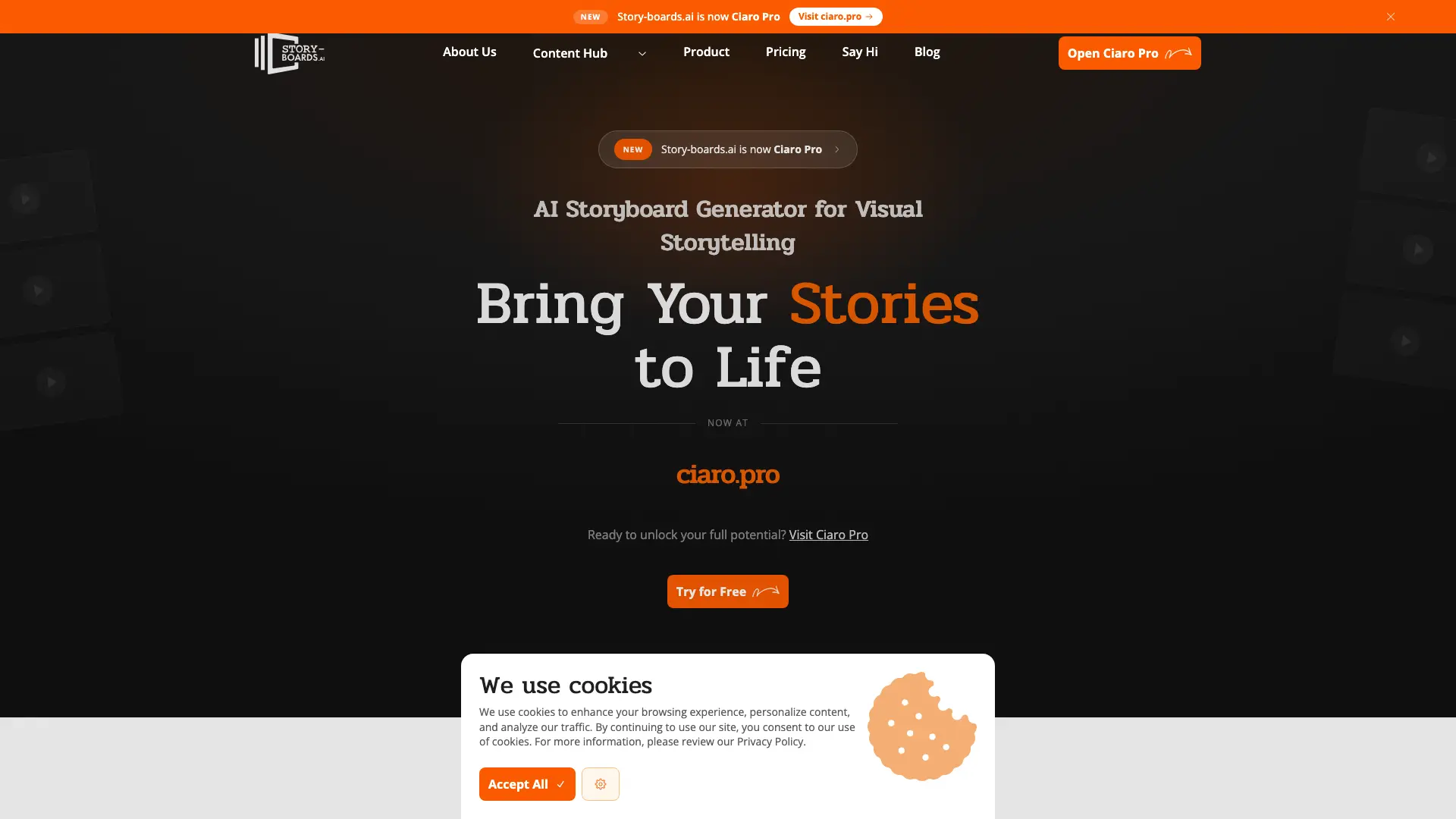
Tagline:AI storyboard generator for visual storytelling
Updated:-
Social Media:
AI Image GeneratorAI Video GeneratorImage Generation & EditingWeb AppCloud-basedReal-timeTeam CollaborationFor CreatorsFor Enterprise
Open Website
Story-boards.ai
Visit Website
Promote this product|Claim this product
  • About
  • Pricing

What is Story-boards.ai?

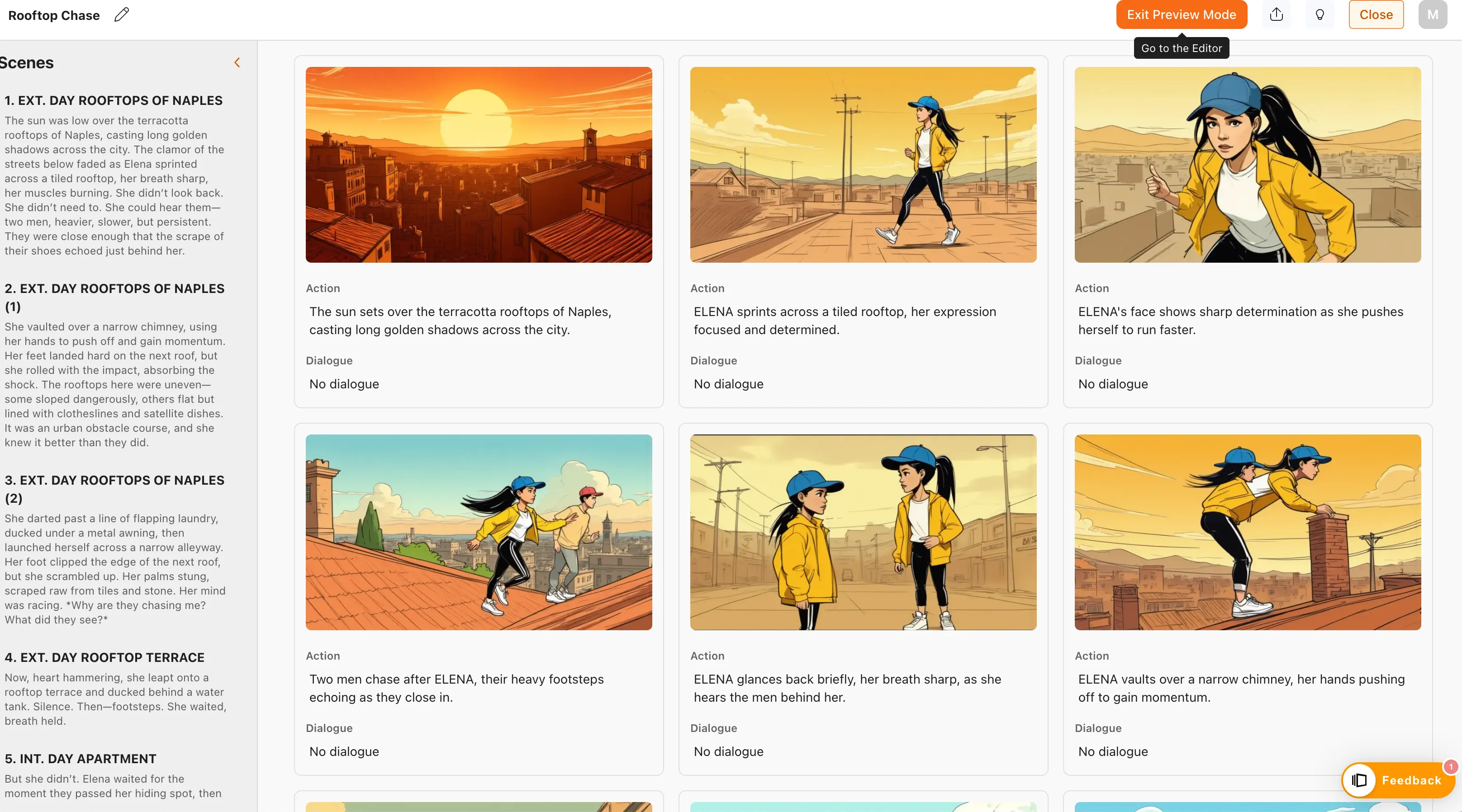
Story-boards.ai is an AI storyboard generator that turns a script into a visual sequence in minutes. It breaks a narrative into individual shots and scenes and generates frames automatically, with tools for character consistency, framing suggestions, and style control. Users refine boards, collaborate through real-time feedback, and export the results as images or video.
Story-boards.ai screenshot 1
Story-boards.ai screenshot 2
Story-boards.ai screenshot 3
Story-boards.ai screenshot 4

How to use Story-boards.ai?

1. Write or paste your script into the editor. 2. Let the AI split your narrative into shots and generate storyboard frames. 3. Refine characters, styles, and framing, and adjust individual images. 4. Export your storyboard as PDF, JPEG, or a video sequence to share with your team or clients.

Story-boards.ai Core Features

01

AI Storyboard Generation

Turn a script or idea into a complete visual storyboard. The AI breaks your narrative into individual shots and scenes and generates frames automatically, with no manual drawing required.

02

Consistent Characters & Styles

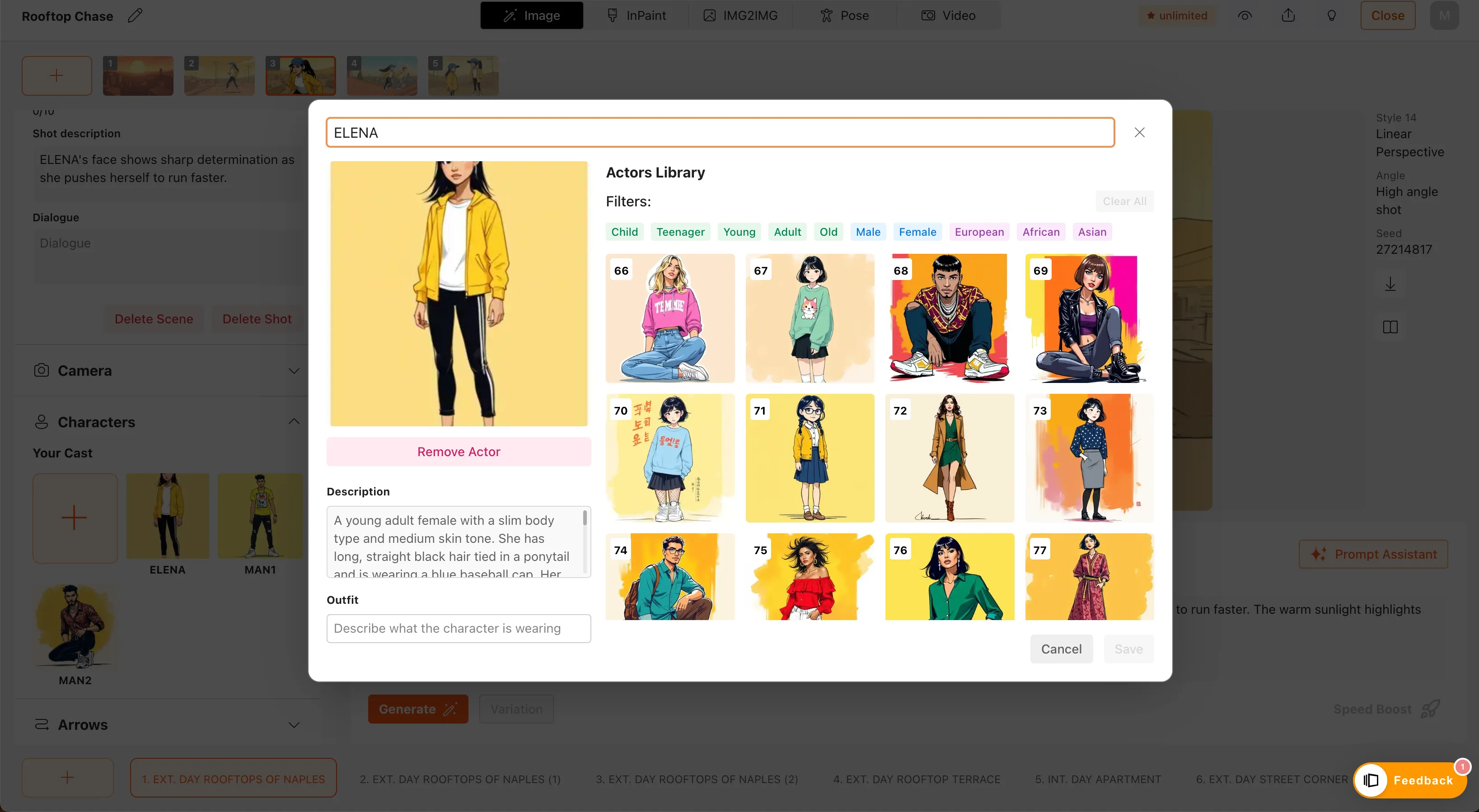
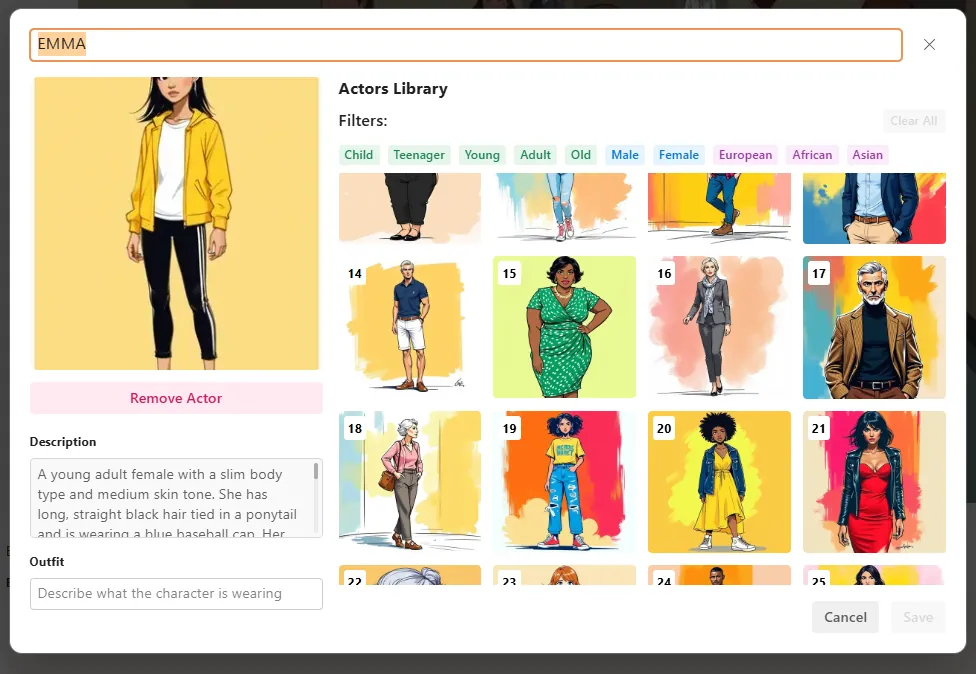
Keep character depictions and art direction uniform across every frame, so the storyboard reads as one coherent visual narrative that matches your project's aesthetic.

03

Smart Editing & Refinement

Adjust visuals with preset options for characters and settings, fine-tune framing, and edit individual frames without starting over.

04

Collaborative Feedback

Share storyboards with your team and gather real-time feedback and annotations, so everyone's vision stays aligned throughout the project.

05

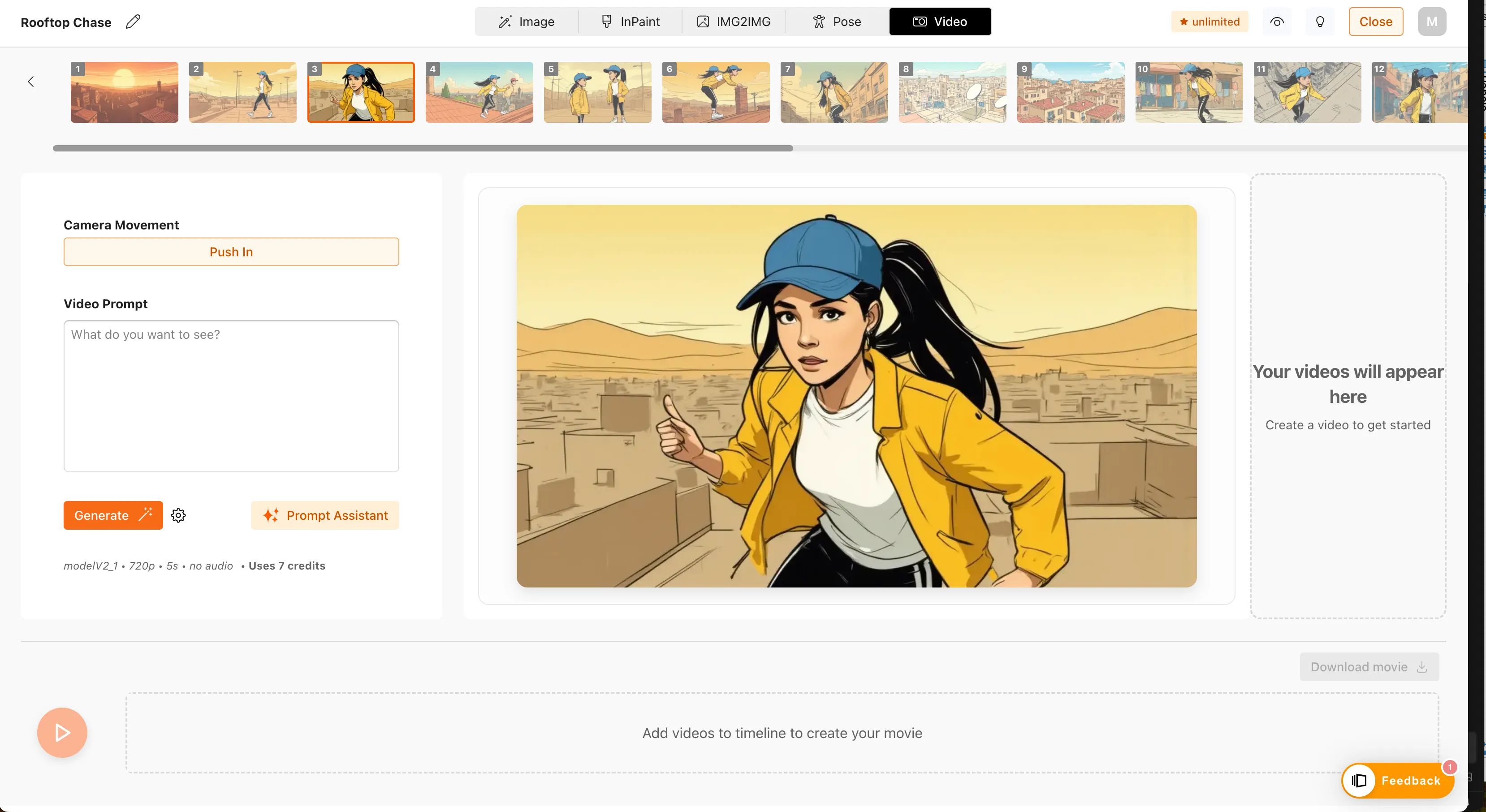
Video & Image Export

Export storyboards as PDF, JPEG, or a video sequence to drop straight into your production workflow or present to clients.

Story-boards.ai Use Cases

Plan film and TV scenes before shooting

Visualize ad campaign concepts for client pitches

Storyboard shorts, comics, and video games

Build teaching materials and student projects

Story-boards.ai Frequently Asked Questions

What is an AI-generated storyboard?

An AI-generated storyboard turns your script into a visual sequence, showing key scenes and actions in just minutes. It saves you hours of manual drawing, helping you visualize your story faster while giving you the flexibility to adjust and refine the output based on your creative needs.

How does story-boards.ai work?

story-boards.ai takes your script and automatically generates images based on the text. It breaks down your narrative into individual shots and scenes, and creates visual frames using AI. You just upload your script, and our AI does the rest — no complex inputs or technical skills required.

What file formats does story-boards.ai support?

You can export your storyboards in common formats like PDF and JPEG, making it easy to integrate them into your production workflow. You can also export them as a video sequence to share with your team or clients.

How long does it take to generate a storyboard?

It typically takes just a few minutes to generate a full storyboard. The exact time depends on the complexity of your script, but our AI works quickly to turn your narrative into visuals, so you can iterate fast and move forward with your project.

Can I create animated storyboards with story-boards.ai?

Yes you can! Our platform lets you create animated storyboards by exporting your visuals as a video sequence. This feature is especially useful when you need to showcase motion and timing in your storyboards. You have the choice between our two latest video generation models.

Story-boards.ai Product Background & Official Links

Story-boards.ai Support Email & Customer service contact & Refund contact etc.

More Contact, visit the about us page(https://www.story-boards.ai/about-us)

Story-boards.ai Company Info

Story-boards.ai Company name: TaleTech Studios AG

Story-boards.ai Developer Type: company

More about Story-boards.ai, Please visit the about us page(https://www.story-boards.ai/about-us)

Story-boards.ai Pricing

Story-boards.ai Pricing Link: https://www.story-boards.ai/pricing

Story-boards.ai Twitter

Story-boards.ai Twitter Link: https://twitter.com/storyboardsai

Story-boards.ai Facebook

Story-boards.ai Facebook Link: https://www.facebook.com/profile.php?id=61552313412470

Story-boards.ai Instagram

Story-boards.ai Instagram Link: https://www.instagram.com/story.boards.ai

Story-boards.ai LinkedIn

Story-boards.ai LinkedIn Link: https://www.linkedin.com/company/storyboardsai

Story-boards.ai Pricing & Plans

Free

Free
Free
  • 1 story
  • 600 words per story
  • 10 images per storyboard
  • 6 shots per story
  • 50 total credits
  • 4 virtual actors
  • 4 styles
  • Prompt Assistant
Subscribe & upgrade now

Indie

Recurring
$15 /month
  • 2 stories
  • 600 words per story
  • 20 images per storyboard
  • 20 shots per story
  • 400 total credits
  • 40 virtual actors
  • 6 styles
  • Wizard, Inpaint, Img2Img, Pose, Edit
  • Discord access
  • Support
Subscribe & upgrade now

Pro

Recurring
$35 /month
  • Unlimited stories
  • 36,000 words per story
  • 70 images per storyboard
  • Unlimited shots
  • Unlimited inpaint, wizard, img2img, pose credits
  • All virtual actors & styles
  • Custom Characters, Arrows, Google Drive, Video Generation
  • Discord access
  • Support
Subscribe & upgrade now

Studio

Recurring
$79 /month
  • Everything in Pro
  • Seats, Teams, Collaboration, Feedback
  • Admin dashboard
  • Centralised billing
Subscribe & upgrade now

Story-boards.ai Tags

Web AppCloud-basedReal-timeTeam CollaborationFor CreatorsFor Enterprise

Best Suited Occupations for Story-boards.ai

Audio & Video ProducersWriters & MarketersSelf-Media & InfluencersTeachers & Instructors

Top Product Categories

LLMs & AI Agents

  • AI Chatbots
  • AI Agents
  • Prompt Engineering
  • AI Search Engine

Engineering & Code

  • AI Code Assistant
  • AI Code Generator
  • AI Developer Tools
  • No-Code & Low-Code

Image & Creative

  • AI Image Generator
  • AI Design Generator
  • AI Art Generator
  • Image-to-Image

Video & Animation

  • AI Video Generator
  • AI Short Video Maker
  • Digital Humans
  • AI Video Editor

Productivity & Office

  • AI Meeting Assistant
  • AI PDF Tools
  • AI Workflow
  • AI PPT Generator

Marketing & Sales

  • AI SEO Tools
  • AI Copywriting
  • AI Lead Generation
  • AI Sales Assistant

Audio & Voice

  • AI Voice Cloning
  • AI Text-to-Speech
  • AI Music Generator
  • AI Podcast Tools

Research & Data

  • AI Research Tools
  • AI Data Analytics
  • AI Knowledge Base
  • See All Categories >>
BAT AI TOOLS
  • Submit your AI tool
  • Pricing
  • Partnership
  • Feedback
  • About
WeChat QR
Scan QR code with WeChat
hi@bataitools.comClick icon to auto-copy email
English简体中文繁體中文EspañolالعربيةBahasa IndonesiaPortuguêsFrançais日本語РусскийDeutsch한국어TürkçeTiếng ViệtItalianoNederlandsPolskiไทยहिन्दीУкраїнськаفارسیবাংলাاردوSvenskaNorskDanskSuomiעברית

Copyright © 2026 BAT AI TOOLS. All Rights Reserved.

·Partnership·Privacy Policy·Terms of Service·Refund Policy