

Sponsored byAI Video Cut- Turn long videos into catchy YouTube Shorts, TikToks, viral ads, and trailers effortlessly.
BAT AI TOOLSBAT AI TOOLS
  • Tools
  • Category
  • Jobs
  • Pricing
  • PromoFREE
Free Submit
Sign In
  • Home
  • /
  • Marketing & Advertising
  • /
  • storyflash
storyflash

storyflash

Active
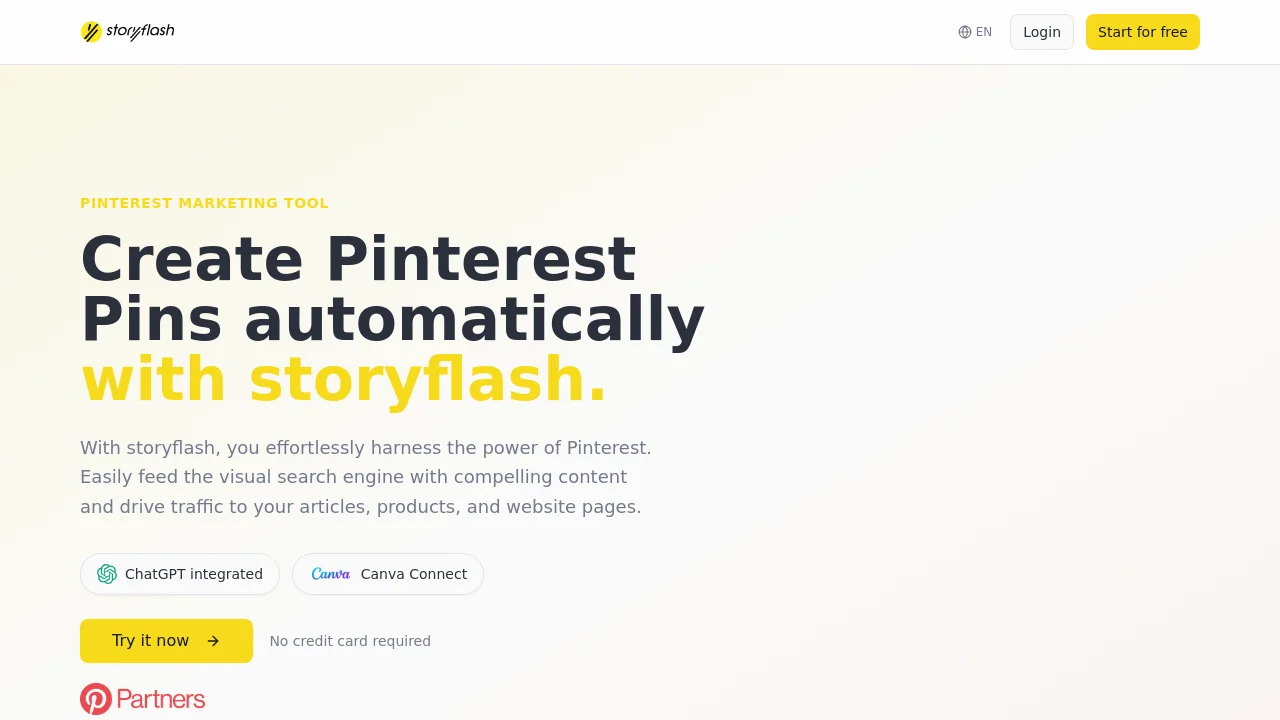
Tagline:Create Pinterest Pins automatically with storyflash.
Updated:-
Social Media:
Marketing & AdvertisingAI Digital MarketingAI Content GeneratorAI Design GeneratorAI SchedulingFreeFreemiumFree Trial
Open Website
storyflash
Visit Website
|
  • About
  • Pricing

What is storyflash?

storyflash is a Pinterest marketing tool and official Pinterest Partner. Connect your website or RSS feed to generate pin designs from article URLs, schedule publishing to multiple boards, and run Pinterest autopilots. ChatGPT is integrated, and you can connect Canva to import designs.

How to use storyflash?

Create a free account (no credit card required), connect your website RSS feed, authorize Pinterest via the official API, then generate pins from your articles and publish or schedule them to your boards.

storyflash Core Features

01

Create Pinterest Pins

Connect your website with the Pinterest Pin Generator to automatically generate Pinterest content in various designs from your articles.

02

Countless Pinterest Pin Designs

Generate multiple Pinterest pins with various designs from a single article URL, using 8 predefined templates or a WYSIWYG editor with logos, colors, and fonts.

03

Pinterest Planner & Publishing

Publish content to multiple boards simultaneously, whether video or image pins, and schedule weeks of pins in minutes.

04

Create Pinterest Autopilot

Automate publishing to Pinterest based on your RSS feed, categories, or content types with dedicated keywords for discoverability.

storyflash Use Cases

Drive traffic from Pinterest back to blog articles and website pages

Automate pin creation and publishing for small social media teams

Schedule evergreen Pinterest content from RSS feeds on autopilot

storyflash Frequently Asked Questions

How does the Pinterest Pin Generator from storyflash work?

Once you register, add your RSS feed URL. storyflash automatically detects your articles and creates Pinterest pins from them.

Do I need to share my Pinterest credentials?

No. Via the Connect Pinterest button, you authorize storyflash securely through the official Pinterest API without sharing your password.

Can I use my own Pinterest Pin Designs?

Yes. You can choose from 8 predefined templates or create your own designs with the WYSIWYG editor using logos, colors, and fonts.

Do I need a Pinterest Business Account?

Yes, a Pinterest Business Account is required to establish the API connection and publish pins automatically.

How do I connect Canva to storyflash?

In the Upload tab, click Connect Canva. You will be redirected to Canva to authorize storyflash, then you can browse and import your Canva designs directly as pin images.

storyflash Product Background & Official Links

storyflash Support Email & Customer service contact & Refund contact etc.

storyflash Support Email: info@storyflash.de

More Contact, visit the about us page(https://www.storyflash.net/blog)

storyflash Company Info

storyflash Company name: storyflash GmbH

storyflash Developer Type: company

More about storyflash, Please visit the about us page(https://www.storyflash.net/blog)

storyflash Twitter

storyflash Twitter Link: https://x.com/storyflash_de

storyflash Pricing & Plans

Free

Free
Free
  • No credit card required
  • Instant access
  • Cancel anytime
Subscribe & upgrade now
Most Popular

StoryFlash Pro

Recurring
€19.99 /month
  • Unlimited RSS feeds
  • Automatic import & sync
  • Direct Pinterest publishing
  • Pin analytics & history
Subscribe & upgrade now

storyflash Tags

FreeFreemiumFree Trial

Best Suited Occupations for storyflash

Writers & MarketersSmall Business OwnersFreelancers

Top Product Categories

LLMs & AI Agents

  • AI Chatbots
  • AI Agents
  • Prompt Engineering
  • AI Search Engine

Engineering & Code

  • AI Code Assistant
  • AI Code Generator
  • AI Developer Tools
  • No-Code & Low-Code

Image & Creative

  • AI Image Generator
  • AI Design Generator
  • AI Art Generator
  • Image-to-Image

Video & Animation

  • AI Video Generator
  • AI Short Video Maker
  • Digital Humans
  • AI Video Editor

Productivity & Office

  • AI Meeting Assistant
  • AI PDF Tools
  • AI Workflow
  • AI PPT Generator

Marketing & Sales

  • AI SEO Tools
  • AI Copywriting
  • AI Lead Generation
  • AI Sales Assistant

Audio & Voice

  • AI Voice Cloning
  • AI Text-to-Speech
  • AI Music Generator
  • AI Podcast Tools

Research & Data

  • AI Research Tools
  • AI Data Analytics
  • AI Knowledge Base
  • See All Categories >>
BAT AI TOOLS
  • Submit your AI tool
  • Pricing
  • Partnership
  • Feedback
  • About
WeChat QR
Scan QR code with WeChat
hi@bataitools.comClick icon to auto-copy email
English简体中文繁體中文EspañolالعربيةBahasa IndonesiaPortuguêsFrançais日本語РусскийDeutsch한국어TürkçeTiếng ViệtItalianoNederlandsPolskiไทยहिन्दीУкраїнськаفارسیবাংলাاردوSvenskaNorskDanskSuomiעברית

Copyright © 1970 BAT AI TOOLS. All Rights Reserved.

·Partnership·Privacy Policy·Terms of Service·Refund Policy