


Sponsored byNemoVideo- Pro AI video editing agent to chat your way to viral content
BAT AI TOOLSBAT AI TOOLS
  • Tools
  • Category
  • Jobs
  • Pricing
  • PromoFREE
Free Submit
Sign In
  • Home
  • /
  • Coding & Development
  • /
  • Studio.Design
Studio.Design

Studio.Design

Active
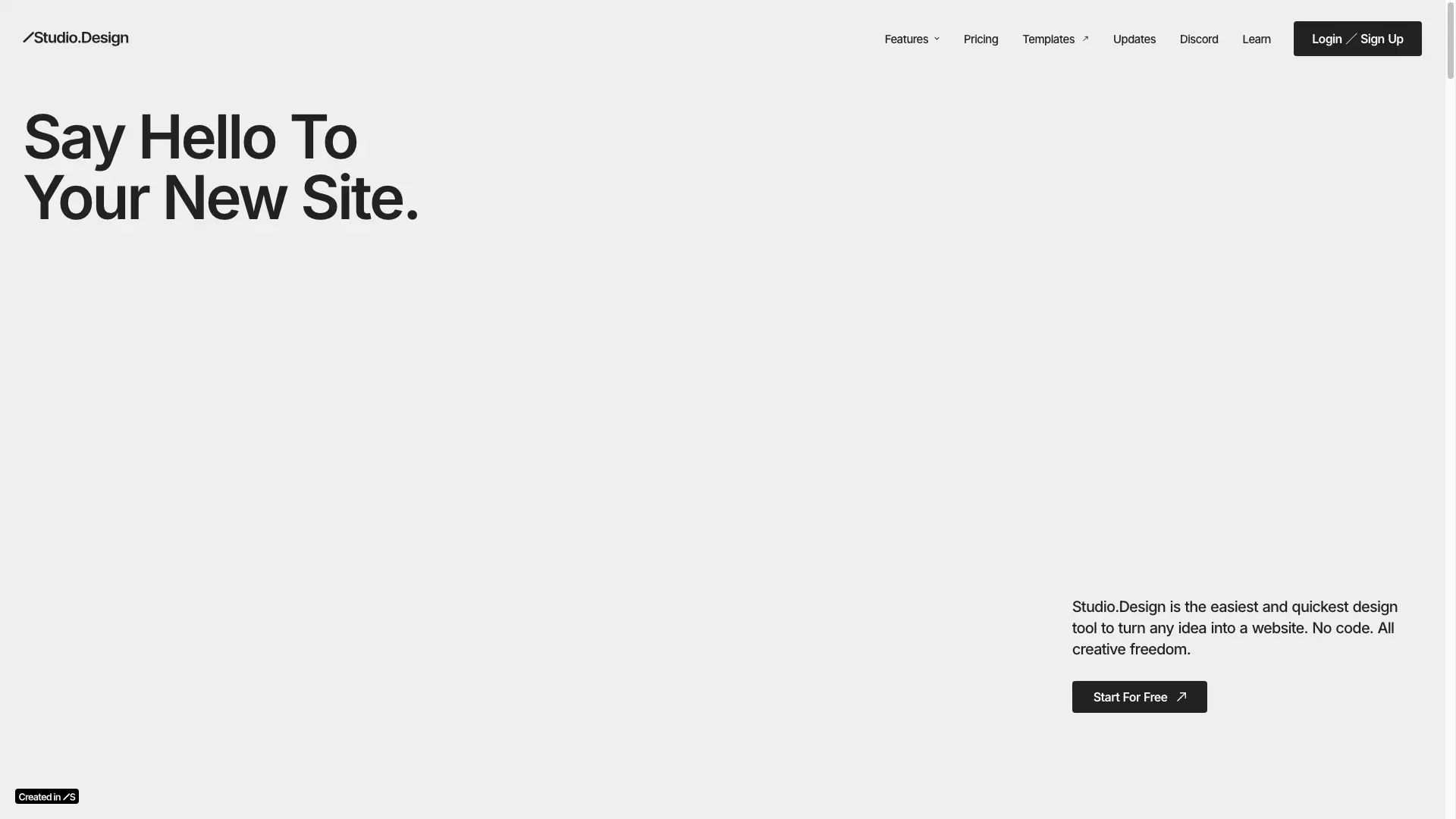
Tagline:The easiest and quickest design tool to turn any idea into a website. No code. All creative freedom.
Updated:September 3, 2026
Domain Rating:
86Domain Rating by Ahrefs
Social Media:
Coding & DevelopmentNo-Code & Low-Code DevelopmentAI Website BuilderAI Landing Page GeneratorArt & Creative DesignAI UI/UX DesignAI SEO ToolsFreemiumSubscriptionNo-CodeWeb AppCloud-basedTeam CollaborationReal-timeFor Designers
Open Website
Studio.Design
Visit Website
|
  • About
  • Pricing

What is Studio.Design?

Studio.Design is a no-code design tool for building and publishing websites. Design layouts in a visual editor with on-canvas margin and padding controls, symbols, and per-breakpoint responsive settings, then publish as a live site in one click. A built-in CMS, forms, page-level SEO settings, Lottie animation support, and Figma import are included, along with real-time co-editing and in-editor comments. Coding and server setup are handled by Studio.
Studio.Design screenshot 3
Studio.Design screenshot 4
Studio.Design screenshot 5
Studio.Design screenshot 6

How to use Studio.Design?

1. Sign up for a free account at app.studio.design/signup. 2. Start from a blank canvas, pick a template from Studio Store, or import an existing Figma design and let breakpoints be generated automatically. 3. Build the layout in the Design Editor using box layout, drag-and-drop margin and padding controls, and symbols for reused elements. 4. Customize each responsive breakpoint visually, and add animations or imported Lottie files. 5. Add dynamic content with the CMS, and place forms to collect responses. 6. Set titles, descriptions, and sitemaps per page in the SEO settings. 7. Publish in one click to a studio.site address on the Free plan, or connect a custom domain on a paid plan.

Studio.Design Core Features

01

Design Editor

Design layouts with an intuitive UI, from pixel-perfect adjustments to dynamic animations. Includes box layout, on-canvas margin and padding drag controls, symbols for reusing elements across pages, and visual customization per responsive breakpoint.

02

CMS

Collaborate on content creation in one central location. Edit collaboratively in real-time and publish at any time. Plans range from 100 CMS items and 3 models on Free up to 15,000 items and 30 models on Business Plus.

03

One-click publishing

Publish designs as live websites with one click. Coding and server setup are taken care of. Free sites publish to studio.site; paid plans add a custom domain.

04

Forms

Create forms to engage visitors and customize animations, colors and more beyond templates. Response limits run from 100 on Mini to 10,000 on Business.

05

SEO controls

Tailor SEO for each piece of content, auto-generate sitemaps, and connect Google Analytics, Google Search Console, and ad tracking tags on paid plans.

06

Lottie animations

Import Lottie files directly to add motion to designs, plus built-in effects such as fade, slide, expand, tilt, blur, and monochrome adjustable across every second.

07

Figma import

Bring over existing Figma designs, watch breakpoints be generated automatically, and publish the result as a live site.

08

Real-time collaboration

Real-time co-editing, a Content Edit Mode for editors to change text and images while preserving the design, and comments for leaving suggestions inside the Editor.

09

Fonts and data connections

Over 900 fonts available at no extra cost, plus API connections to Notion and Airtable so pages can be designed with real data. Unsplash and iframe embeds are built in.

Studio.Design Use Cases

Build a portfolio website without writing code (the Personal plan is positioned for portfolios)

Publish a single-page landing page on a custom domain with the Mini plan

Launch a startup marketing site with CMS-driven pages, analytics, and redirects on the Business plan

Run an agency workflow where designers build client sites and clients edit copy in Content Edit Mode

Convert an existing Figma design into a responsive live website

Maintain a blog or case-study collection using CMS models and items

Manage multiple client projects, members, and payments from one Team workspace

Studio.Design Frequently Asked Questions

What happens if I exceed my form response limit?

Responses beyond the limit won't appear in the dashboard or email notifications. Upgrading your plan allows access to these responses, starting from the oldest.

What are CMS items?

CMS items are content pieces like blog posts or collections managed through Studio's CMS. They help you organize and update dynamic content efficiently.

Can I downgrade to a plan with lower limits?

You can schedule a downgrade even if your current content exceeds the new plan's limits. However, any CMS items or features beyond those limits will be unpublished. Be sure to adjust your content before the downgrade takes effect.

What does chat support cover?

Chat support helps with Studio-related issues or questions. Studio can't assist with third-party services or provide design advice. Access chat support by clicking the "?" in the editor.

Are refunds available after purchasing a plan?

Refunds are not available after purchase. Please review plan details carefully before subscribing.

Can I switch between annual and monthly payments?

Switching from monthly to annual for the same or higher plans is allowed and includes a discount on remaining months. Switching from annual to monthly isn't supported — you'll need to downgrade to Free and subscribe to a monthly plan.

What payment methods are accepted?

Studio accepts credit and debit cards.

When will my annual payment be charged?

Annual payments are charged on the upgrade date and renew automatically on the same date each year. For example, upgrading on April 19, 2023, means the next payment is due April 19, 2024.

Studio.Design Product Background & Official Links

Studio.Design Support Email & Customer service contact & Refund contact etc.

Studio.Design Support Email: hello@studio.design

More Contact, visit the about us page(https://help.studio.design/en/)

Studio.Design Company Info

Studio.Design Company name: STUDIO Inc.

Studio.Design Developer Type: company

Studio.Design Company address: Tokyo, Japan

More about Studio.Design, Please visit the about us page(https://help.studio.design/en/)

Studio.Design Pricing

Studio.Design Pricing Link: https://studio.design/pricing

Studio.Design Youtube

Studio.Design Youtube Link: https://www.youtube.com/channel/UCacZBasz9QI5k0hcB5HKYoQ

Studio.Design Twitter

Studio.Design Twitter Link: https://twitter.com/studio

Studio.Design Instagram

Studio.Design Instagram Link: https://www.instagram.com/sitedesigntool

Studio.Design LinkedIn

Studio.Design LinkedIn Link: https://www.linkedin.com/company/studiodesignapp

Studio.Design Pricing & Plans

Free

Free
$0
  • Design tools
  • Publish to studio.site
  • Studio badge displayed
  • 50 pages
  • 100 CMS items across 3 models
  • 5GB storage
  • 1-day version history
  • 15-day analytics
Subscribe & upgrade now

Mini

Recurring
$10 /month
  • For one page sites
  • Custom domain
  • 2 pages + 404 page
  • 100 form responses
  • Integrate apps
  • 5-day version history
  • $5 /month when billed annually (save 20%+)
Subscribe & upgrade now

Personal

Recurring
$12 /month
  • For portfolios
  • Custom domain
  • 150 pages
  • 1,000 form responses
  • Password protection
  • Integrate apps
  • 1,000 CMS items across 5 models
  • 10GB storage
  • 30-day version history
  • $10 /month when billed annually (save 20%+)
Subscribe & upgrade now
Most Popular

Business

Recurring
$35 /month
  • For startups
  • Everything in Personal
  • 300 pages
  • 10,000 form responses
  • Basic permissions
  • Unlimited analytics
  • 301 redirects
  • 5,000 CMS items across 10 models
  • 120-day version history
  • $25 /month when billed annually (save 20%+)
Subscribe & upgrade now

Business Plus

Recurring
$110 /month
  • For scale-ups
  • Everything in Business
  • 15,000 CMS items across 30 models
  • 360-day version history
  • Advanced permissions
  • Custom headers
  • Activity logs
  • 100GB storage
  • Priority support
  • Optional add-ons such as Custom Proxy at $290 /month
  • $80 /month when billed annually (save 20%+)
Subscribe & upgrade now

Team

Recurring
$18 /month per member
  • Workspace plan billed separately from project plans
  • Unlimited members
  • Unlimited projects
  • Invite guests
  • Custom permissions
  • Starting at 3 members from $54/month
  • $14 /month per member when billed annually
Subscribe & upgrade now

Studio.Design Tags

FreemiumSubscriptionNo-CodeWeb AppCloud-basedTeam CollaborationReal-timeFor DesignersFor CreatorsFor StartupsHighly CustomizableZero SetupSecure Data

Best Suited Occupations for Studio.Design

FreelancersIndie HackersSmall Business OwnersSelf-Media & InfluencersSEO SpecialistsWriters & MarketersStudents

Top Product Categories

LLMs & AI Agents

  • AI Chatbots
  • AI Agents
  • Prompt Engineering
  • AI Search Engine

Engineering & Code

  • AI Code Assistant
  • AI Code Generator
  • AI Developer Tools
  • No-Code & Low-Code

Image & Creative

  • AI Image Generator
  • AI Design Generator
  • AI Art Generator
  • Image-to-Image

Video & Animation

  • AI Video Generator
  • AI Short Video Maker
  • Digital Humans
  • AI Video Editor

Productivity & Office

  • AI Meeting Assistant
  • AI PDF Tools
  • AI Workflow
  • AI PPT Generator

Marketing & Sales

  • AI SEO Tools
  • AI Copywriting
  • AI Lead Generation
  • AI Sales Assistant

Audio & Voice

  • AI Voice Cloning
  • AI Text-to-Speech
  • AI Music Generator
  • AI Podcast Tools

Research & Data

  • AI Research Tools
  • AI Data Analytics
  • AI Knowledge Base
  • See All Categories >>
BAT AI TOOLS
  • Submit your AI tool
  • Pricing
  • Partnership
  • Feedback
  • About
  • A2A Compatible
WeChat QR
Scan QR code with WeChat
hi@bataitools.comClick icon to auto-copy email
English简体中文繁體中文EspañolالعربيةBahasa IndonesiaPortuguêsFrançais日本語РусскийDeutsch한국어TürkçeTiếng ViệtItalianoNederlandsPolskiไทยहिन्दीУкраїнськаفارسیবাংলাاردوSvenskaNorskDanskSuomiעברית

Copyright © 1970 BAT AI TOOLS. All Rights Reserved.

·Partnership·Privacy Policy·Terms of Service·Refund Policy