


TinyArt
Active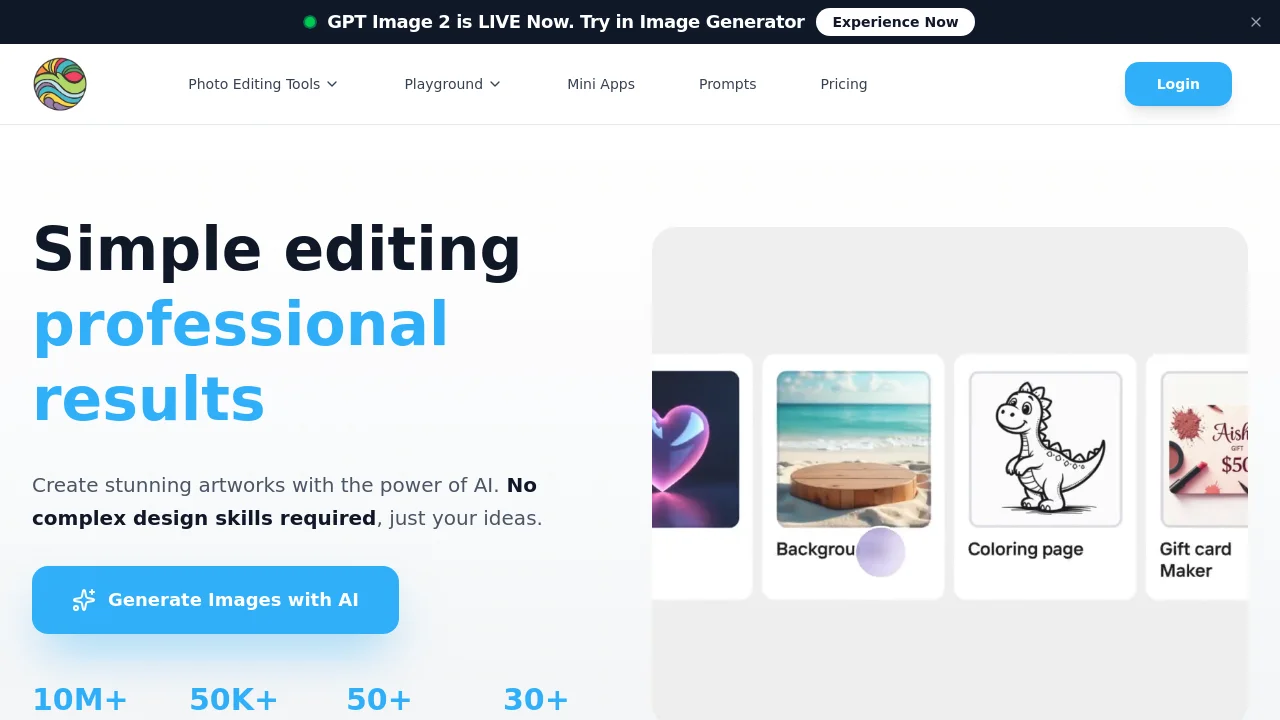
What is TinyArt?

How to use TinyArt?
TinyArt Core Features
Image generator
Generate images from text with multiple AI models including Gemini, OpenAI, Seedream, Flux Kontext Pro, and Qwen Image.
Background Remover
Quickly isolate image subjects and process up to 30 files at a time for product photos and e-commerce visuals.
Upscale Image
Enhance image resolution with AI upscaling for sharper exports.
Watermark Remover
Remove watermarks from images automatically.
Clean Up
Remove unwanted objects from photos.
Smart Mini Apps
Use focused utilities such as ID Photo, Photo Restoration, and Face Swap for specific editing tasks.
TinyArt Use Cases
Remove backgrounds and create product photos for e-commerce
Design posters, logos, and YouTube thumbnails with AI
Create marketing and social media visuals without design skills
Restore old photos and generate ID photos with mini apps
TinyArt Frequently Asked Questions
Is there a free plan?
Do I own the copyright to generated images?
What is your refund policy?
Can I use yearly billing?
TinyArt Product Background & Official Links
TinyArt Support Email & Customer service contact & Refund contact etc.
TinyArt Support Email: support@tinyart.io
More Contact, visit the about us page(https://www.tinyart.io/terms-of-service)
TinyArt Pricing
TinyArt Pricing Link: https://www.tinyart.io/pricing
TinyArt Youtube
TinyArt Youtube Link: https://www.youtube.com/@TinyArt-io
TinyArt Facebook
TinyArt Facebook Link: https://www.facebook.com/profile.php?id=61581845428593
TinyArt TikTok
TinyArt TikTok Link: https://www.tiktok.com/@tinyart.io
TinyArt Pricing & Plans
Free
Free- 100 credits
- Start free, no credit card required
- Access core AI editing tools
Basic
Recurring- Paid plan with higher usage limits
- HD resolution support
- Background removal and core AI styles
Professional
Recurring- Advanced AI image generation
- 4K resolution support
- More credits and advanced features
Ultimate
Recurring- Top-tier plan for heavy creators
- 8K resolution support
- 24/7 support and maximum usage limits