Sponsored byAI Video Cut- Turn long videos into catchy YouTube Shorts, TikToks, viral ads, and trailers effortlessly.
BAT AI TOOLSBAT AI TOOLS
  • Tools
  • Category
  • Jobs
  • Pricing
  • PromoFREE
Free Submit
Sign In
  • Home
  • /
  • AI PPT Generator
  • /
  • Tosea
Tosea

Tosea

Active
Tagline:The most powerful AI slide generator
Updated:-
Social Media:
AI PPT GeneratorAI Design GeneratorAI Graphic DesignWeb AppFreeFreemiumSubscriptionCloud-basedNo WatermarkFor Students
Open Website
Tosea
Visit Website
|
  • About
  • Pricing

What is Tosea?

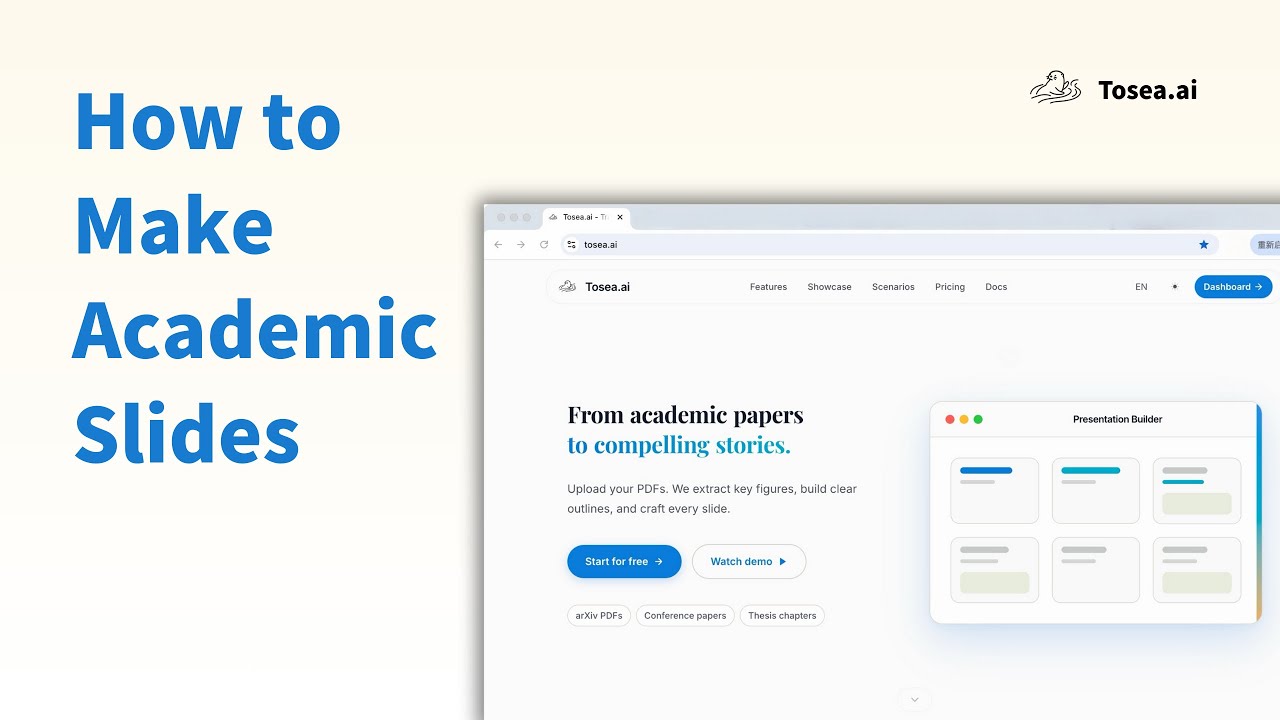
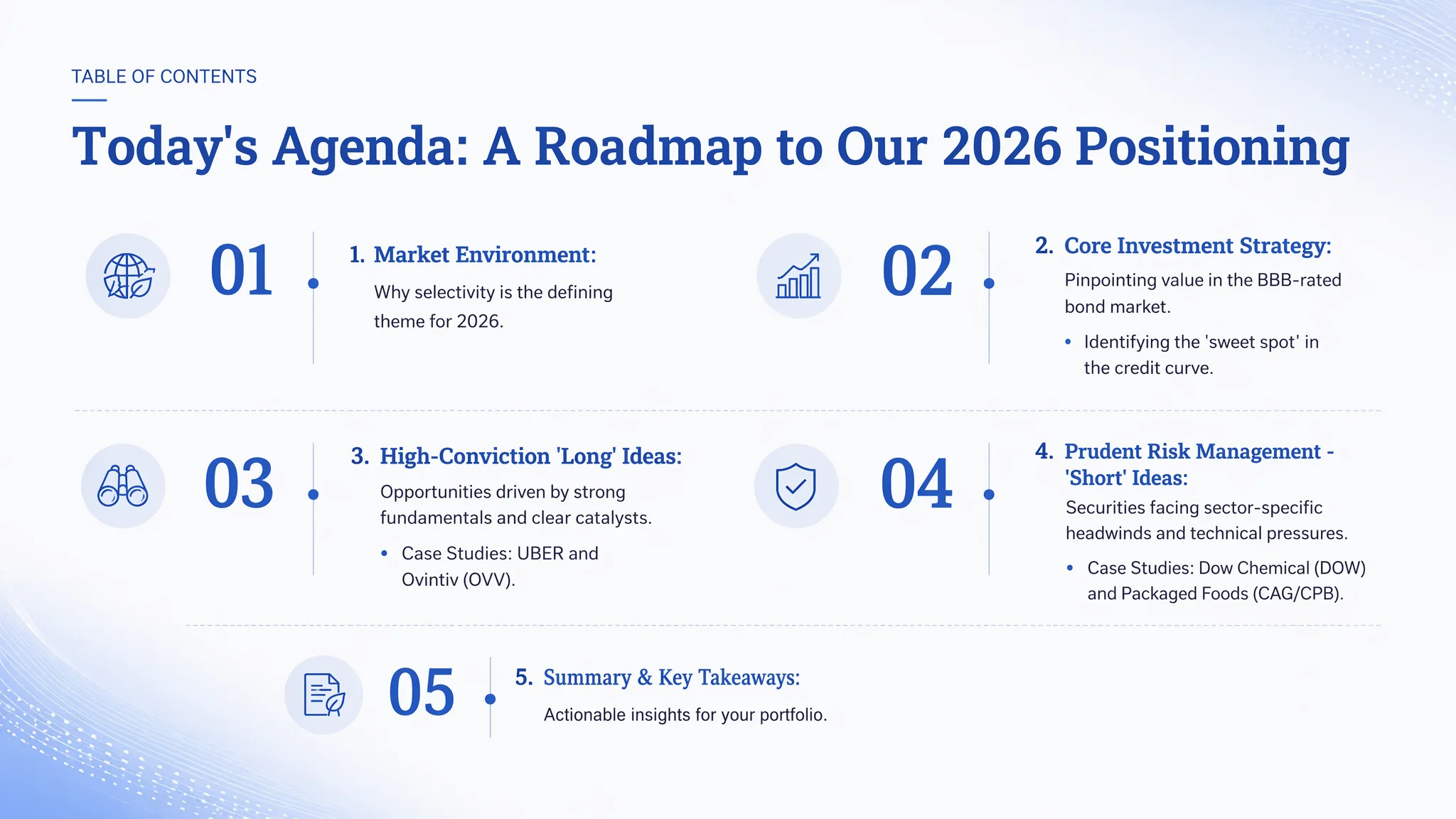
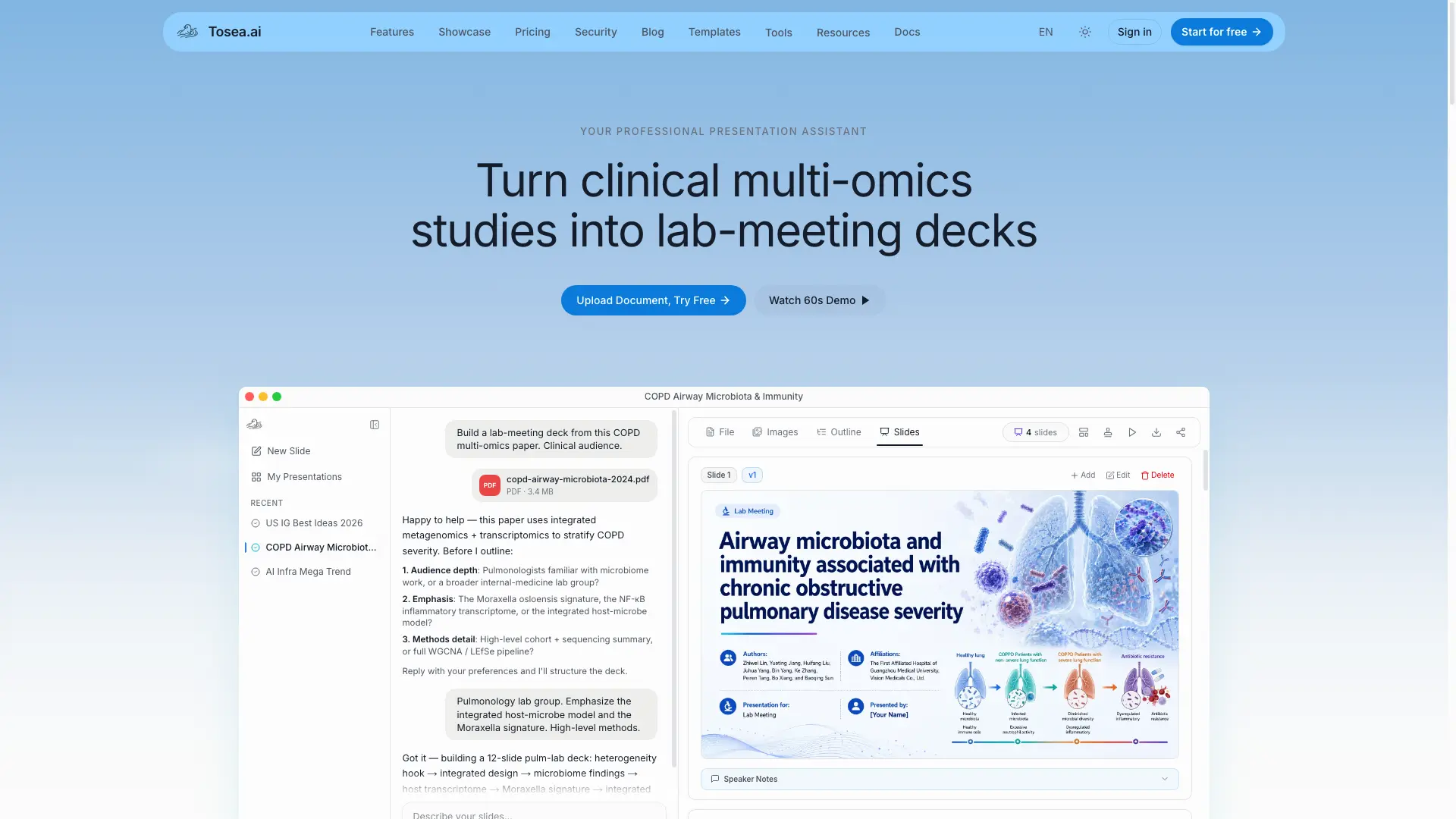
Tosea turns PDFs, papers, and reports into polished presentations. Charts, formulas, and data points are reproduced 1:1 from your source, so the AI transcribes rather than invents. Upload a document, refine the outline with AI, and export to PPTX, PDF, or HTML.
Tosea video 1
Tosea screenshot 2
Tosea screenshot 3

How to use Tosea?

1. Sign in and start a new project. 2. Upload a PDF, Word, Excel, Markdown file, image, or paste a URL. 3. Let Tosea draft an outline, then add or reorder sections with AI. 4. Fine-tune each slide and export to PPTX, PDF, or HTML.

Tosea Core Features

01

Document-grounded generation

Upload PDFs, papers, reports, Markdown, or URLs. Tosea builds slides from your source material instead of generating content from scratch.

02

Faithful charts and formulas

Charts, formulas, and data points are reproduced 1:1 from your document. The AI transcribes your source rather than inventing figures.

03

Guided outline building

Work with the presentation outline — add sections, adjust structure, and refine the narrative flow together with AI.

04

Per-slide refinement and export

Fine-tune each slide by layout only or full rewrite, then export presentation-ready PPTX, PDF, or HTML files in a single run.

05

Template library

Hundreds of crafted templates spanning pitch decks, brand identity, annual reports, healthcare, real estate, editorial, and more.

06

Multi-domain coverage

Built for research, finance, medicine, biology, law, and education — the pipeline reads document structure, not subject matter.

Tosea Use Cases

Turn a credit-research note into an investment-committee deck

Convert an academic paper into a conference talk with speaker notes

Build a company profile or annual report from source documents

Distill a clinical or biology study into teaching slides

Turn meeting notes or a pitch deck into a clean presentation

Tosea Frequently Asked Questions

What are the limits of the free tier?

The free plan includes 200 credits per month — enough for roughly one or two presentations — plus access to curated templates and basic AI models. Free exports include a small Tosea watermark. Upgrade to Pro for 1,800 credits per month, premium templates and models, no watermark, high-precision extraction, priority compute, and up to 4 concurrent tasks.

Can I cancel my subscription anytime? Will it auto-renew?

Yes — subscriptions auto-renew through Stripe, and you can cancel anytime from your account settings. Your plan stays active until the end of the current billing period, and no further charges apply after that.

Does the AI fabricate content or hallucinate?

Tosea uses source-grounded generation: high-precision parsing extracts charts, formulas, data, and text structure from your PDF, and a controlled AI pipeline arranges these into your presentation. The AI does not create content from scratch. Every chart, formula, and data point comes from your source document, keeping hallucination to a minimum. We recommend a quick review of critical data before formal use.

What input and output formats are supported?

Input: PDF, Word, Excel, plain text, Markdown, and images (PNG, JPG, JPEG). Output: PowerPoint (.pptx), HTML5, and PDF — all generated from a single run and fully editable. Word documents keep their original layout and figures; Excel files extract tables from visible worksheets.

Does it work across industries — finance, consulting, medicine, legal, research?

Tosea is domain-agnostic by design. The extraction pipeline reads document structure, not subject matter, so finance, medicine, biology, law, consulting, marketing, and education all work. The template library covers pitch decks, annual reports, healthcare, real estate, brand identity, and more.

Can the exported PPTX be further edited in PowerPoint?

Yes — exported .pptx files are native PowerPoint format with editable shapes, text boxes, tables, and images. Open them in PowerPoint, Keynote, or Google Slides and keep editing. Tosea avoids the screenshot-into-slide shortcut, so every element stays editable and restyleable.

How large a PDF can it process? Is there a page limit?

The free plan supports PDFs up to 50 MB, and page limits scale with your plan. Most papers, reports, and decks fit within the free tier. If you hit a limit, the app shows the exact number for your plan along with options to upgrade or split the file.

Tosea Product Background & Official Links

Tosea Support Email & Customer service contact & Refund contact etc.

Tosea Support Email: support@tosea.ai

More Contact, visit the about us page(https://tosea.ai/docs)

Tosea Company Info

Tosea Company name: Tosea Tech Limited

Tosea Developer Type: company

Tosea Company address: Hong Kong, China

More about Tosea, Please visit the about us page(https://tosea.ai/docs)

Tosea Pricing

Tosea Pricing Link: https://tosea.ai/#pricing

Tosea Twitter

Tosea Twitter Link: https://x.com/ToseaAI_global

Tosea LinkedIn

Tosea LinkedIn Link: https://www.linkedin.com/company/toseaai

Tosea Pricing & Plans

Free

Free
Free
  • 200 credits per month
  • Process 1 task concurrently
  • Basic templates and basic models
  • Exports include a Tosea watermark
Subscribe & upgrade now
Most Popular

Pro

Recurring
$9.99 /month
  • 1,500 + 300 credits per month
  • Process 4 tasks concurrently
  • Generate up to 40 slides at once
  • Premium templates and premium models
  • Priority compute lane
  • No watermark exports
  • High-precision extraction
Subscribe & upgrade now

Max

Recurring
$24.99 /month
  • 5,000 + 2,000 credits per month
  • Process 6 tasks concurrently
  • Generate up to 100 slides at once
  • All templates, advanced and flagship models
  • Flagship compute lane
  • No watermark exports
  • High-precision extraction
  • Beta features early access
Subscribe & upgrade now

Tosea Tags

Web AppFreeFreemiumSubscriptionCloud-basedNo WatermarkFor Students

Best Suited Occupations for Tosea

Academic ResearchersStudentsWriters & MarketersSmall Business OwnersGeneral Consumers

Top Product Categories

LLMs & AI Agents

  • AI Chatbots
  • AI Agents
  • Prompt Engineering
  • AI Search Engine

Engineering & Code

  • AI Code Assistant
  • AI Code Generator
  • AI Developer Tools
  • No-Code & Low-Code

Image & Creative

  • AI Image Generator
  • AI Design Generator
  • AI Art Generator
  • Image-to-Image

Video & Animation

  • AI Video Generator
  • AI Short Video Maker
  • Digital Humans
  • AI Video Editor

Productivity & Office

  • AI Meeting Assistant
  • AI PDF Tools
  • AI Workflow
  • AI PPT Generator

Marketing & Sales

  • AI SEO Tools
  • AI Copywriting
  • AI Lead Generation
  • AI Sales Assistant

Audio & Voice

  • AI Voice Cloning
  • AI Text-to-Speech
  • AI Music Generator
  • AI Podcast Tools

Research & Data

  • AI Research Tools
  • AI Data Analytics
  • AI Knowledge Base
  • See All Categories >>
BAT AI TOOLS
  • Submit your AI tool
  • Pricing
  • Partnership
  • Feedback
  • About
WeChat QR
Scan QR code with WeChat
hi@bataitools.comClick icon to auto-copy email
English简体中文繁體中文EspañolالعربيةBahasa IndonesiaPortuguêsFrançais日本語РусскийDeutsch한국어TürkçeTiếng ViệtItalianoNederlandsPolskiไทยहिन्दीУкраїнськаفارسیবাংলাاردوSvenskaNorskDanskSuomiעברית

Copyright © 1970 BAT AI TOOLS. All Rights Reserved.

·Partnership·Privacy Policy·Terms of Service·Refund Policy