Sponsored byPlainScribe- Pay-as-you-go AI transcription & translation — no monthly plan
BAT AI TOOLSBAT AI TOOLS
  • Tools
  • Category
  • Jobs
  • Pricing
  • PromoFREE
Free Submit
Sign In
  • Home
  • /
  • AI UI/UX Design
  • /
  • UXMagic
UXMagic

UXMagic

Active
Tagline:Turn text, sketches, or screenshots into pixel-perfect Figma UI designs with AI
Updated:October 22, 2026
Domain Rating:
44Domain Rating by Ahrefs
Social Media:
AI UI/UX DesignAI Design GeneratorAI App BuilderAI Website BuilderAI Developer ToolsNo-Code & Low-Code DevelopmentFreemiumWeb AppFigma PluginNo-CodeFor DesignersFor DevelopersFor StartupsTeam Collaboration
Open Website
UXMagic
Visit Website
|
  • About
  • Pricing

What is UXMagic?

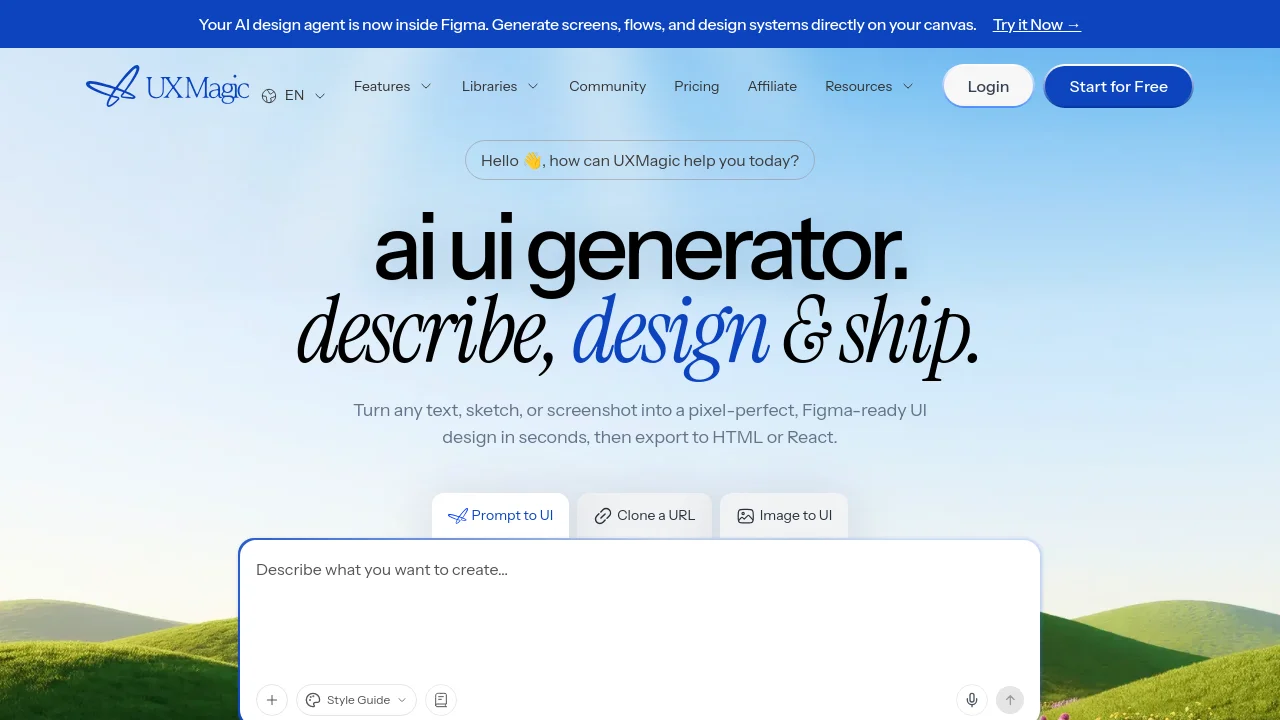
UXMagic is an AI UI design generator that turns text prompts, hand-drawn sketches, screenshots, and URLs into high-fidelity, Figma-ready interface designs. It connects to Figma via a dedicated plugin and one-click export, and generates responsive HTML and React code for frontend handoff.
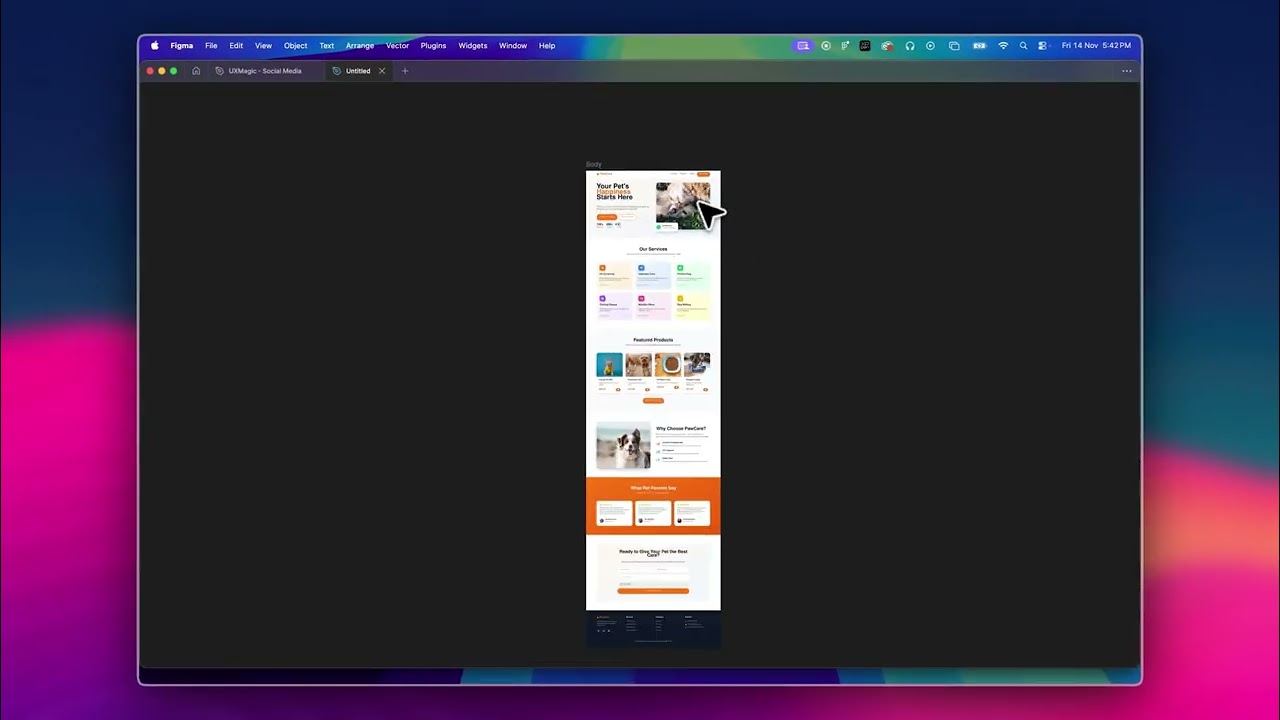
UXMagic video 1
UXMagic screenshot 2

How to use UXMagic?

1. Enter a text prompt, upload a wireframe sketch or screenshot, or enter a reference website URL. 2. Preview the AI-generated multi-screen layout and refine screens using canvas editing or design systems. 3. Export layers directly to Figma or copy production-ready responsive HTML and React code.

UXMagic Core Features

01

Text, Sketch, and Screenshot to UI

Generates multi-screen interface designs from text prompts, hand-drawn sketches, screenshots, or reference website URLs.

02

Figma Integration & Plugin

Exports layered editable Figma designs with one click, or generates UI screens directly inside existing Figma files via plugin.

03

Responsive HTML & React Code Export

Outputs structured, responsive frontend code ready for developer implementation and deployment.

04

Design System & Brand Assets Import

Integrates existing Figma components, color tokens, and typography so all generated screens follow your brand guidelines.

05

Instant Website Cloning

Paste any public website URL to generate an editable design and layout structure in seconds.

06

Targeted & Canvas Editing

Update specific sections with find-and-replace edits, or edit text and images directly on the canvas without regenerating.

UXMagic Use Cases

Rapid UI prototyping from text descriptions or rough sketches

Cloning and modifying existing website layouts into editable Figma files

Translating Figma designs into clean responsive HTML and React frontend code

Generating branded screens aligned with existing design system component libraries

UXMagic Frequently Asked Questions

What is UXMagic and who is it for?

UXMagic is an AI UI design generator that turns text prompts, hand-drawn sketches, screenshots, and URLs into high-fidelity, Figma-ready UI designs in seconds. It is built for designers, product managers, and startup teams.

How does UXMagic integrate with Figma?

UXMagic integrates with Figma through one-click export to editable Figma layers, a dedicated Figma plugin to generate designs inside existing files, and design system import to match brand typography and components.

Is the generated code production-ready?

UXMagic exports responsive HTML and React code that mirrors the approved design. While backend logic still requires developer implementation, the frontend foundation is production quality.

How does the credit system work?

The Free Plan provides 20 credits daily refreshed at midnight UTC without requiring a credit card. Paid plans have no daily limit, offering 2,400 credits per month on Pro and custom allocations on Enterprise.

Who owns the designs and code created on UXMagic?

Users retain 100% intellectual property ownership of every UI design, wireframe, exported code, and asset generated on UXMagic for commercial or personal use without licensing restrictions.

UXMagic Product Background & Official Links

UXMagic Support Email & Customer service contact & Refund contact etc.

UXMagic Support Email: hello@uxmagic.ai

More Contact, visit the about us page(https://uxmagic.ai/docs)

UXMagic Company Info

UXMagic Company name: UXMagic AI Technologies Inc.

UXMagic Developer Type: company

More about UXMagic, Please visit the about us page(https://uxmagic.ai/docs)

UXMagic Pricing

UXMagic Pricing Link: https://uxmagic.ai/pricing

UXMagic Youtube

UXMagic Youtube Link: https://www.youtube.com/@uxmagic_ai

UXMagic Twitter

UXMagic Twitter Link: https://x.com/UXMagic_ai

UXMagic Instagram

UXMagic Instagram Link: https://www.instagram.com/uxmagic.ai/

UXMagic LinkedIn

UXMagic LinkedIn Link: https://www.linkedin.com/company/uxmagicai/

UXMagic Pricing & Plans

Free

Free
$0 /month
  • 20 free credits every day (up to 3 screens daily)
  • 5 projects
  • 1 Figma export
  • Credits refresh daily — no credit card required
  • UI Design, Wireframe, Flow Mode, Screenshot/Sketch to UI, Style Guide, Export Code, Figma import, Clone a site
Subscribe & upgrade now
Most Popular

Pro

Recurring
$35 /month
  • 2,400 monthly credits (up to 400 screens, no daily limit)
  • Unlimited projects
  • 250 Figma exports
  • All Free features with unlimited usage
  • Billed annually at $17.50/month ($210/year)
Subscribe & upgrade now

Enterprise

contact
Custom
  • Custom credits based on team plan
  • Unlimited AI-generated screens
  • Unlimited team seats
  • SSO / SAML authentication
  • Team admin dashboard
Subscribe & upgrade now

UXMagic Tags

FreemiumWeb AppFigma PluginNo-CodeFor DesignersFor DevelopersFor StartupsTeam CollaborationCloud-basedMulti-language

Best Suited Occupations for UXMagic

Product ManagersSoftware DevelopersIndie HackersFreelancersSmall Business Owners

Top Product Categories

LLMs & AI Agents

  • AI Chatbots
  • AI Agents
  • Prompt Engineering
  • AI Search Engine

Engineering & Code

  • AI Code Assistant
  • AI Code Generator
  • AI Developer Tools
  • No-Code & Low-Code

Image & Creative

  • AI Image Generator
  • AI Design Generator
  • AI Art Generator
  • Image-to-Image

Video & Animation

  • AI Video Generator
  • AI Short Video Maker
  • Digital Humans
  • AI Video Editor

Productivity & Office

  • AI Meeting Assistant
  • AI PDF Tools
  • AI Workflow
  • AI PPT Generator

Marketing & Sales

  • AI SEO Tools
  • AI Copywriting
  • AI Lead Generation
  • AI Sales Assistant

Audio & Voice

  • AI Voice Cloning
  • AI Text-to-Speech
  • AI Music Generator
  • AI Podcast Tools

Research & Data

  • AI Research Tools
  • AI Data Analytics
  • AI Knowledge Base
  • See All Categories >>
BAT AI TOOLS
  • Submit your AI tool
  • Pricing
  • Partnership
  • Feedback
  • About
  • A2A Compatible
WeChat QR
Scan QR code with WeChat
hi@bataitools.comClick icon to auto-copy email
English简体中文繁體中文EspañolالعربيةBahasa IndonesiaPortuguêsFrançais日本語РусскийDeutsch한국어TürkçeTiếng ViệtItalianoNederlandsPolskiไทยहिन्दीУкраїнськаفارسیবাংলাاردوSvenskaNorskDanskSuomiעברית

Copyright © 1970 BAT AI TOOLS. All Rights Reserved.

·Partnership·Privacy Policy·Terms of Service·Refund Policy