


Vocal Separator
ActiveTagline:Separate vocals and instrumentals online
Updated:October 22, 2026
Domain Rating:
What is Vocal Separator?
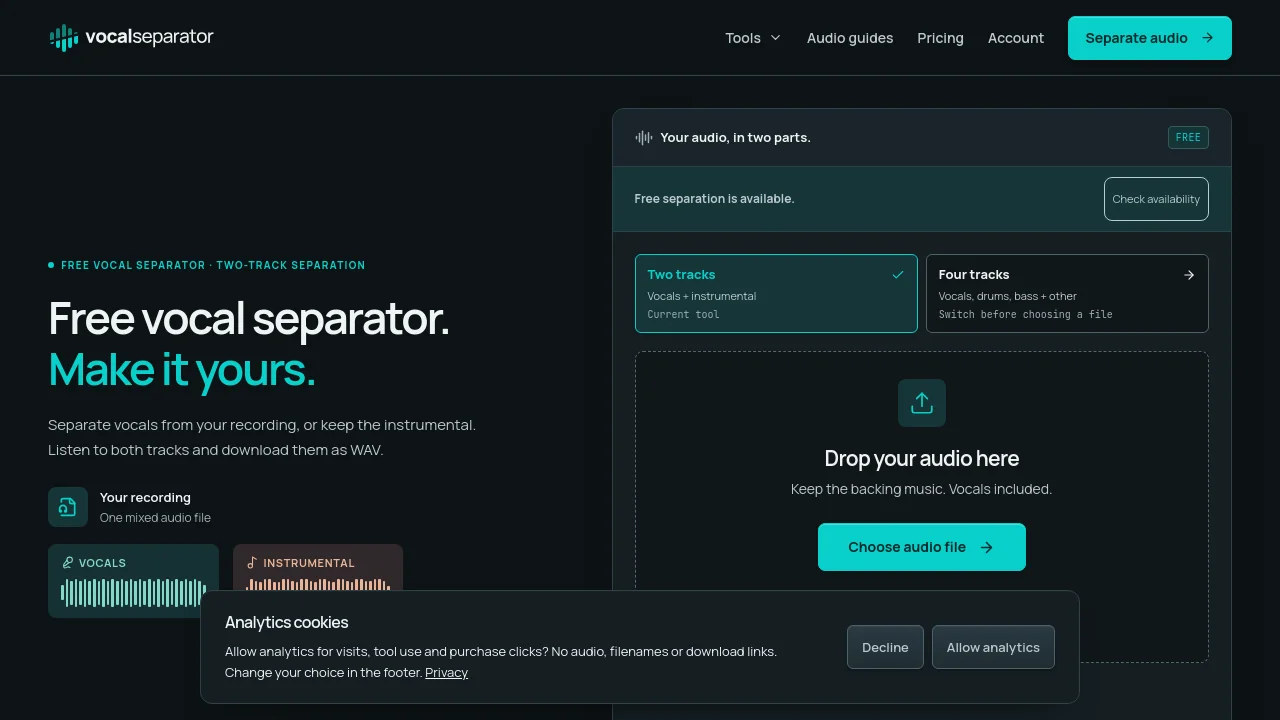
Upload permitted audio, separate vocals and instrumentals, and preview or download WAVs on the same page. Four-stem and local practice tools are included. Limited anonymous free use and optional prepaid minutes. Product-team submission with AI-assisted copy.
How to use Vocal Separator?
Choose a file, preview it, confirm audio rights, then separate. Download before links expire.
Vocal Separator Core Features
01
Two WAV tracks
Preview vocals and instrumental on the same page.
02
Four stems
Download four WAV stems and a ZIP.
03
Local practice
Tempo tools, metronome, bass boost and audio practice in the browser.
Vocal Separator Use Cases
Prepare permitted karaoke backing tracks.
Listen to isolated parts for music practice.
Loop audio and adjust speed or pitch locally.
Vocal Separator Frequently Asked Questions
What counts as one job?
Can I buy processing minutes for batches?
How long can I download my results?
Vocal Separator Product Background & Official Links
Vocal Separator Support Email & Customer service contact & Refund contact etc.
Vocal Separator Support Email: support@vocalseparator.com
More Contact, visit the about us page(https://vocalseparator.com/guides)
Vocal Separator Pricing
Vocal Separator Pricing Link: https://vocalseparator.com/pricing
Vocal Separator Pricing & Plans
Free
FreeFree
- Up to 5 jobs/browser/UTC day, shared by two/four stems; subject to site/network capacity.
- 10 minutes and 100 MB/file.
- Free downloads expire 55 minutes after processing.
- Local tools use no separation jobs.
Minute Pack
flat$9.99 one-time
- 90 minutes, valid 12 months, no automatic renewal.
- 10 files and 60 billed minutes/batch.
- 10 minutes and 250 MB/file; each file rounds up to a minute.
- Seven-day verified-account private results; same models and WAV formats as free.