

Write Mail AI
ActiveTagline:The free to use AI email generator assistant
Updated:October 22, 2026
Domain Rating:
What is Write Mail AI?
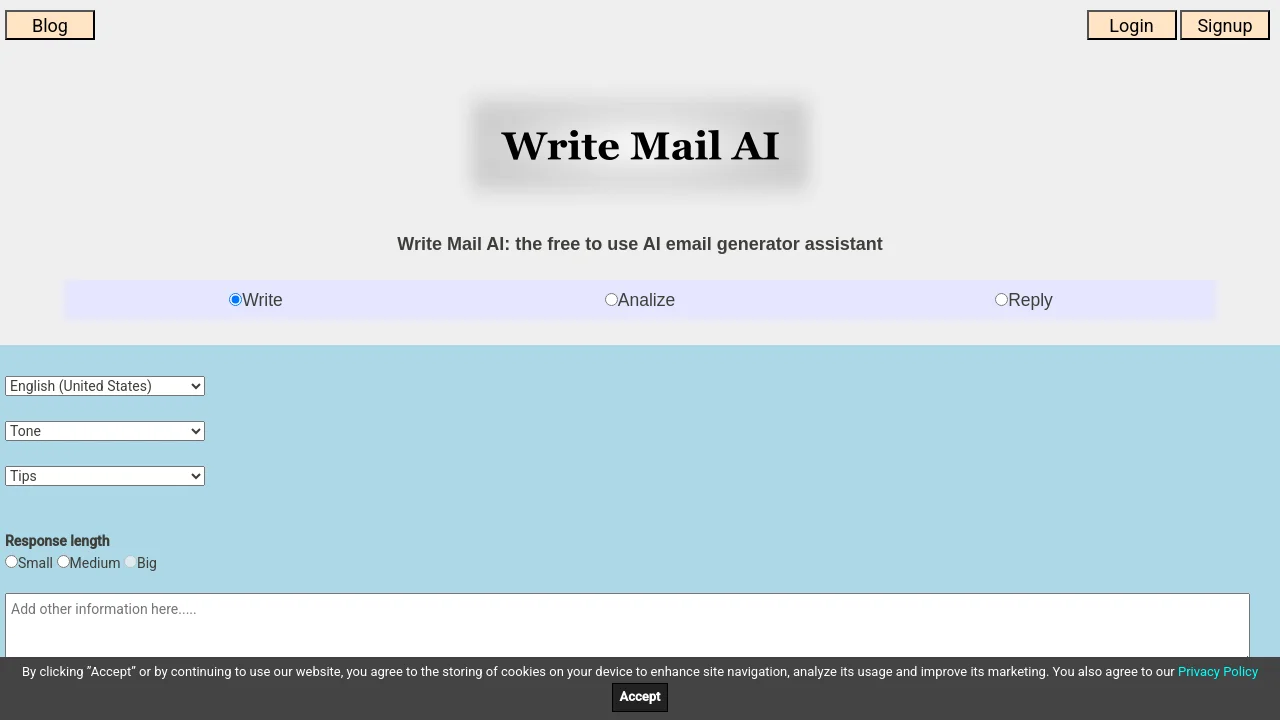
Write Mail AI is an advanced, free AI email generator set of tools that serves as an assistant for writing, analyzing, or replying to emails. It is optimized for desktop and mobile, and is free to use even without logging in. You can personalize responses by selecting language and tone, and get help from many built-in email tips.
How to use Write Mail AI?
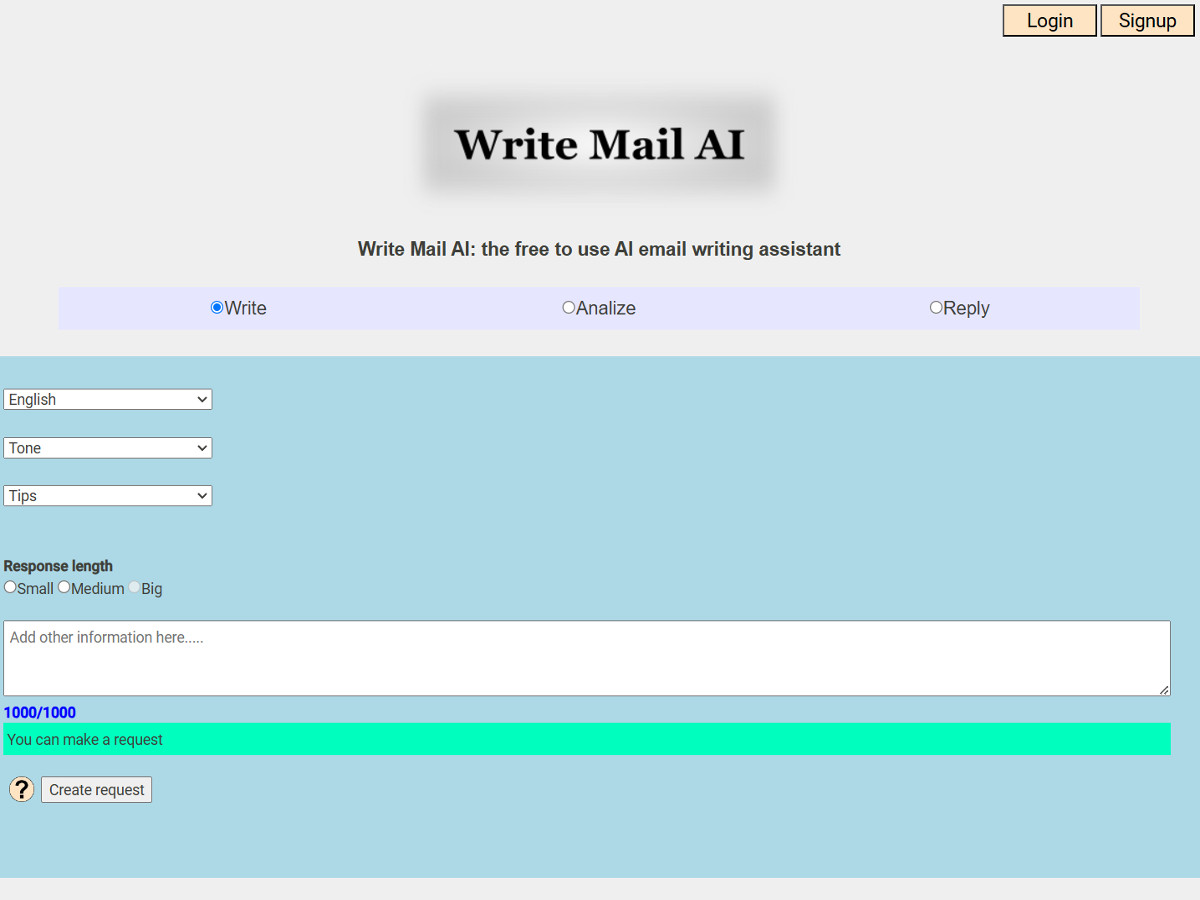
Choose Write, Analyze, or Reply. Select language and tone, enter key points or paste an email, pick a response length (Small, Medium, or Big), then copy the generated text into your email service and edit before sending.
Write Mail AI Core Features
01
Write emails
Generate emails with language and tone selection, optional key points, and response length options. Includes tips for thank-you, sales, promotional, follow-up, and other email types.
02
Analyze emails
Paste an email to run grammar correction, sentiment analysis, summarization, or text analysis. Choose response length and copy the result.
03
Reply to emails
Paste an email you need to reply to, add optional key points, select language, tone, and response length, then copy the generated reply.
Write Mail AI Use Cases
Draft sales, promotional, thank-you, and follow-up emails with built-in tips
Check grammar, sentiment, or summarize incoming emails before responding
Generate email replies and paste them into Gmail, Outlook, or other services
Write Mail AI Frequently Asked Questions
What is the purpose of Write Mail AI?
Should I edit AI-generated emails before sending?
What personal information should I remove before using Write Mail AI?
Write Mail AI Product Background & Official Links
Write Mail AI Support Email & Customer service contact & Refund contact etc.
Write Mail AI Support Email: webmaster@writemailai.com
More Contact, visit the about us page(https://writemailai.com/terms-of-use.html)
Write Mail AI Pricing & Plans
Standard
FreeFree
- No login required
- Max 1000 characters input
- Small or Medium output
- 12 second timeout
Most Popular
With Login
FreeFree
- Free account login
- Max 1500 characters input
- Small, Medium, or Big output
- 6 second timeout