


Xdash AI
ActiveTagline:Optimize Your Productivity & Time
Updated:October 22, 2026
Domain Rating:
Social Media:-
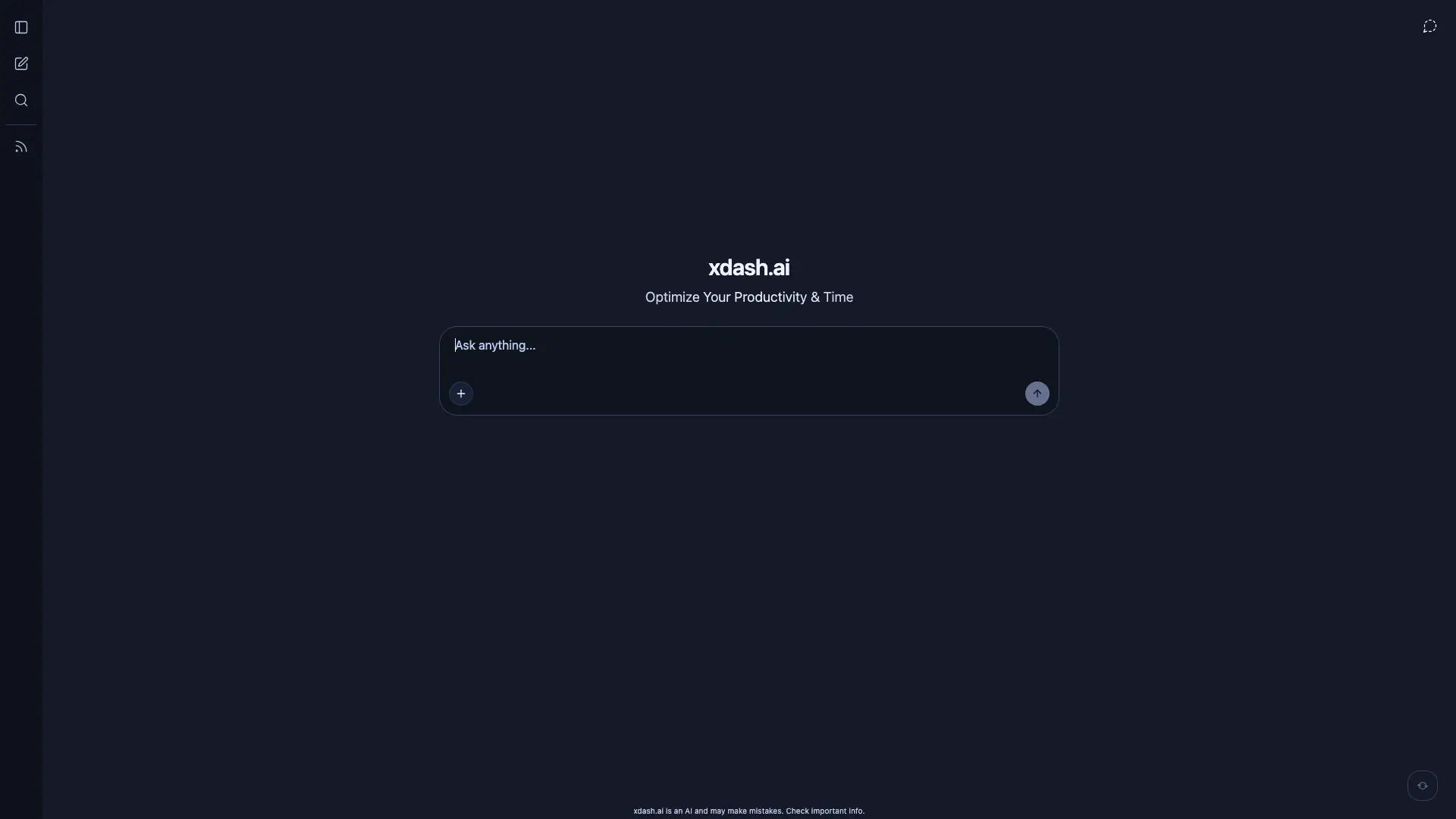
What is Xdash AI?
Xdash AI is a personal AI assistant for chatting, file analysis, and productivity. It offers private sessions, conversation search, and file uploads, with no account required to start.
How to use Xdash AI?
Click "New chat" in the sidebar, type your question, or upload files for the AI to analyze. Use the search box to find past conversations.
Xdash AI Core Features
01
AI chat assistant
Chat with an AI assistant that answers questions, drafts text, and helps with daily tasks.
02
File upload & analysis
Upload documents and files to the chat and ask the AI to summarize or extract insights.
03
Conversation search
Search across your chat history to quickly recall previous answers and topics.
04
Private temporary chat
Use private chat sessions without creating an account.
Xdash AI Use Cases
Draft and refine emails, messages, and documents
Summarize or extract information from uploaded files
Quickly recall earlier conversations using search
Brainstorm ideas with a private AI assistant
Xdash AI Frequently Asked Questions
What is Xdash AI?
Do I need an account to use it?
Can I upload files?
Is my chat private?
How do I search past conversations?
Can the AI make mistakes?
Xdash AI Product Background & Official Links
Xdash AI Support Email & Customer service contact & Refund contact etc.
More Contact, visit the about us page(https://xdash.ai/)
Xdash AI Pricing & Plans
Free
FreeFree
- Chat sessions with the AI assistant
- File upload support
- Search past conversations
- Private temporary chat