


Claid.ai
Active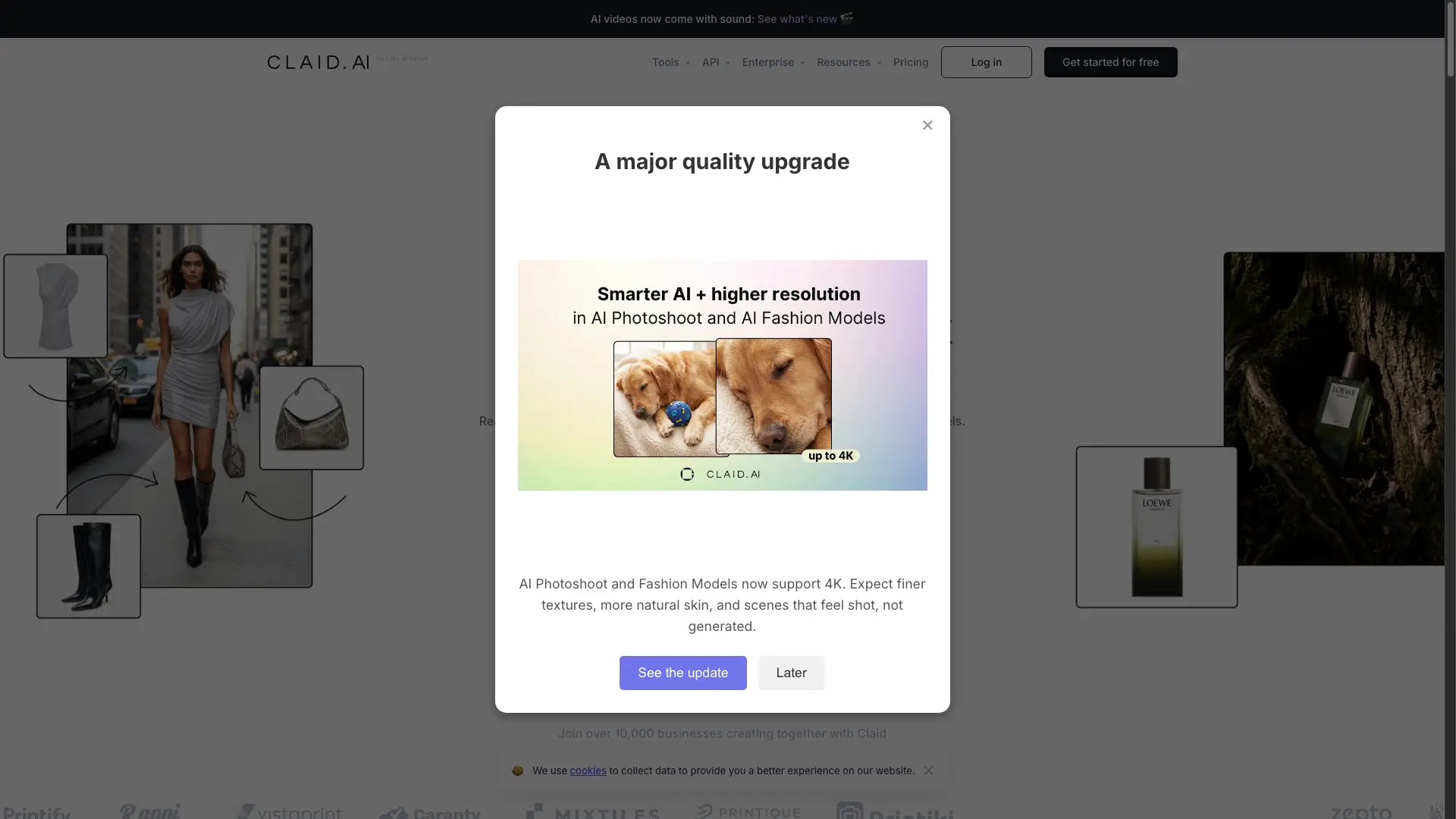
What is Claid.ai?
How to use Claid.ai?
Claid.ai Core Features
AI Photoshoot
Place your products into editorial and lifestyle scenes. Costs 4 credits per generation at Standard quality and 10 credits at Studio quality.
AI Fashion Models
Turn your garment into professional on-model shots with diverse AI fashion models, including flatlay-to-model and virtual try-on.
AI videos with sound
Turn still images into video clips through the Image to Video tool; a 5-second generation costs 60 credits and is available on the Pro plan.
Background removal and editing tools
Instantly create clean, consistent product shots, plus object eraser, remove people, image expander (outpaint), AI shadows and generative resize.
Enhancer, upscaler and light correction
Sharpen details and boost resolution up to 2K on Essentials and 2K/4K on Pro, and brighten dark or faded images with automatic light and color fixes.
Claid API for image workflows
Real-time and batch processing endpoints for generate background, background removal, upscale, smart frame, generative resize, text-to-image, AI fashion models and animation, with volume discounts and documentation at docs.claid.ai.
Detail and brand preservation
The AI is trained on product photography and preserves logos, branding and product shapes, with control over brand-approved backgrounds and colors.
Claid.ai Use Cases
Generate high-converting creatives for catalogs, marketing and ad campaigns from a single product photo
Onboard marketplace sellers faster — images are automatically checked and edited to platform requirements in 2-3 seconds, cutting editing costs by up to 80%
Edit thousands of images in a consistent brand style via API while preserving product details and logos
Produce on-model fashion shots and AI lookbooks from flatlay garment photos instead of booking a studio shoot
Improve user-generated content quality for ecommerce, food delivery, automotive, real estate and print-on-demand catalogs
Claid.ai Frequently Asked Questions
How do credits work?
How many images can I create with my plan?
What is the difference between the plans?
I am a developer interested in your product. Which plan shall I buy?
Are the images generated or edited subject to any Claid copyright?
Do I need technical skills to use Claid AI?
Can I try Claid AI for free?
Claid.ai Product Background & Official Links
Claid.ai Support Email & Customer service contact & Refund contact etc.
Claid.ai Support Email: support@claid.ai
More Contact, visit the about us page(https://docs.claid.ai)
Claid.ai Company Info
Claid.ai Company name: Let's Enhance, Inc.
Claid.ai Developer Type: company
Claid.ai Company address: California, US
More about Claid.ai, Please visit the about us page(https://docs.claid.ai)
Claid.ai Pricing
Claid.ai Pricing Link: https://claid.ai/pricing
Claid.ai Youtube
Claid.ai Youtube Link: https://www.youtube.com/@lets.enhance
Claid.ai Twitter
Claid.ai Twitter Link: https://twitter.com/ClaidAI
Claid.ai Facebook
Claid.ai Facebook Link: https://www.facebook.com/groups/842959093437022
Claid.ai LinkedIn
Claid.ai LinkedIn Link: https://www.linkedin.com/company/claidai/
Claid.ai Pricing & Plans
Free trial
Free- 50 credits to use on any operation
- Access to all Standard tools
- 50 API credits to explore Claid API
- Uploads up to 10 MB / 48 MP
- 24 hours of history
Essentials
Recurring- 500 credits to use on any operation
- A powerful toolset for your product image editing needs
- Standard resolution (up to 2K)
- 1 month of history
- Chat support
Pro
Recurring- 2,000 credits to use on any operation
- Full access to all Premium Tools (including 2K/4K generation)
- 3x history preservation
- Higher upload limits up to 64 MP
- Batch processing, priority queue and brand kits
- API key included
Business
contact- Advanced API workflows
- Custom SLAs and setup
- Dedicated support and onboarding
- Early access to beta tools and research
- Downloads up to 559 MP