Sponsored byAsInstant- Automating your business through advanced AI Solutions
BAT AI TOOLSBAT AI TOOLS
  • Tools
  • Category
  • Jobs
  • Pricing
  • PromoFREE
Free Submit
Sign In
  • Home
  • /
  • AI Animation Generator
  • /
  • Malloy Studio
Malloy Studio

Malloy Studio

Active
Tagline:Create motion graphics from prompts for videos, overlays, charts, callouts, and on-brand animations without learning After Effects.
Updated:-
Social Media:
AI Animation GeneratorAI Video GeneratorAI Graphic DesignVideo & AnimationFreemiumSubscriptionFree TrialWeb AppFor DesignersFor Creators
Open Website
Malloy Studio
Visit Website
|
  • About
  • Pricing

What is Malloy Studio?

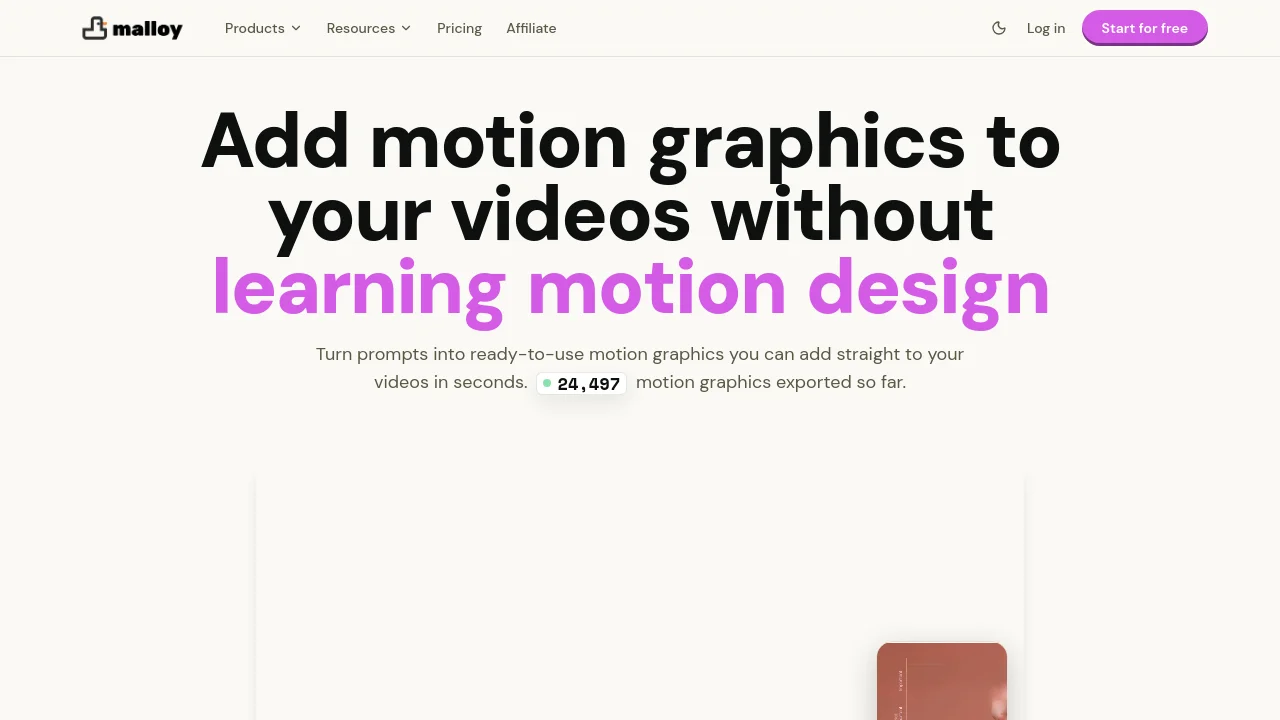
Malloy Studio helps creators and teams generate motion graphics from prompts for videos, overlays, charts, callouts, and branded animations. Turn prompts into ready-to-use motion graphics you can add to your videos in seconds, customize in control panels, and export as transparent WebM or MOV files for Premiere Pro, DaVinci Resolve, Final Cut Pro, CapCut, and other editors.
Malloy Studio screenshot 2

How to use Malloy Studio?

Sign up at portal.malloy.sg, describe the motion graphic you need in a prompt or pick from 1,000+ templates, adjust text, colors, layout, and timing in the control panels, then export a transparent video file and layer it in your editor.

Malloy Studio Core Features

01

Prompt-to-motion graphics

Turn prompts into ready-to-use motion graphics for titles, highlights, callouts, charts, and visual emphasis without building keyframes or timelines.

02

1,000+ customizable templates

Start from templates such as text reveals, data animations, logo intros, and social posts, then customize each generated motion graphic before export.

03

Transparent video exports

Export motion graphics as transparent WebM or MOV files with alpha and drag them into Premiere Pro, DaVinci Resolve, Final Cut Pro, CapCut, or any editor that supports overlays.

04

Built-in control panels

Adjust text, values, colors, layout, and timing after generation without rebuilding the animation from scratch.

05

Multi-format and 4K output

Generate motion graphics for 16:9 or 9:16 layouts with safe zones preserved, and export up to 4K for ads, social content, and high-resolution videos.

Malloy Studio Use Cases

Add titles, callouts, stats, and highlights to YouTube, TikTok, Reels, and ad videos

Replace repetitive After Effects text graphics for social media and marketing teams

Produce branded motion graphics faster for agencies and lean startup marketing workflows

Malloy Studio Frequently Asked Questions

Will this actually look professional, or will it look AI-generated and cheap?

Malloy Studio acts as a support layer for your video, not a replacement for it. It generates standard motion graphics such as titles, highlights, callouts, and visual emphasis designed to blend naturally with your content.

Do I still have control when creating motion graphics with AI?

Yes. After generating a motion graphic, you can use built-in control panels to adjust text, values, colors, layout, and timing without rebuilding the animation from scratch.

Can I create motion graphics with AI for different video formats?

Yes. Malloy Studio supports 16:9 and 9:16 layouts, respects safe zones, and exports up to 4K for YouTube, TikTok, Reels, and ads.

How do I add the motion graphics to my video?

Export transparent WebM or MOV files from Malloy Studio, import them into your editor, and place them on a track above your footage. It works with Premiere Pro, DaVinci Resolve, Final Cut Pro, CapCut, and other editors that support transparent overlays.

Why wouldn't I just use After Effects?

After Effects is better for complex bespoke animation, while Malloy Studio is built for simple motion graphics such as titles, callouts, stats, and highlights that you can generate and iterate in minutes without keyframes.

Malloy Studio Product Background & Official Links

Malloy Studio Support Email & Customer service contact & Refund contact etc.

Malloy Studio Support Email: support@malloy.sg

More Contact, visit the about us page(https://www.malloy.sg)

Malloy Studio Team Info

Malloy Studio Team name: Malloy Labs

Malloy Studio Developer Type: team

More about Malloy Studio, Please visit the about us page(https://www.malloy.sg)

Malloy Studio Pricing

Malloy Studio Pricing Link: https://www.malloy.sg/#pricing

Malloy Studio Pricing & Plans

Free

Free
5 free exports
  • Generate motion graphics without a credit card
  • Try the editor before subscribing
  • Access to templates and export workflow
Subscribe & upgrade now
Most Popular

Malloy Studio

Recurring
$19 /month
  • 100 AI motion credits / month
  • 100 video exports / month
  • 1,000 character input prompt limit
  • 1 generation at a time
  • 100 MB asset library storage
  • 7 days session history
  • All templates included
  • No watermark on video
  • Export with transparent background
  • Commercial use license
Subscribe & upgrade now

Malloy Advanced

Recurring
$36 /month
  • 300 AI motion credits / month
  • 300 video exports / month
  • 5,000 character input prompt limit
  • 3 concurrent generations
  • 1 GB asset library storage
  • 30 days session history
  • 2 brand guidelines
  • Custom fonts
Subscribe & upgrade now

Malloy Production

Recurring
$111 /month
  • 1,000 AI motion credits / month
  • 1,000 video exports / month
  • 10,000 character input prompt limit
  • 8 concurrent generations
  • 10 GB asset library storage
  • Unlimited session history
  • 5 brand guidelines
  • Custom fonts
Subscribe & upgrade now

Malloy Studio Tags

FreemiumSubscriptionFree TrialWeb AppFor DesignersFor Creators

Best Suited Occupations for Malloy Studio

Audio & Video ProducersWriters & MarketersSelf-Media & Influencers

Top Product Categories

LLMs & AI Agents

  • AI Chatbots
  • AI Agents
  • Prompt Engineering
  • AI Search Engine

Engineering & Code

  • AI Code Assistant
  • AI Code Generator
  • AI Developer Tools
  • No-Code & Low-Code

Image & Creative

  • AI Image Generator
  • AI Design Generator
  • AI Art Generator
  • Image-to-Image

Video & Animation

  • AI Video Generator
  • AI Short Video Maker
  • Digital Humans
  • AI Video Editor

Productivity & Office

  • AI Meeting Assistant
  • AI PDF Tools
  • AI Workflow
  • AI PPT Generator

Marketing & Sales

  • AI SEO Tools
  • AI Copywriting
  • AI Lead Generation
  • AI Sales Assistant

Audio & Voice

  • AI Voice Cloning
  • AI Text-to-Speech
  • AI Music Generator
  • AI Podcast Tools

Research & Data

  • AI Research Tools
  • AI Data Analytics
  • AI Knowledge Base
  • See All Categories >>
BAT AI TOOLS
  • Submit your AI tool
  • Pricing
  • Partnership
  • Feedback
  • About
WeChat QR
Scan QR code with WeChat
hi@bataitools.comClick icon to auto-copy email
English简体中文繁體中文EspañolالعربيةBahasa IndonesiaPortuguêsFrançais日本語РусскийDeutsch한국어TürkçeTiếng ViệtItalianoNederlandsPolskiไทยहिन्दीУкраїнськаفارسیবাংলাاردوSvenskaNorskDanskSuomiעברית

Copyright © 1970 BAT AI TOOLS. All Rights Reserved.

·Partnership·Privacy Policy·Terms of Service·Refund Policy