

Sponsored byAI Video Cut- Turn long videos into catchy YouTube Shorts, TikToks, viral ads, and trailers effortlessly.
BAT AI TOOLSBAT AI TOOLS
  • Tools
  • Category
  • Jobs
  • Pricing
  • PromoFREE
Free Submit
Sign In
  • Home
  • /
  • AI Image Detector
  • /
  • Pixlyze
Pixlyze

Pixlyze

Active
Tagline:Accurately distinguish between real and AI-generated images in seconds. Ensure authenticity and trust in every visual.
Updated:-
Social Media:
AI Image DetectorAI Detection & HumanizationImage Recognition & AnalysisWeb AppFreeCloud-basedReal-time
Open Website
Pixlyze
Visit Website
|
  • About
  • Pricing

What is Pixlyze?

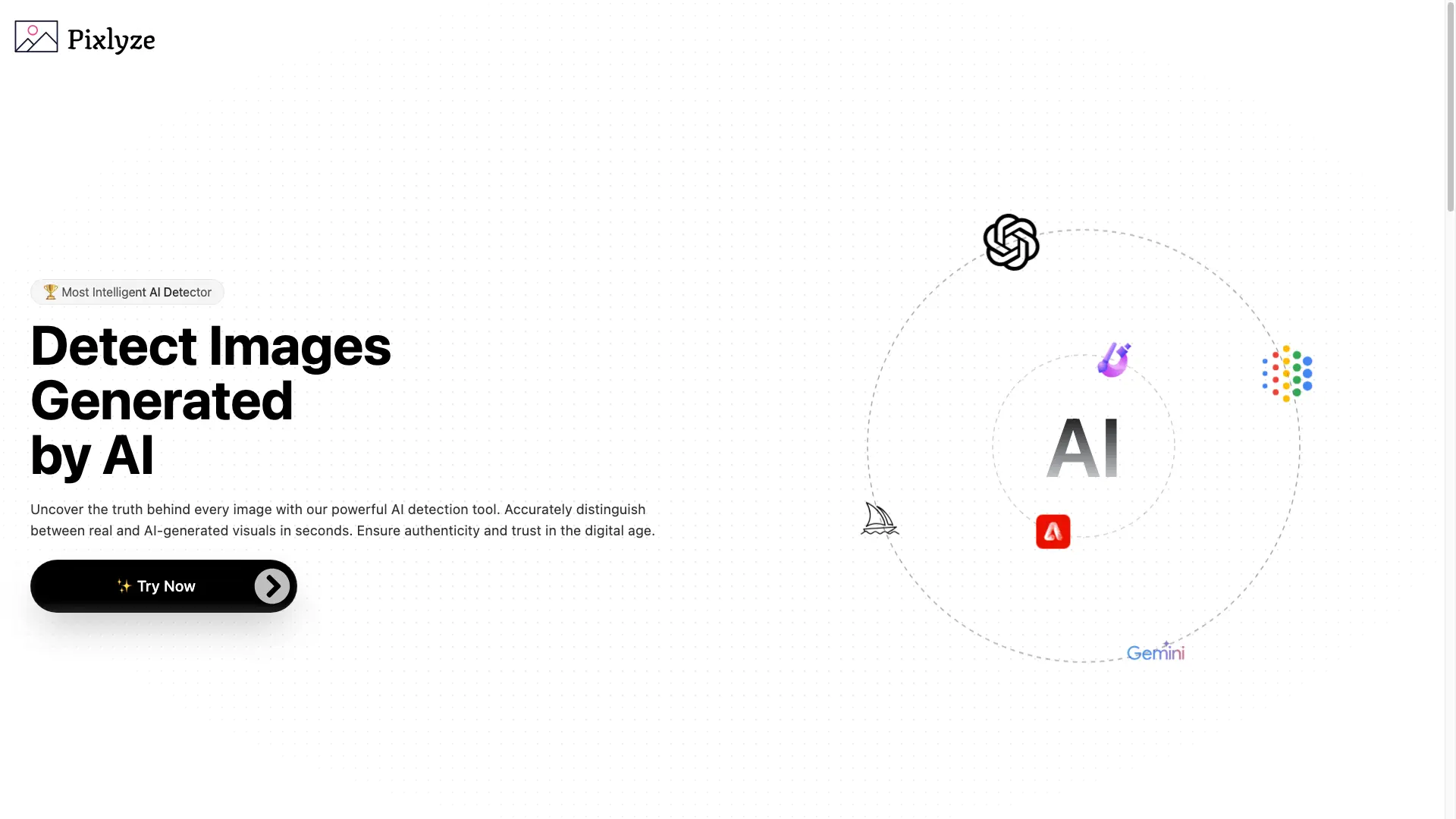
Pixlyze is an AI image detector that tells you whether a photo was generated by AI or captured by a camera. It recognizes output from popular generators such as Midjourney, GPT/DALL·E, Gemini, Adobe Firefly, and Adobe Designer, and returns a verdict within seconds. Images uploaded for analysis are not stored or shared, so your data stays private.

How to use Pixlyze?

Open the detection page and click to select an image. Upload a file in JPG, JPEG, PNG, GIF, BMP, WEBP, TIFF, TIF, or SVG format. Wait a few seconds for the analysis to finish. Review whether the image is real or AI-generated and download it if needed.

Pixlyze Core Features

01

High Accuracy

Uses advanced AI algorithms to reliably tell real photos apart from AI-generated images, so you can trust the verdict.

02

Fast Processing

Upload an image and receive the analysis in seconds thanks to an optimized processing pipeline that saves you time.

03

Privacy Guaranteed

Images uploaded for analysis are not stored or shared, keeping your data secure and confidential.

04

Multiple Model Coverage

Recognizes images produced by Midjourney, GPT/DALL·E, Gemini, Adobe Firefly, and Adobe Designer.

05

Undetectable Export

Offers an option to make an image undetectable and download it so it cannot be flagged by other detectors.

06

User-Friendly Interface

A simple, approachable design that anyone can use regardless of technical expertise.

Pixlyze Use Cases

Journalists and news outlets verify image authenticity before publishing.

Photographers confirm their work is recognized as genuine, not AI-generated.

Social media influencers ensure the visuals they share are real.

Legal professionals check the authenticity of photographic evidence.

Marketing agencies keep campaign visuals original and trustworthy.

Educators and researchers demonstrate what AI image generation can and cannot do.

Pixlyze Frequently Asked Questions

Which AI image generators can Pixlyze detect?

Pixlyze recognizes images created by Midjourney, GPT/DALL·E, Gemini, Adobe Firefly, and Adobe Designer.

Is my uploaded image stored?

No. Images uploaded for analysis are not stored or shared, so your data remains private.

How fast is the analysis?

After you upload an image, Pixlyze returns a result in seconds.

What image formats are supported?

You can upload JPG, JPEG, PNG, GIF, BMP, WEBP, TIFF, TIF, and SVG files.

Pixlyze Product Background & Official Links

Pixlyze Support Email & Customer service contact & Refund contact etc.

More Contact, visit the about us page(https://pixlyze.itsvg.in)

Pixlyze Individual Info

Pixlyze Individual name: Vishwa Gaurav

Pixlyze Developer Type: individual

More about Pixlyze, Please visit the about us page(https://pixlyze.itsvg.in)

Pixlyze Twitter

Pixlyze Twitter Link: https://x.com/VishwaGauravIn

Pixlyze Instagram

Pixlyze Instagram Link: https://instagram.com/VishwaGauravIn

Pixlyze LinkedIn

Pixlyze LinkedIn Link: https://www.linkedin.com/in/vishwagauravin/

Pixlyze GitHub

Pixlyze GitHub Link: https://github.com/VishwaGauravIn

Pixlyze Pricing & Plans

Free

Free
Free
  • Detect AI-generated images
  • Upload JPG, PNG, GIF, BMP, WEBP, TIFF, SVG
  • Results in seconds
  • Images not stored or shared
Subscribe & upgrade now

Pixlyze Tags

Web AppFreeCloud-basedReal-time

Best Suited Occupations for Pixlyze

General ConsumersWriters & MarketersAcademic ResearchersSelf-Media & Influencers

Top Product Categories

LLMs & AI Agents

  • AI Chatbots
  • AI Agents
  • Prompt Engineering
  • AI Search Engine

Engineering & Code

  • AI Code Assistant
  • AI Code Generator
  • AI Developer Tools
  • No-Code & Low-Code

Image & Creative

  • AI Image Generator
  • AI Design Generator
  • AI Art Generator
  • Image-to-Image

Video & Animation

  • AI Video Generator
  • AI Short Video Maker
  • Digital Humans
  • AI Video Editor

Productivity & Office

  • AI Meeting Assistant
  • AI PDF Tools
  • AI Workflow
  • AI PPT Generator

Marketing & Sales

  • AI SEO Tools
  • AI Copywriting
  • AI Lead Generation
  • AI Sales Assistant

Audio & Voice

  • AI Voice Cloning
  • AI Text-to-Speech
  • AI Music Generator
  • AI Podcast Tools

Research & Data

  • AI Research Tools
  • AI Data Analytics
  • AI Knowledge Base
  • See All Categories >>
BAT AI TOOLS
  • Submit your AI tool
  • Pricing
  • Partnership
  • Feedback
  • About
WeChat QR
Scan QR code with WeChat
hi@bataitools.comClick icon to auto-copy email
English简体中文繁體中文EspañolالعربيةBahasa IndonesiaPortuguêsFrançais日本語РусскийDeutsch한국어TürkçeTiếng ViệtItalianoNederlandsPolskiไทยहिन्दीУкраїнськаفارسیবাংলাاردوSvenskaNorskDanskSuomiעברית

Copyright © 1970 BAT AI TOOLS. All Rights Reserved.

·Partnership·Privacy Policy·Terms of Service·Refund Policy