


Stage Captions
Active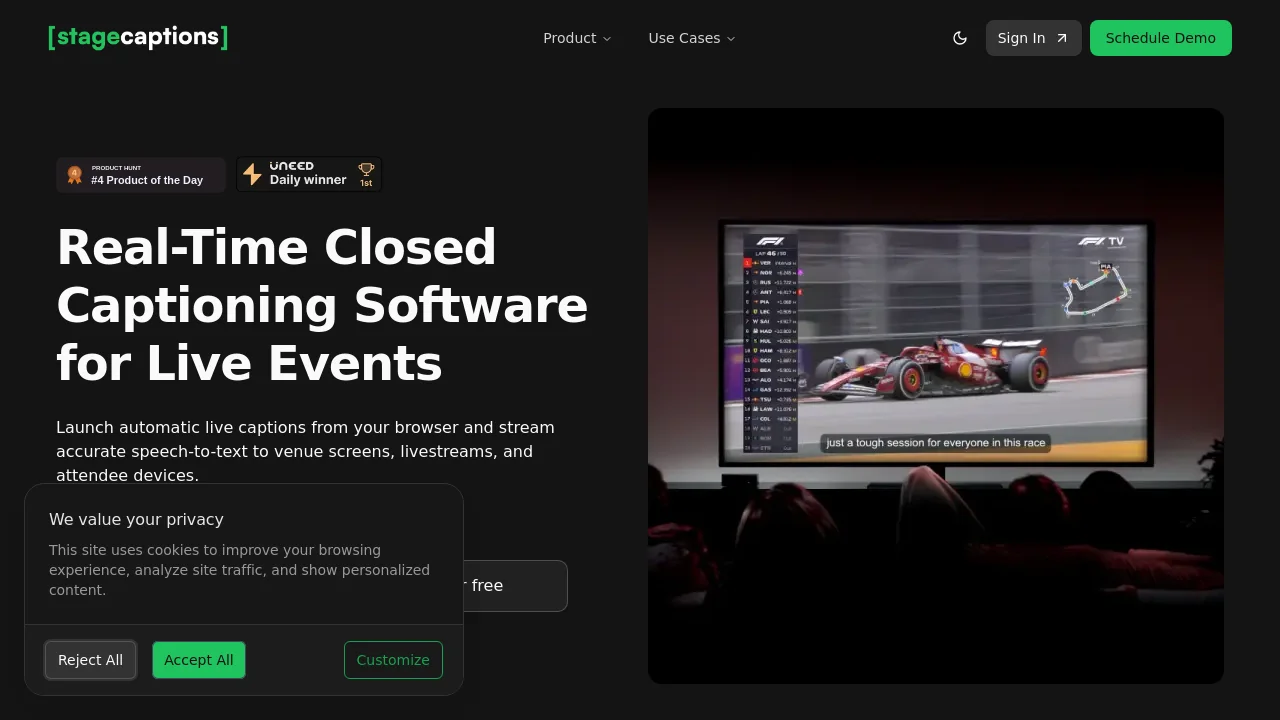
What is Stage Captions?
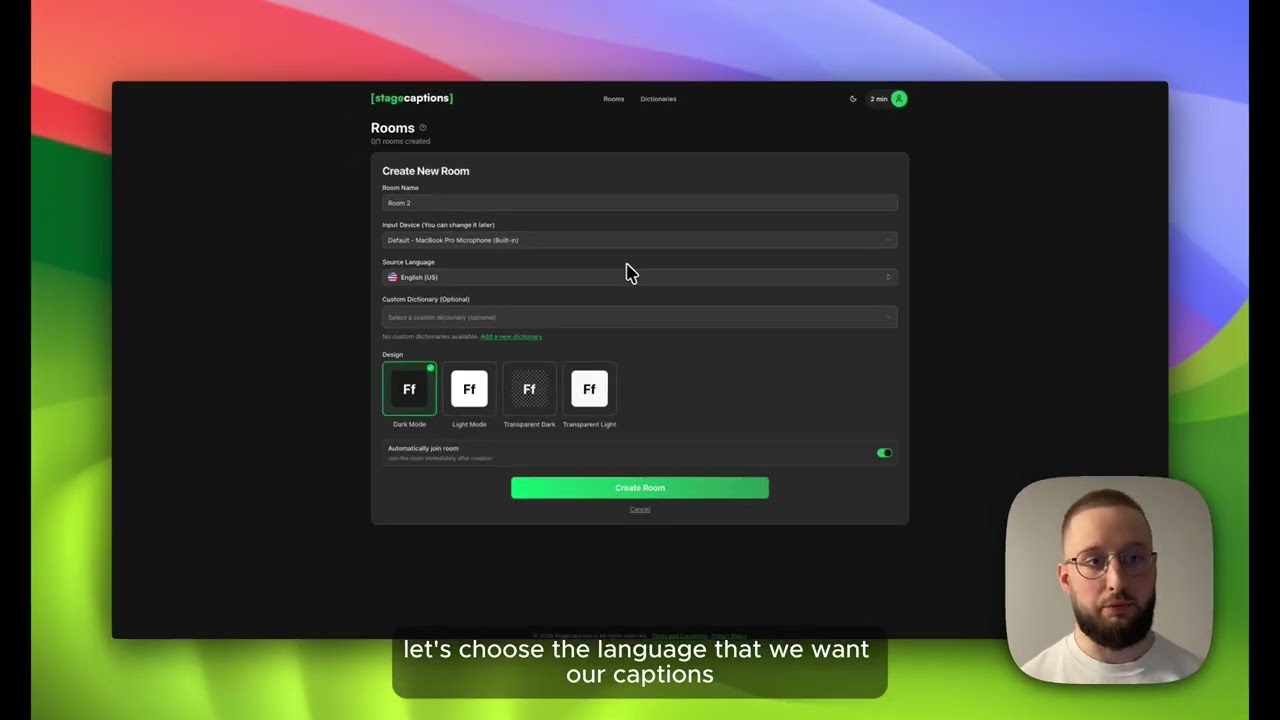


How to use Stage Captions?
Stage Captions Core Features
Live captioning software engine
Captions are generated continuously as the speaker talks. Teams can monitor the audio input, caption output, and displayed delay while routing live text to audience and production views.
Custom dictionaries
Add names, abbreviations, brand language, and technical terms to improve how specialized vocabulary is recognized during live transcription.
Presenter dashboard
Create and manage caption rooms, select audio inputs, adjust caption display settings, share viewer access, and monitor the session from the presenter dashboard.
QR-powered viewer
Share a QR code or direct link so attendees can open live captions in a browser on a phone, tablet, or laptop without installing a dedicated app.
Browser output
Open the browser output in OBS Studio, Resolume, or another production tool that supports web content. The caption URL can also be shown on a display computer, stage screen, or confidence monitor.
Stage Captions Use Cases
Conferences and keynote presentations
Live events and hybrid meetings
Broadcast and streaming productions
Education and classroom sessions
Sports events and venue screens
Stage Captions Frequently Asked Questions
What is Stage Captions?
Do presenters or attendees need any software?
How accurate and fast is it?
Is the platform ASR software or human captioning?
Which languages are supported?
How does pricing work?
Stage Captions Product Background & Official Links
Stage Captions Support Email & Customer service contact & Refund contact etc.
Stage Captions Support Email: support@stagecaptions.io
More Contact, visit the about us page(https://stagecaptions.io/supported-languages)
Stage Captions LinkedIn
Stage Captions LinkedIn Link: https://www.linkedin.com/company/stagecaptions
Stage Captions Pricing & Plans
Free Trial
Free- No credit card required
- Try captioning in your browser
- Test audio, captions, and display outputs
Event Plans
contact- Quotes tailored to schedule, room count, and support needs
- Guided pilot available during discovery
- Viewer capacity applied per room based on event plan
- Email support with optional rehearsal or live standby support