Sponsored byAnilyst- An AI-Analyst you can talk to
BAT AI TOOLSBAT AI TOOLS
  • Tools
  • Category
  • Jobs
  • Pricing
  • PromoFREE
Free Submit
Sign In
  • Home
  • /
  • AI Email Assistant
  • /
  • Superinbox
Superinbox

Superinbox

Active
Tagline:AI that drafts email replies in your writing style
Updated:September 4, 2026
Domain Rating:
8Domain Rating by Ahrefs
Social Media:
AI Email AssistantOffice & ProductivityAI WritingFree TrialFreemiumWeb AppTeam CollaborationPrivacy-FocusedZero Setup
Open Website
Superinbox
Visit Website
|
  • About
  • Pricing

What is Superinbox?

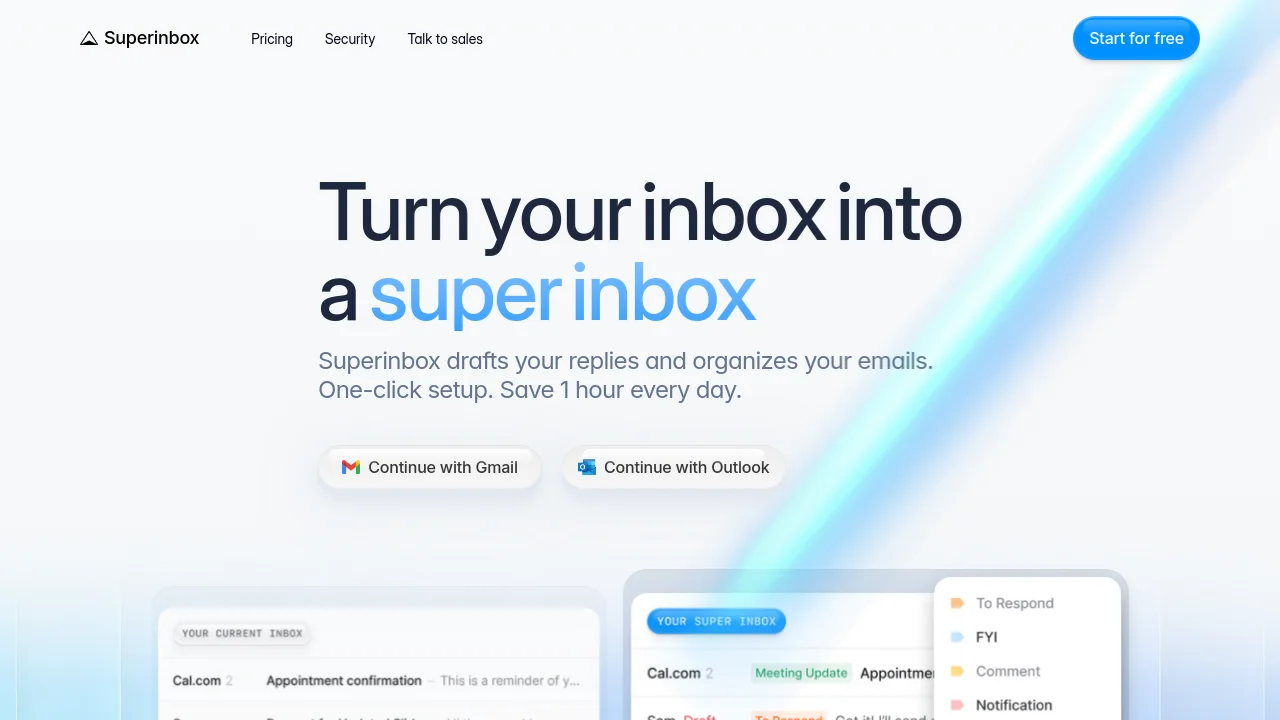
Superinbox connects to Gmail or Outlook to draft replies in your voice, auto-categorize incoming mail, and pull calendar availability into scheduling emails. One-click setup inside your existing inbox—no new app to learn. Trusted by teams from startups to global firms.
Superinbox video 1
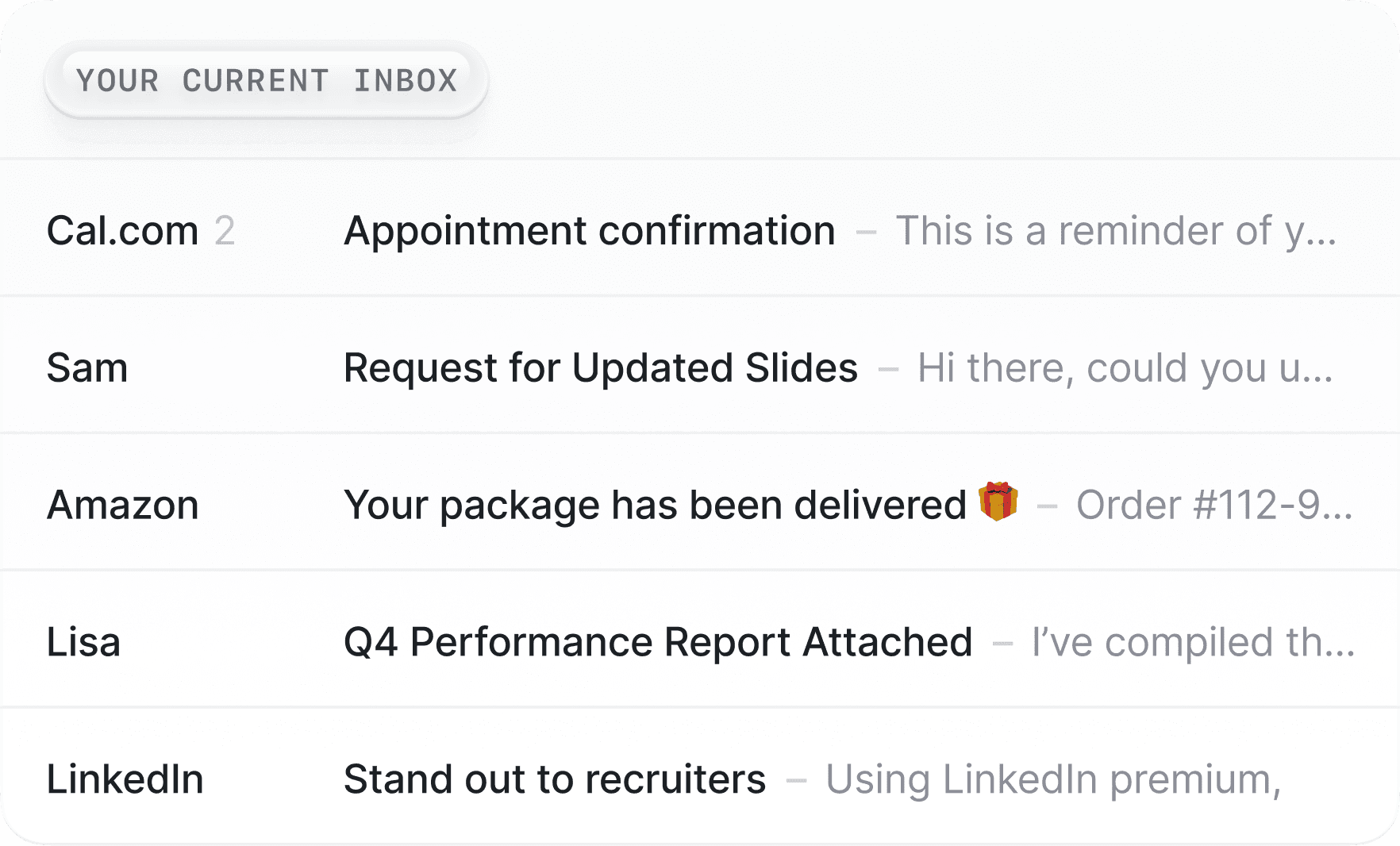
Superinbox screenshot 2

How to use Superinbox?

Click Continue with Gmail or Continue with Outlook on superinbox.com, authorize access, and set up Superinbox in under 5 minutes. Your next emails are automatically categorized and draft replies are prepared when needed.

Superinbox Core Features

01

Get drafts ready to send

Pre-written in your voice and ready in your inbox. Uses your email history and uploaded docs to match the tone you use with each recipient.

02

Calendar-integrated scheduling

Pulls your free calendar slots into draft replies so you can propose meeting times without back-and-forth.

03

Automatic inbox sorting

Each email is sorted into the right category using existing or custom labels and simple prompts—no manual triage.

Superinbox Use Cases

Reply faster in Gmail or Outlook with AI drafts that sound like you

Keep a busy inbox organized with automatic categorization and noise blocking

Schedule meetings from email by inserting your available calendar slots

Superinbox Frequently Asked Questions

How does Superinbox work with Gmail and Outlook?

Superinbox connects to your Gmail or Outlook account to automatically organize your inbox and generate personalized email responses in your writing style.

Do I need to install anything or change my email client?

No. Superinbox works inside Gmail and Outlook with one-click setup—there is no separate app or new interface to learn.

How does Superinbox learn my writing style and tone?

It uses your email history and uploaded documents to draft replies that match how you write, adapting tone for each conversation and recipient.

Is my data safe with Superinbox?

Superinbox is CASA Tier 2 certified, an authorized Google and Microsoft partner, and analyzes emails in real time without storing message content after processing.

Superinbox Product Background & Official Links

Superinbox Support Email & Customer service contact & Refund contact etc.

Superinbox Support Email: louis@superinbox.ai

More Contact, visit the about us page(https://help.superinbox.com/)

Superinbox Company Info

Superinbox Company name: REPIO SAS

Superinbox Developer Type: company

More about Superinbox, Please visit the about us page(https://help.superinbox.com/)

Superinbox Pricing

Superinbox Pricing Link: https://superinbox.com/pricing

Superinbox LinkedIn

Superinbox LinkedIn Link: https://www.linkedin.com/company/superinbox-com/

Superinbox Pricing & Plans

Free trial

Free
Free
  • 7-day free trial
  • No credit card required to start
  • Try inbox organization and draft replies
Subscribe & upgrade now

Starter

Recurring
$25 /month
  • Up to 2,500 emails processed per month
  • Organize your main inbox
  • Drafts in your voice with default categorization
  • Block noise and cold emails
  • Calendar scheduling
Subscribe & upgrade now
Most Popular

Business

Recurring
$40 /month
  • Up to 6,000 emails processed per month
  • Organize a second inbox
  • Customize labels and folders
  • Add PDF context and advanced AI models
  • Everything in Starter
Subscribe & upgrade now

Enterprise

contact
Contact sales
  • Advanced security and controls
  • Single sign-on (SSO)
  • Org-wide shared knowledge
  • 1:1 setup and onboarding
  • Priority support
Subscribe & upgrade now

Superinbox Tags

Free TrialFreemiumWeb AppTeam CollaborationPrivacy-FocusedZero Setup

Best Suited Occupations for Superinbox

Project & Program ManagersSales & Business DevelopmentSmall Business OwnersGeneral Consumers

Top Product Categories

LLMs & AI Agents

  • AI Chatbots
  • AI Agents
  • Prompt Engineering
  • AI Search Engine

Engineering & Code

  • AI Code Assistant
  • AI Code Generator
  • AI Developer Tools
  • No-Code & Low-Code

Image & Creative

  • AI Image Generator
  • AI Design Generator
  • AI Art Generator
  • Image-to-Image

Video & Animation

  • AI Video Generator
  • AI Short Video Maker
  • Digital Humans
  • AI Video Editor

Productivity & Office

  • AI Meeting Assistant
  • AI PDF Tools
  • AI Workflow
  • AI PPT Generator

Marketing & Sales

  • AI SEO Tools
  • AI Copywriting
  • AI Lead Generation
  • AI Sales Assistant

Audio & Voice

  • AI Voice Cloning
  • AI Text-to-Speech
  • AI Music Generator
  • AI Podcast Tools

Research & Data

  • AI Research Tools
  • AI Data Analytics
  • AI Knowledge Base
  • See All Categories >>
BAT AI TOOLS
  • Submit your AI tool
  • Pricing
  • Partnership
  • Feedback
  • About
  • A2A Compatible
WeChat QR
Scan QR code with WeChat
hi@bataitools.comClick icon to auto-copy email
English简体中文繁體中文EspañolالعربيةBahasa IndonesiaPortuguêsFrançais日本語РусскийDeutsch한국어TürkçeTiếng ViệtItalianoNederlandsPolskiไทยहिन्दीУкраїнськаفارسیবাংলাاردوSvenskaNorskDanskSuomiעברית

Copyright © 1970 BAT AI TOOLS. All Rights Reserved.

·Partnership·Privacy Policy·Terms of Service·Refund Policy