


Sharpniq
ActiveTagline:Sharpen blurry photos privately in your browser
Updated:October 20, 2026
Domain Rating:
What is Sharpniq?
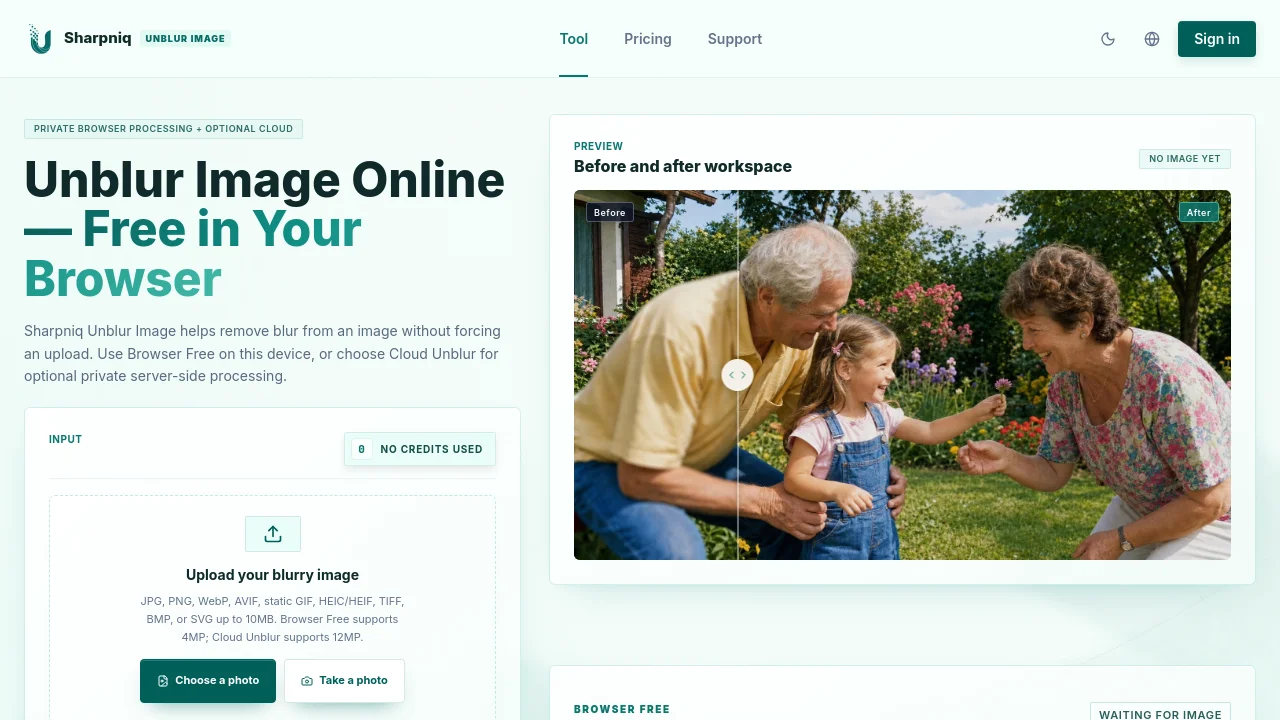
Sharpniq sharpens blurry photos. Browser Free processes images on your device without sign-in or uploads. Optional Cloud Unblur requires sign-in and 10 credits per usable result. Compare before and after, then download PNG. Results vary; missing details may not be recoverable.

How to use Sharpniq?
Choose a photo, select Browser Free, process, compare the result, and download PNG.
Sharpniq Core Features
01
Browser Free
On-device processing without sign-in or uploads.
02
Before and after
Compare the original and result.
03
PNG export
Download a completed result as PNG.
Sharpniq Use Cases
Improve soft-focus photos
Sharpen mildly blurry product photos
Prepare photos for social posts
Sharpniq Frequently Asked Questions
Is Browser Free free?
What does Cloud Unblur require?
Can every blurry photo be restored?
Sharpniq Product Background & Official Links
Sharpniq Support Email & Customer service contact & Refund contact etc.
Sharpniq Support Email: support@unblurimage.me
More Contact, visit the about us page(https://unblurimage.me/about)
Sharpniq Pricing
Sharpniq Pricing Link: https://unblurimage.me/pricing
Sharpniq Pricing & Plans
Starter
flat$4.99 one-time
- 100 credits
- 10 credits per usable cloud result
- Purchased credits do not expire
Most Popular
Plus
flat$9.99 one-time
- 220 credits
- 10 credits per usable cloud result
- Purchased credits do not expire