


Yap
ActiveTagline:Fast, private voice dictation for Mac and Windows
Updated:October 22, 2026
Domain Rating:
What is Yap?
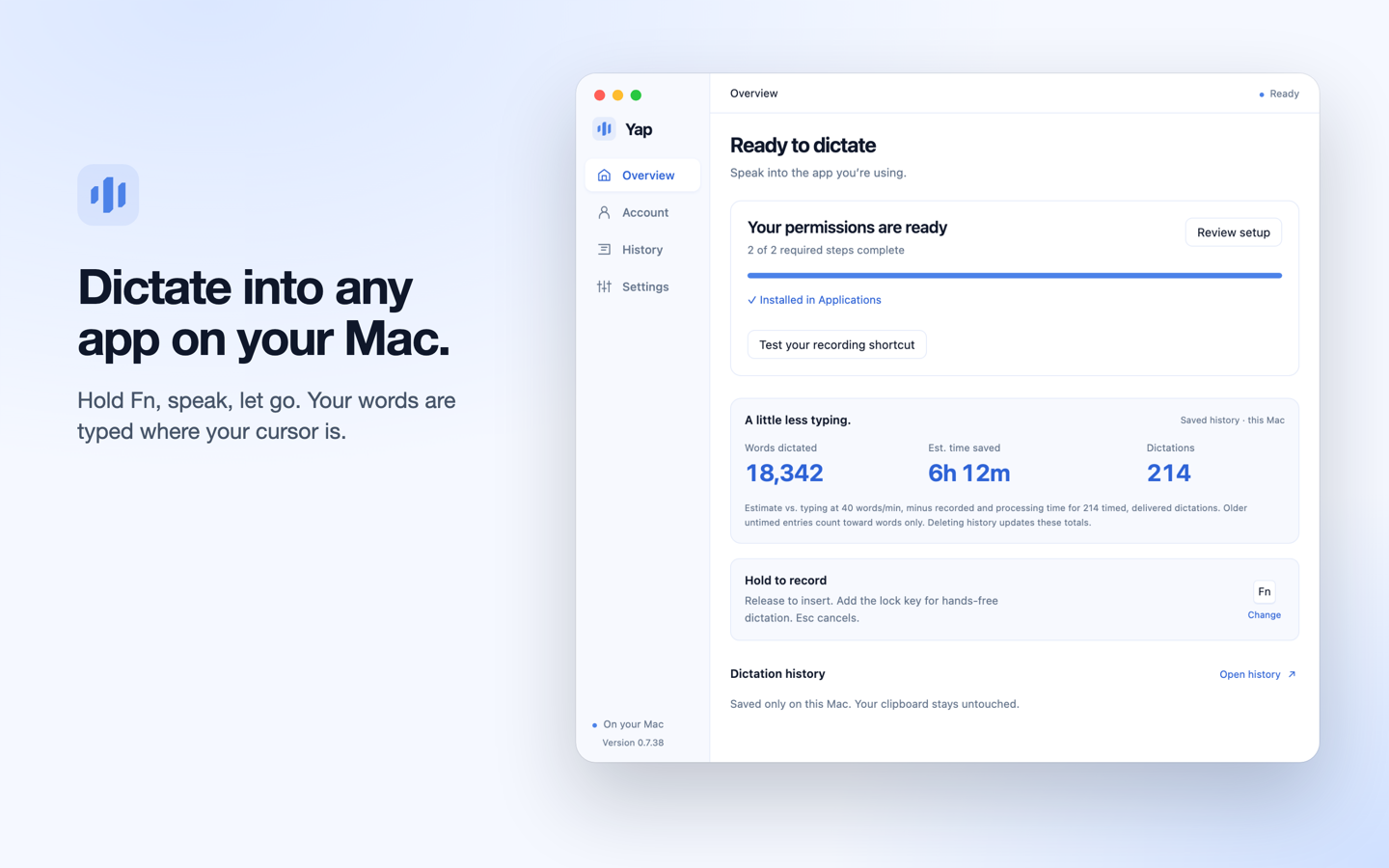
Yap is voice dictation for Mac and Windows. Hold a shortcut, speak, and let go: Yap turns your speech into clean, punctuated text and types it into the app you are using, from email and docs to chat and terminals. Speech recognition runs on your computer, so recordings are never uploaded. Works offline, detects 25 languages automatically and keeps a searchable local history.

How to use Yap?
Download Yap for Mac or Windows from yapapp.cc, open it, hold the dictation shortcut, speak, and release: the text appears where your cursor is.
Yap Core Features
01
Dictate into any app
Hold a shortcut, speak, and release; Yap types the text where your cursor is.
02
On-device speech recognition
Speech is recognized on your computer, so audio is never uploaded, and it works offline.
03
25 languages detected automatically
Yap recognizes the spoken language by itself and adds punctuation.
Yap Use Cases
Writing emails and documents by voice
Dictating prompts into chat and coding tools
Hands-free notes on Mac and Windows
Yap Frequently Asked Questions
Is my audio uploaded?
Which platforms does Yap support?
How much does Yap cost?
Yap Product Background & Official Links
Yap Support Email & Customer service contact & Refund contact etc.
Yap Support Email: hello@yapapp.cc
More Contact, visit the about us page(https://yapapp.cc/support)
Yap Company Info
Yap Company name: O-mega Enterprise Inc.
Yap Developer Type: company
Yap Company address: DE, US
More about Yap, Please visit the about us page(https://yapapp.cc/support)
Yap Pricing
Yap Pricing Link: https://yapapp.cc/pricing
Yap Pricing & Plans
Most Popular
Subscription
RecurringUSD 6.90/month or USD 69/year
- Free for 3 days from first launch, no account or card
- Then a 10-day trial (card required)
- One subscription covers Mac and Windows